
Tutorials & Troubleshooting
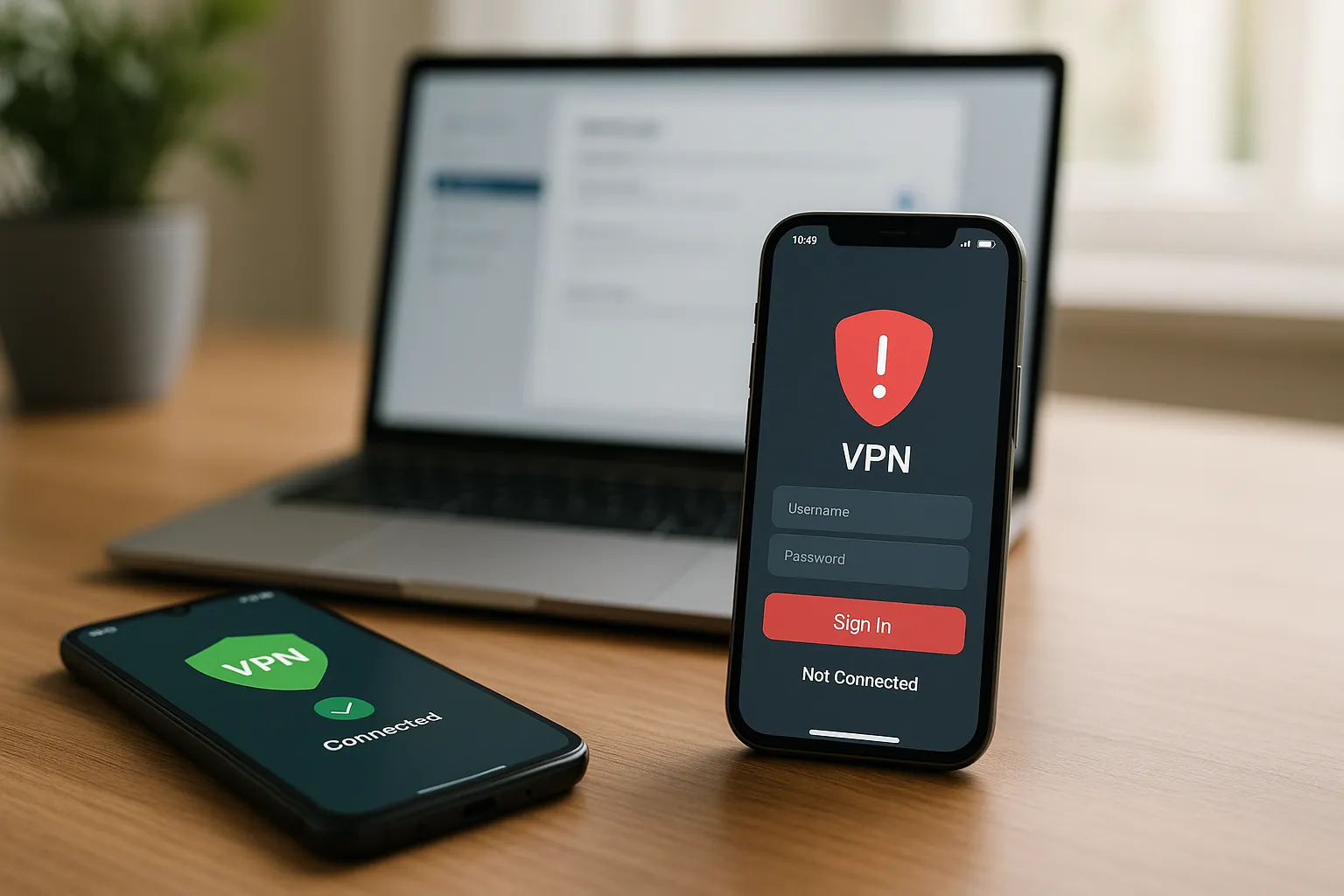
VPN Login Works on Android but Not on iPhone
If the same normal VPN Pink account works on Android but not on iPhone, the account itself is probably valid. Focus on the iOS app session, saved credentials, VPN profile, network permissions, and system version. This is separate from Sign in with Apple.
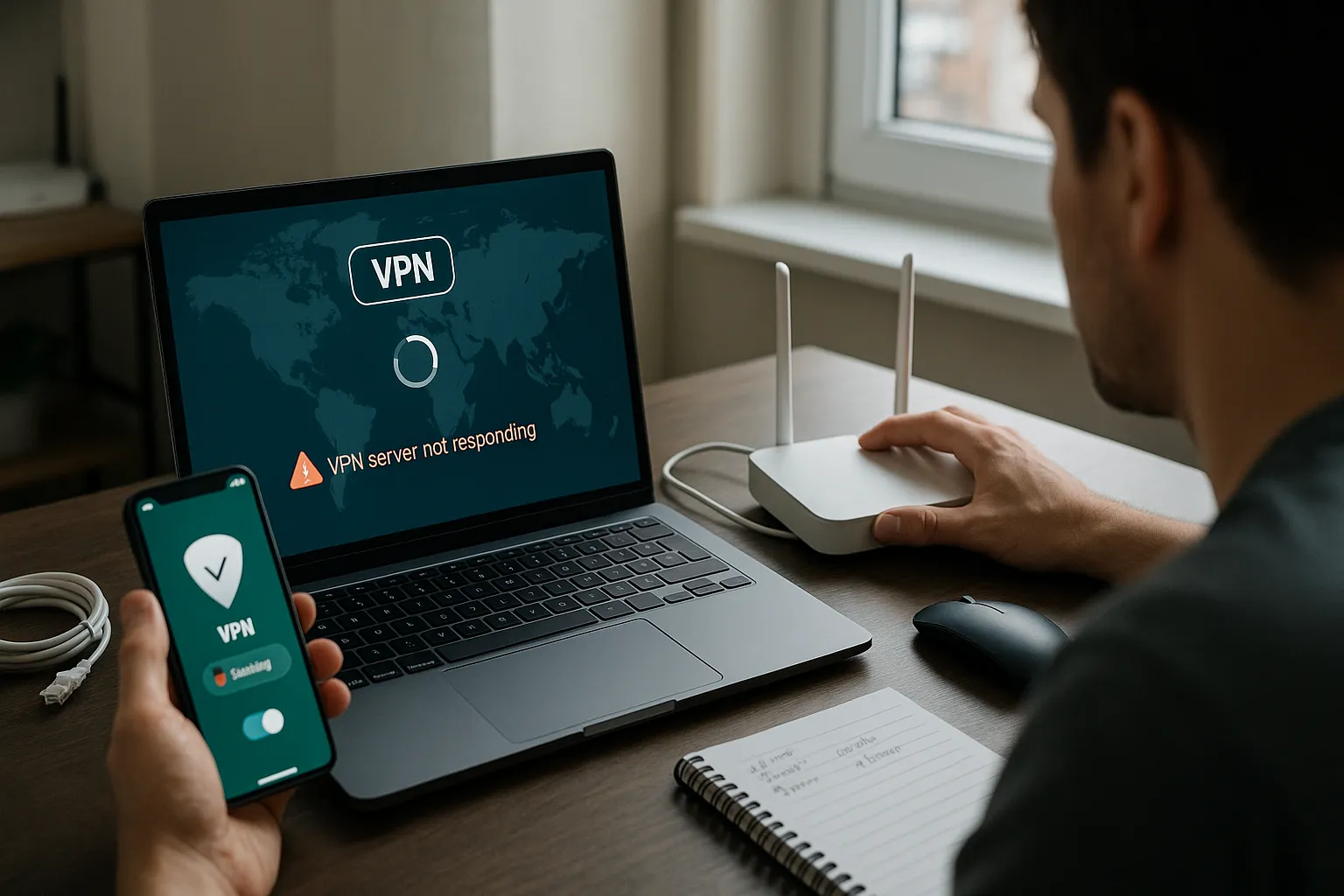
VPN Server Not Responding: Client or Server-Side Problem?
A timeout means the VPN connection did not complete within the expected period. The cause may be the VPN server, but it can also be the device, local network, DNS resolution, internet routing, or a firewall.
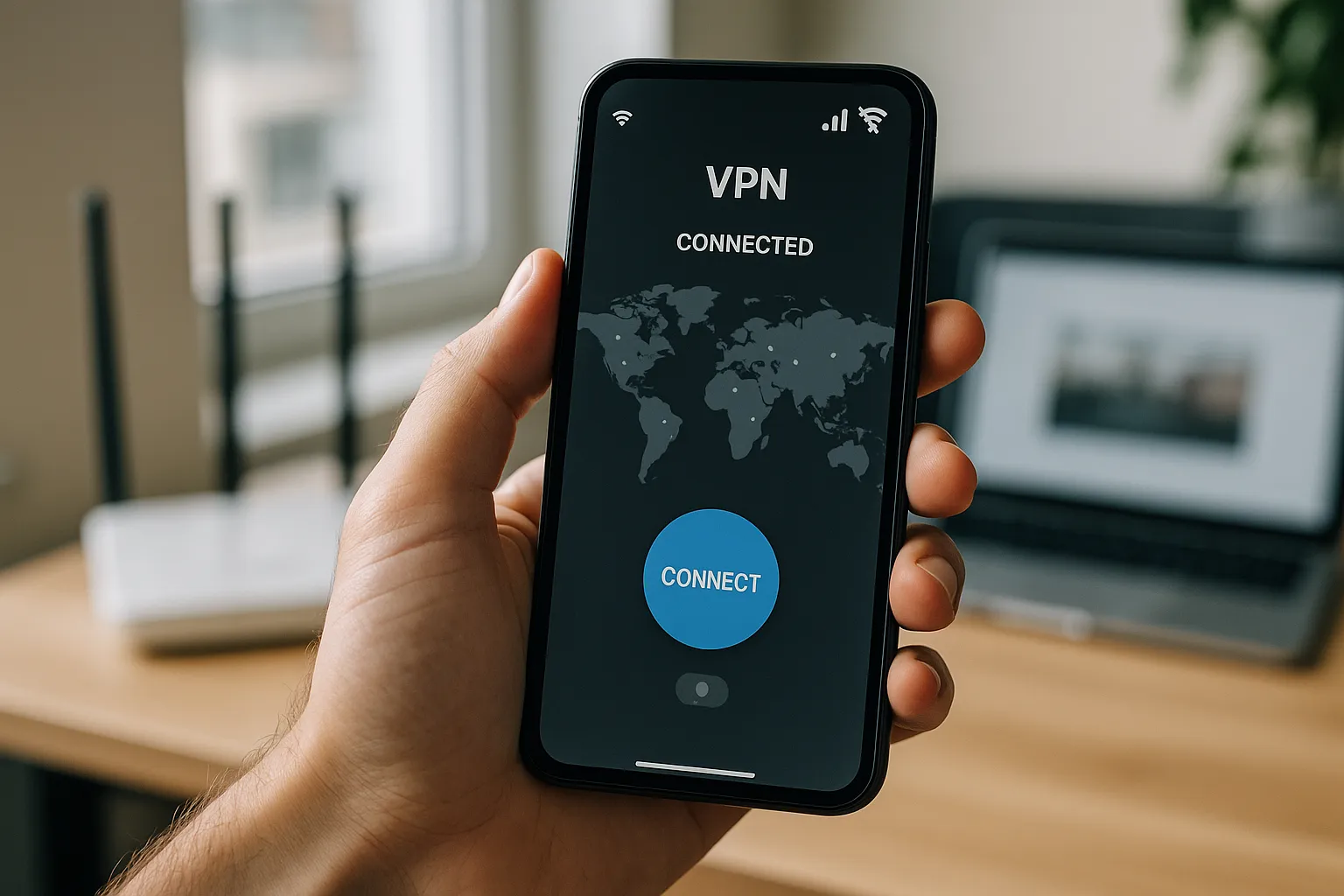
VPN Works on Wi-Fi but Not on Mobile Data
When VPN Pink works on Wi-Fi but fails on mobile data, the application and account are usually functional. The likely causes are cellular coverage, mobile-data permissions, provider restrictions, APN settings, or switching between network types.
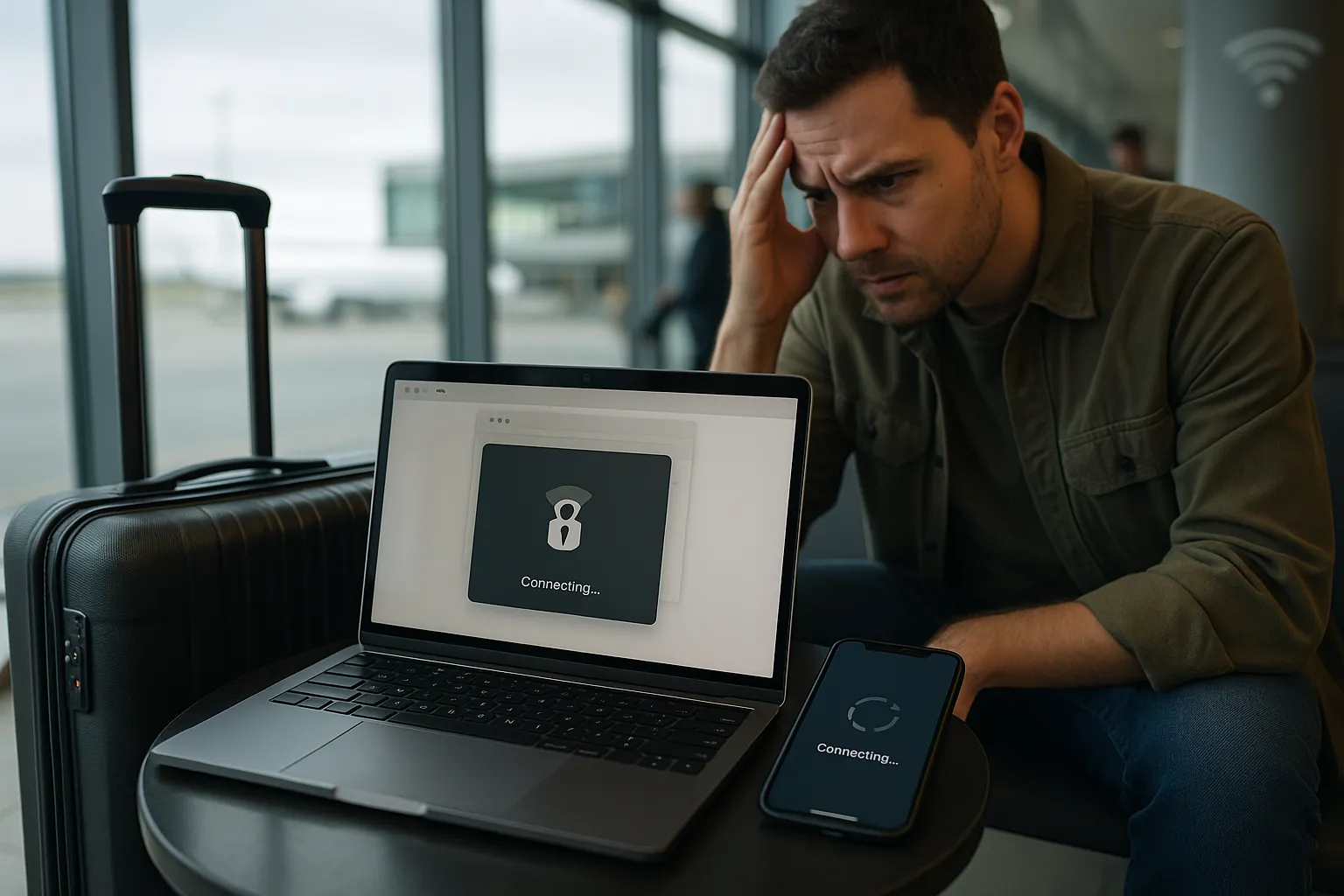
VPN Not Working on Public Wi-Fi, Hotels, or Airports
Public Wi-Fi often uses a sign-in page, short session limits, restrictive firewalls, or unstable radio connections. Complete the network login before connecting VPN Pink and use the checks below when the tunnel cannot be established.
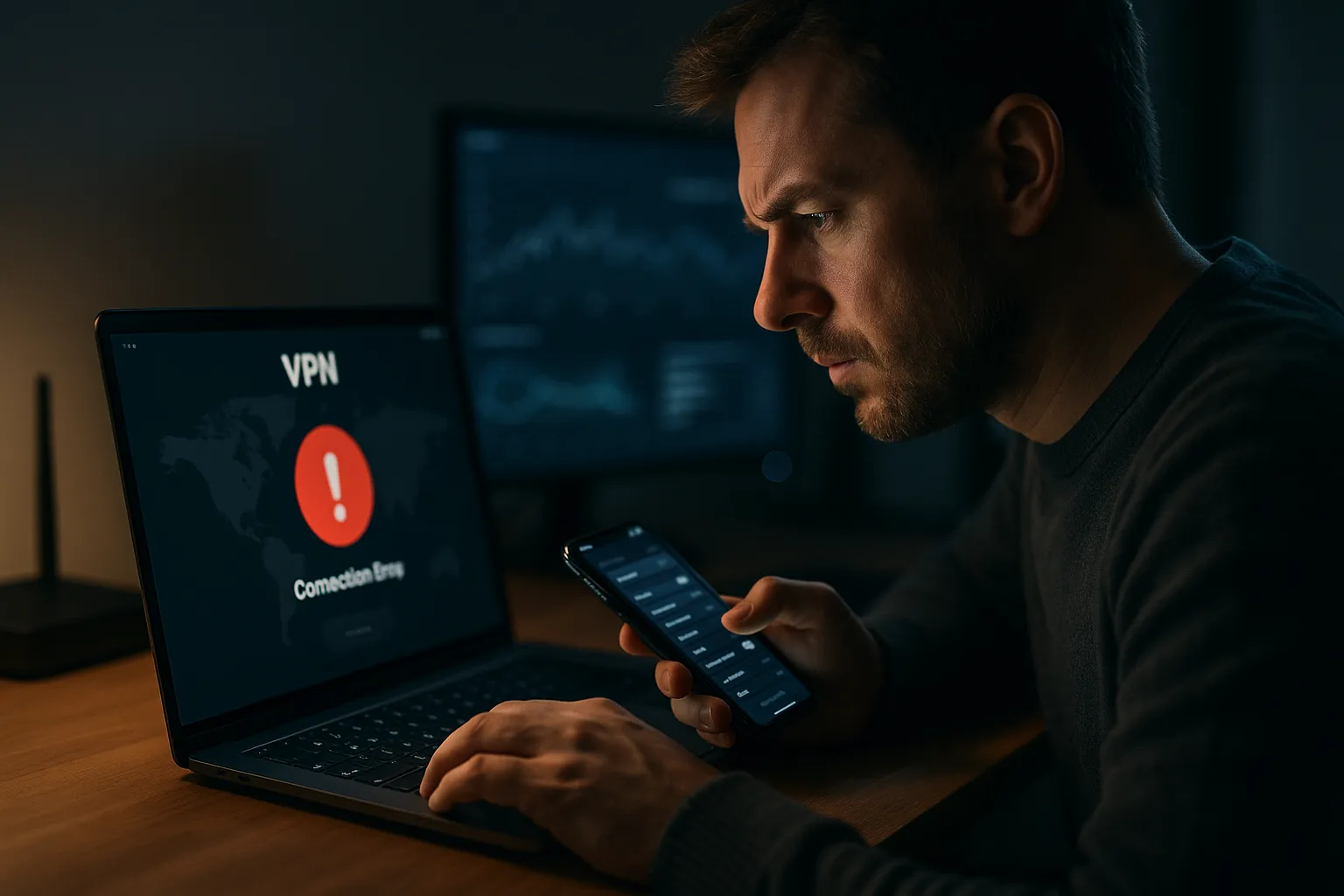
VPN Authentication Failed: How to Fix Login and IKEv2 Errors
An authentication error means the VPN server could not verify the credentials or identity presented by the device. It does not always mean that the password is wrong. Expired access, an old VPN profile, incorrect device time, or a certificate problem can produce a similar message.
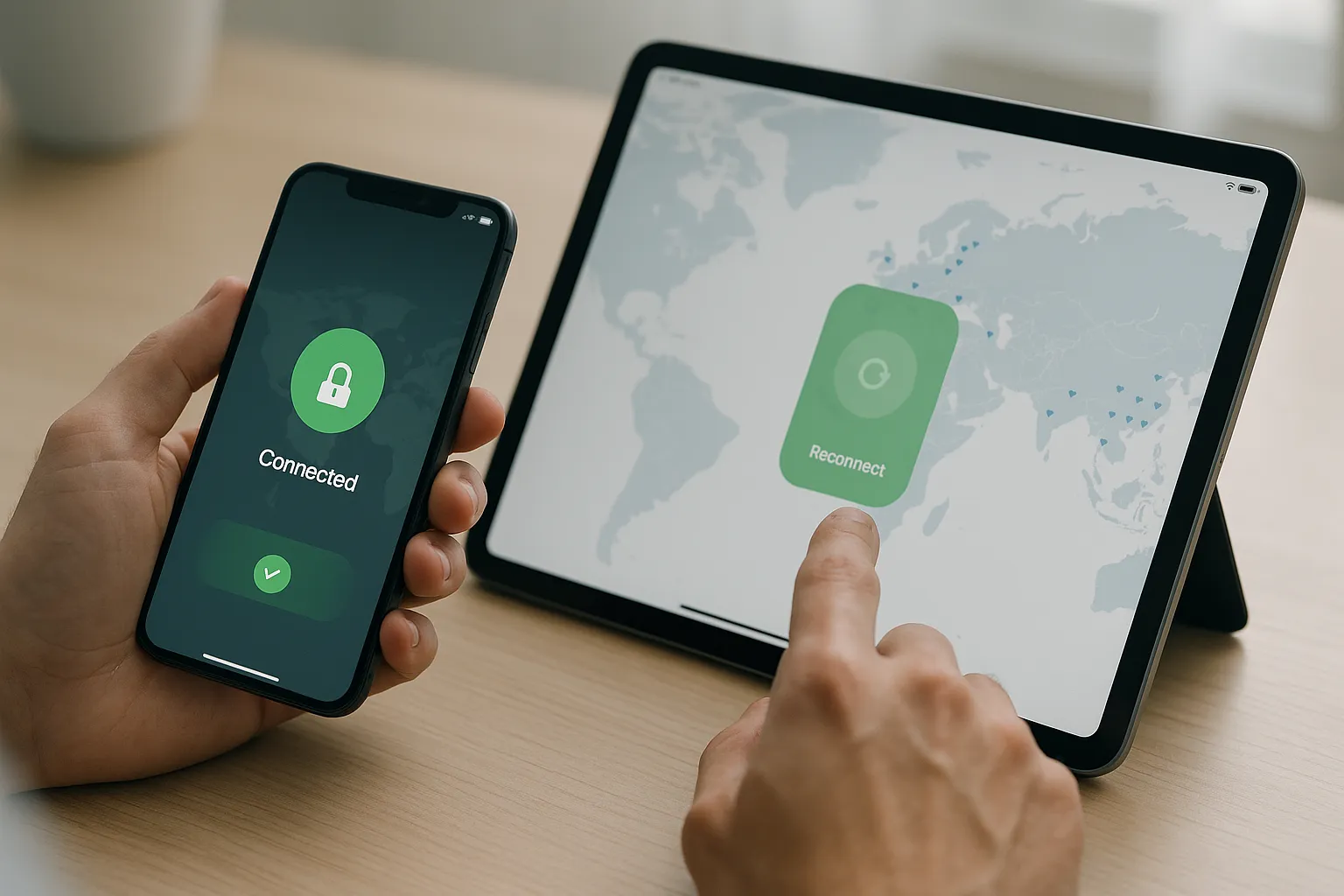
VPN Keeps Disconnecting on iPhone and iPad
Repeated VPN disconnections on an iPhone or iPad can be caused by unstable networks, switching between Wi-Fi and mobile data, an outdated VPN profile, battery restrictions, or a temporary server problem. Use these steps to identify the cause without sharing sensitive account information.
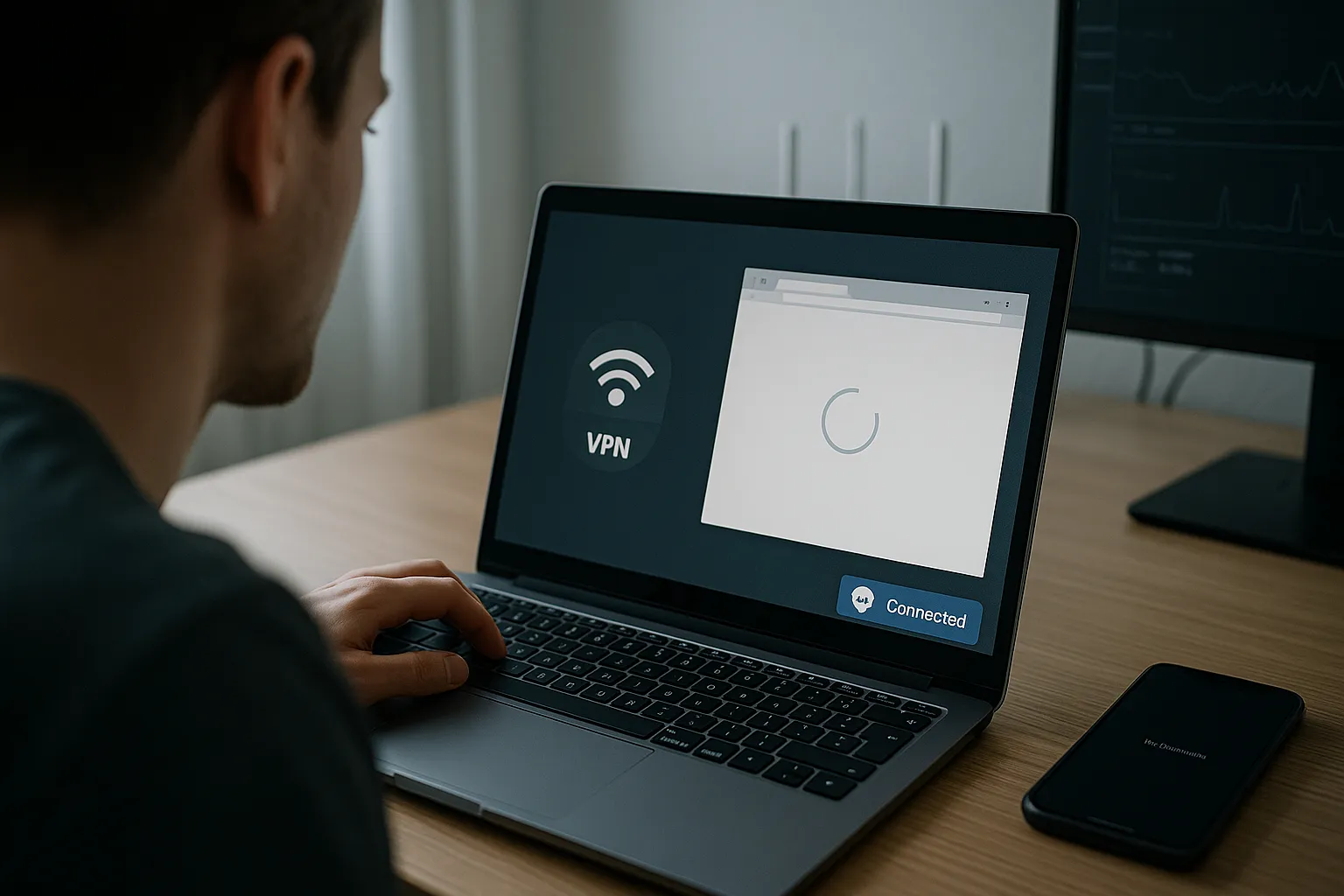
VPN Connected but No Internet: Causes and Fixes
A VPN can sometimes show as connected while websites, apps, and online services still do not load. This usually means the secure tunnel was created, but traffic cannot pass through it correctly. The steps below help you identify whether the problem comes from your internet connection, DNS settings, the selected VPN server, your device, or the network you are using.
VPN Works on Mobile Data but Not Wi-Fi: Causes and Fixes
Your VPN connects successfully when you use mobile data but stops working as soon as you switch to Wi-Fi. This usually means that your VPN account and device configuration are working correctly.
VPN Not Connecting? 10 Common Causes and Easy Fixes
A VPN that will not connect can be frustrating, especially when your internet connection appears to work normally. Fortunately, most VPN connection problems are caused by a small number of common issues that can often be resolved quickly.
Common VPN Problems and How to Fix Them
VPNs are powerful tools for boosting online privacy and securing your internet connection, but they do not always work perfectly. Connection drops, slow speeds, and apps that refuse to work are some of the most common VPN problems and can be frustrating if you do not know where to start.
How to Improve VPN Connection Speeds
Slow VPN performance can turn streaming, gaming, or remote work into a frustrating experience. The good news is that in most cases, you can significantly improve VPN connection speeds with a few practical tweaks.
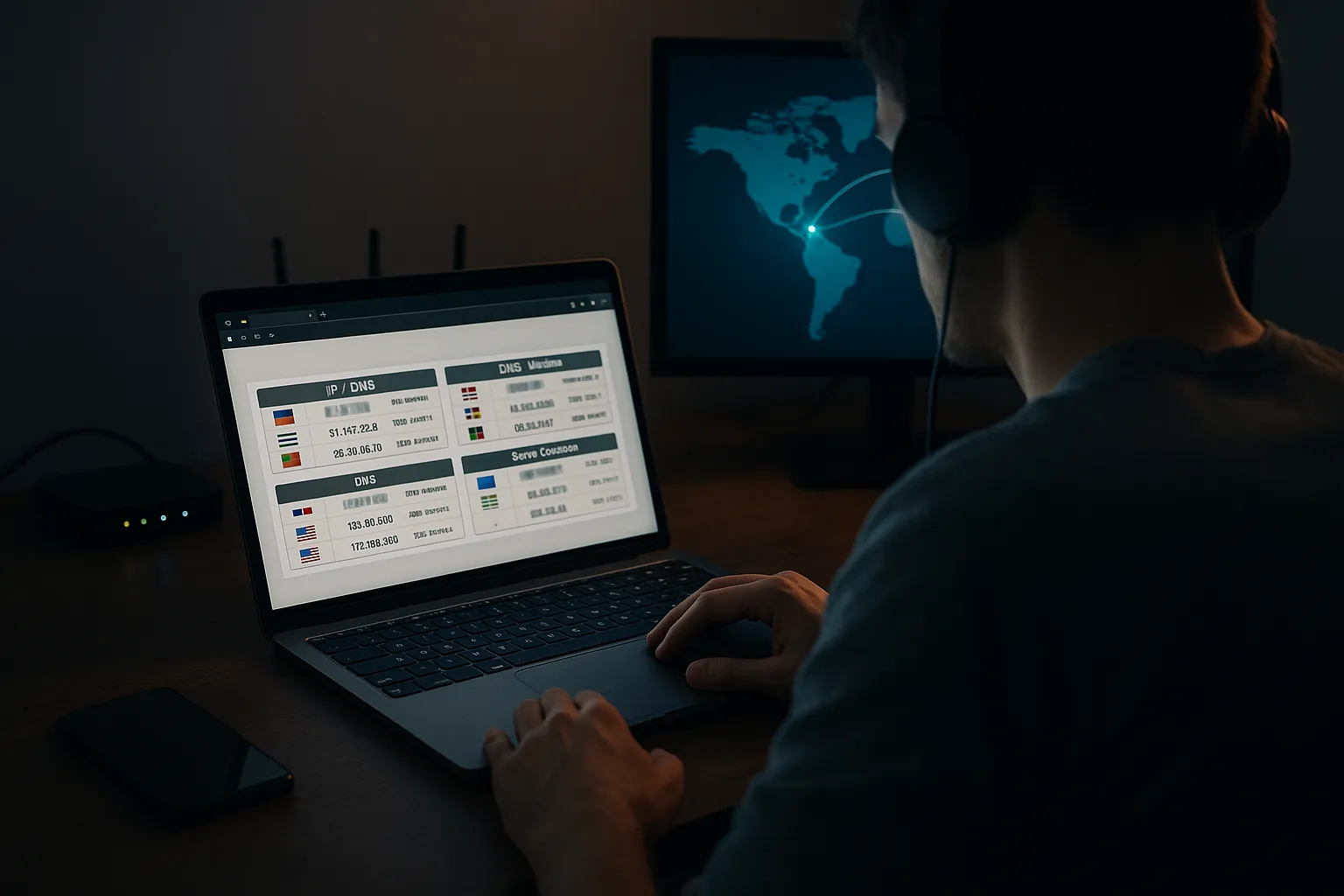
How to Test for DNS and IP Leaks (Step-by-Step Guide)
When you connect to a VPN, you expect your real IP address and browsing activity to stay private. But if your setup is not configured correctly, DNS and IP leaks can quietly expose who you are and what you are doing online.
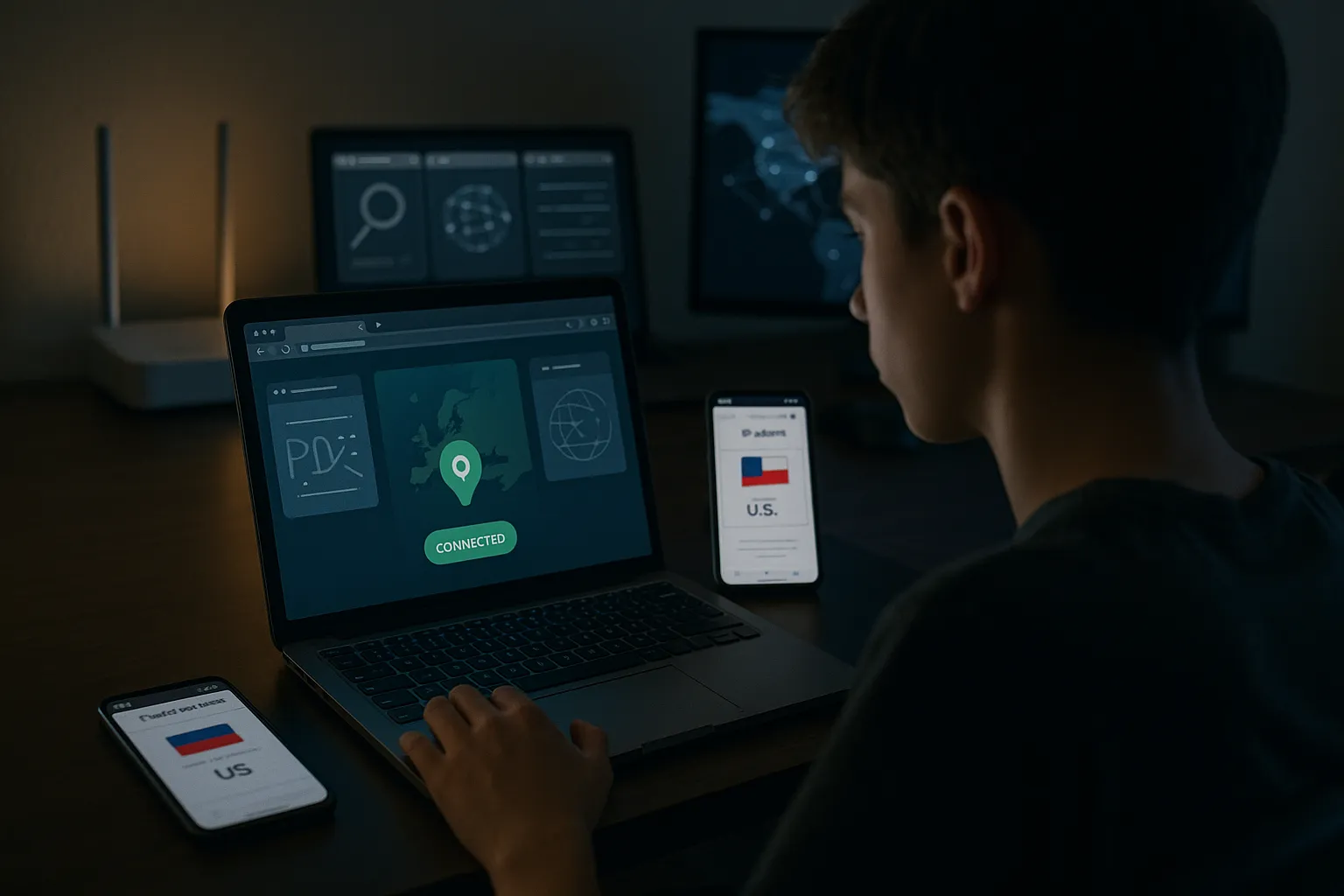
How to Check if Your VPN Is Working (Step-by-Step Guide)
Using a VPN is a smart way to improve your privacy online, but it only helps if it is actually working. Many people connect to a VPN once and then assume everything is protected, without verifying anything.