Download the APK
Tap the VPN Pink Android download button on this page.


 PEGI 3 (Europe) · Contains ads · In-app purchases
Install VPN Pink from Google Play on your Android phone or tablet. A direct APK download is also available below.
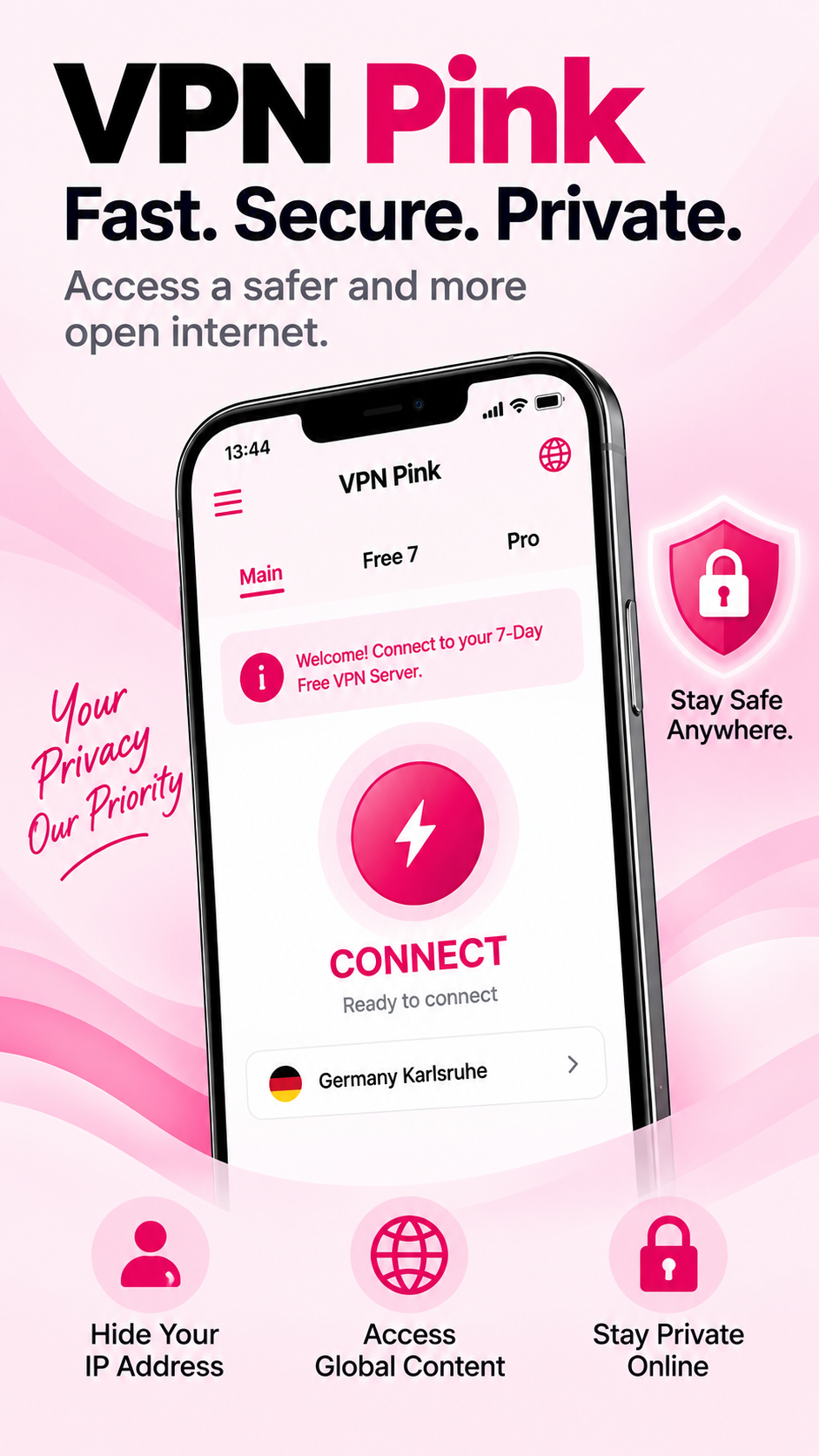
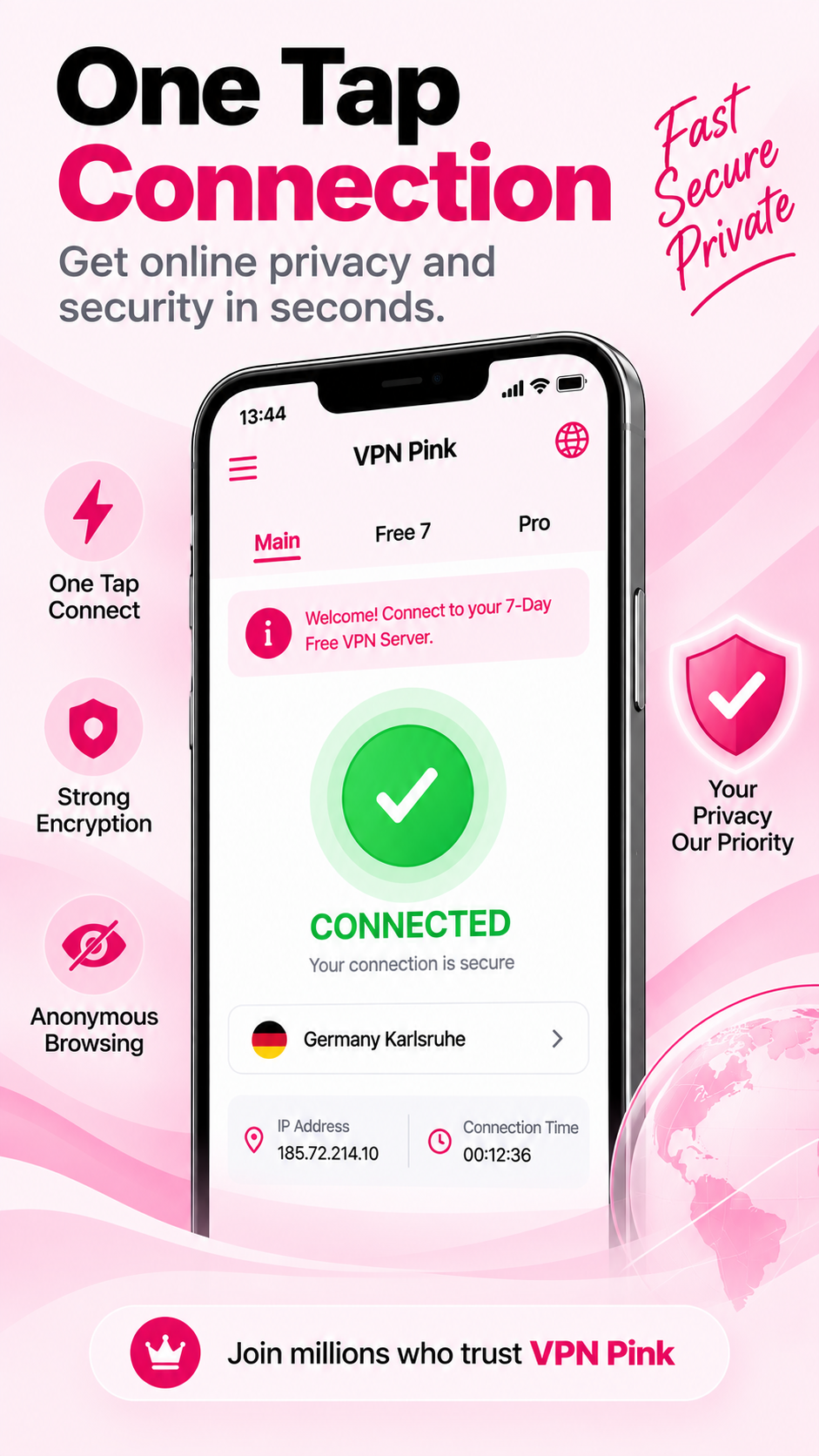
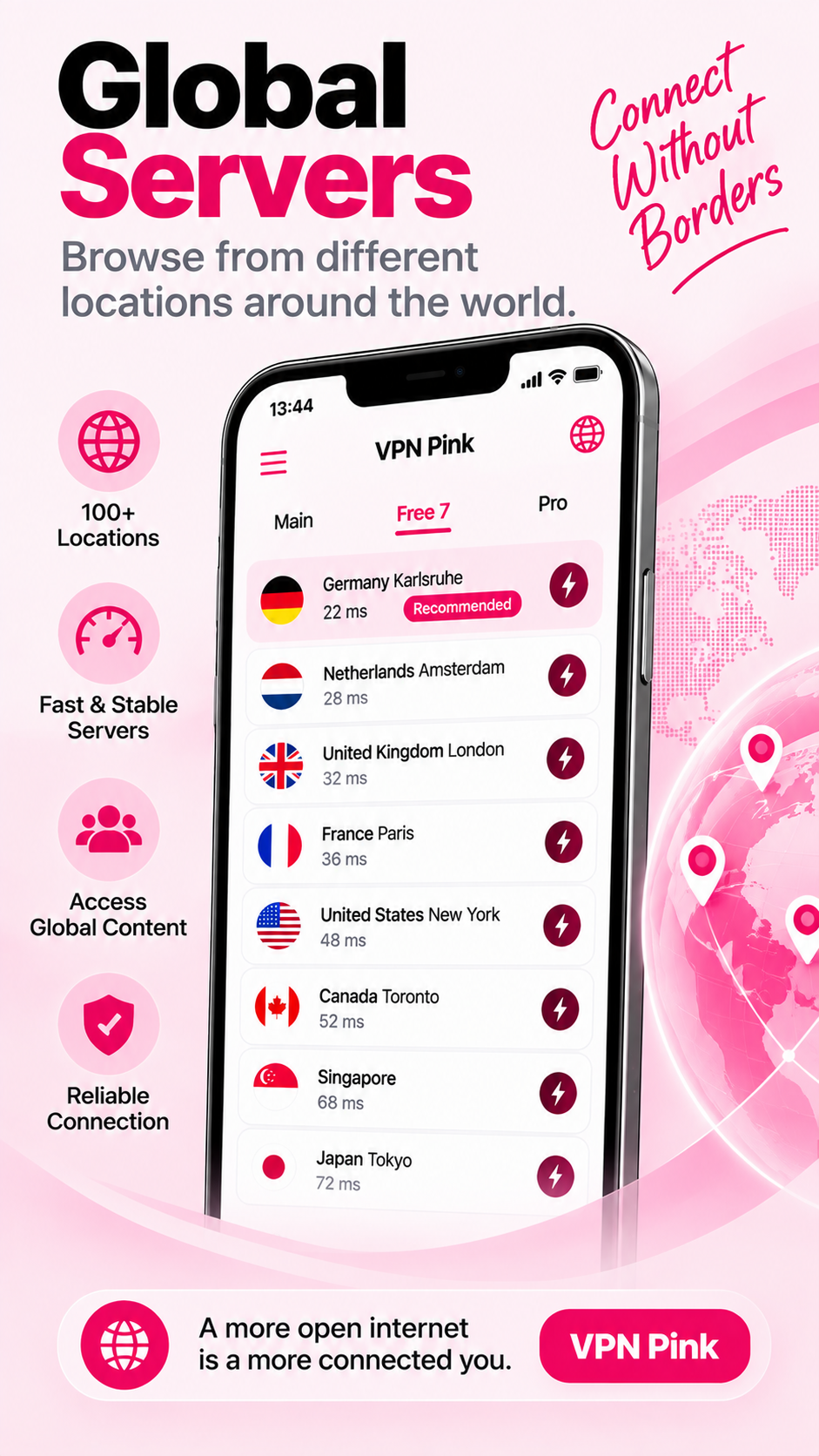
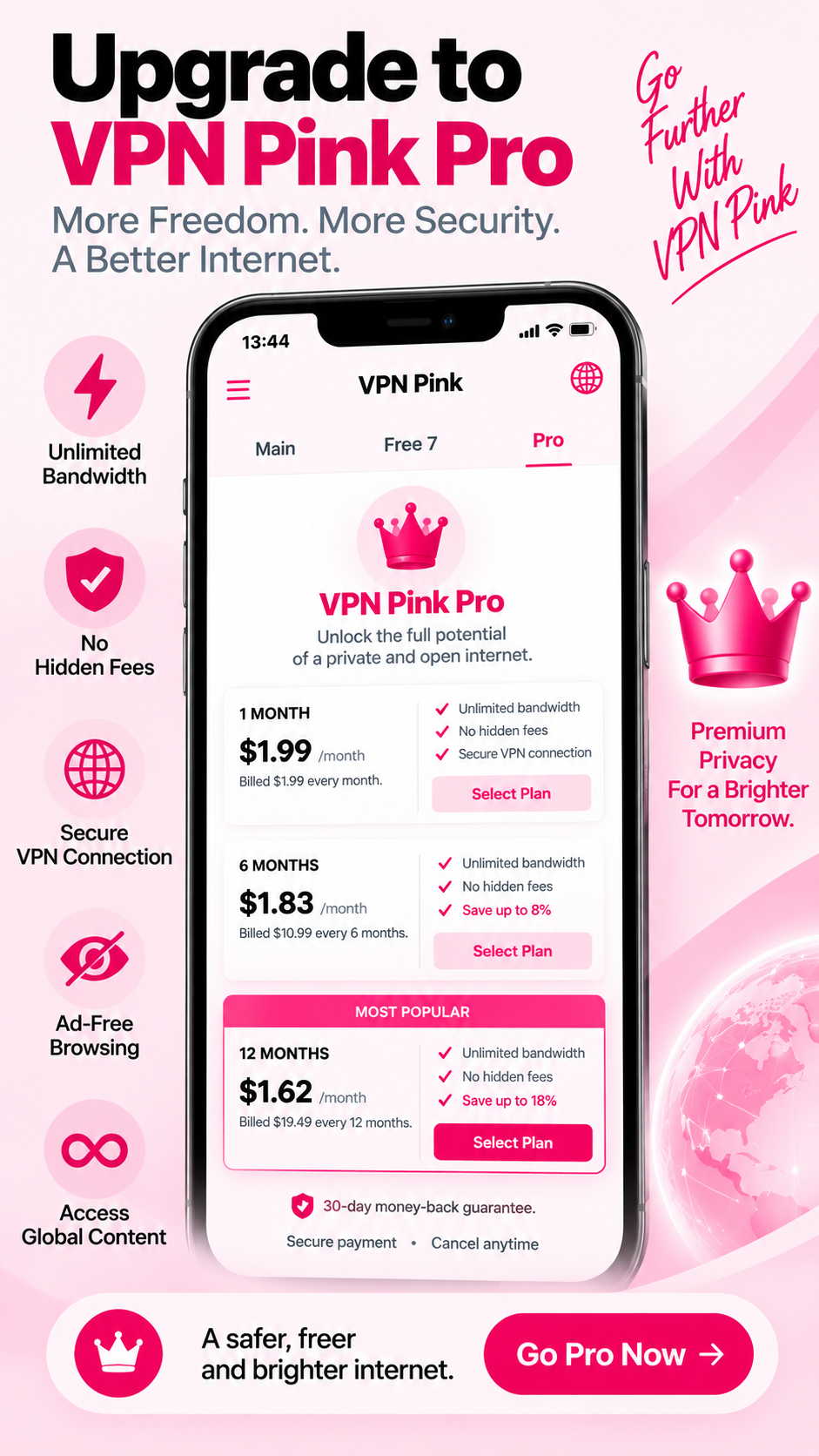
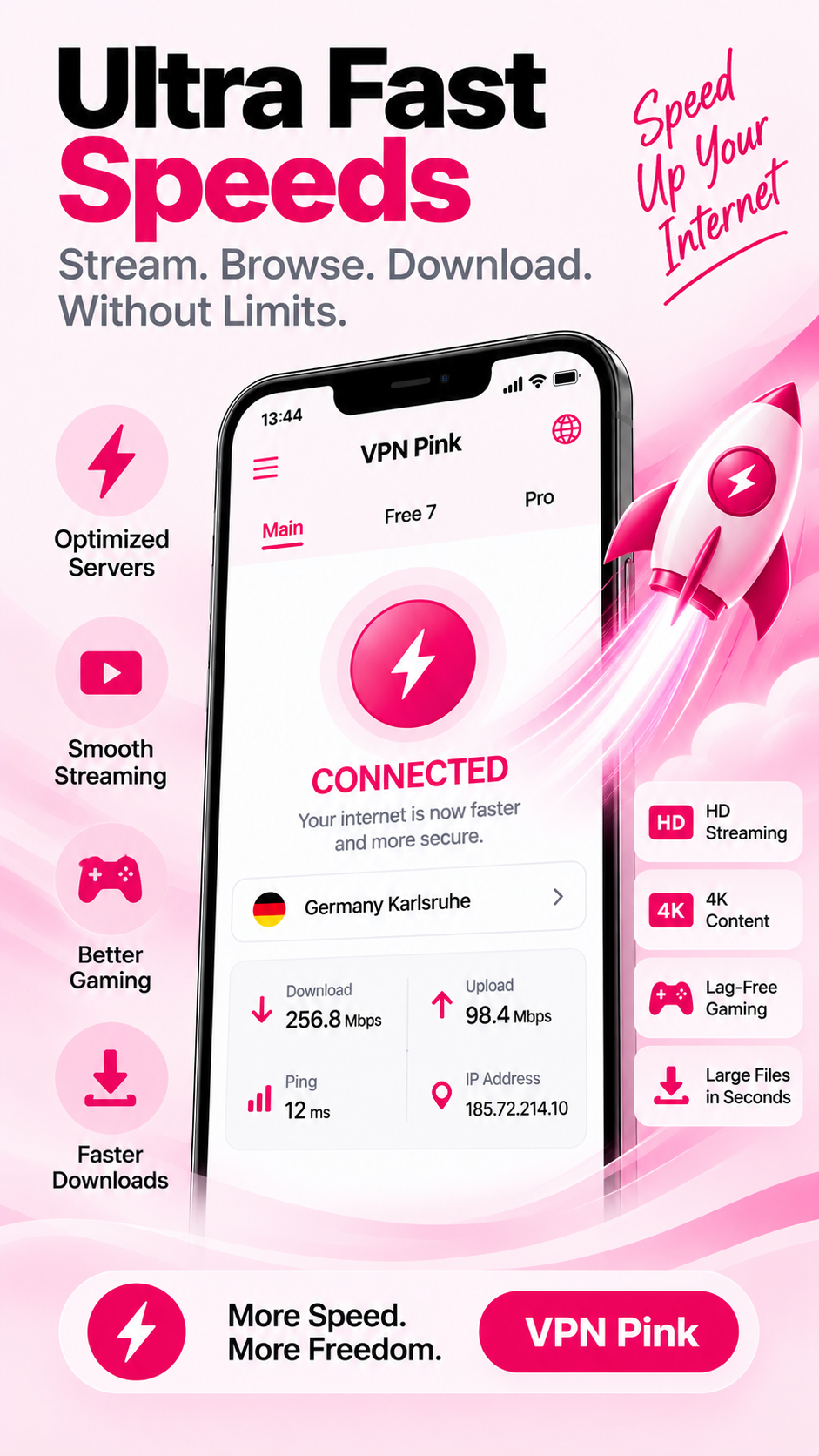
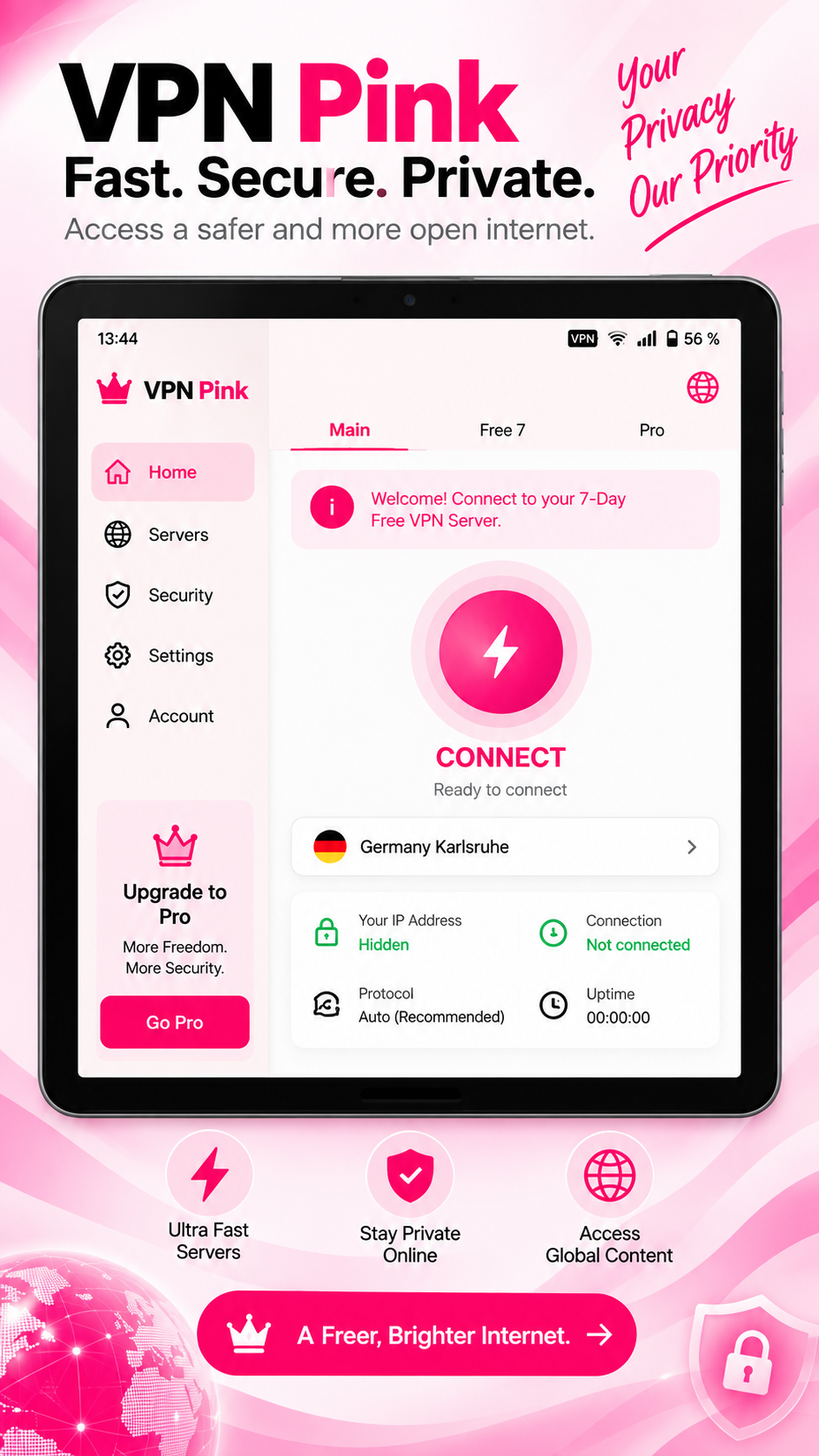
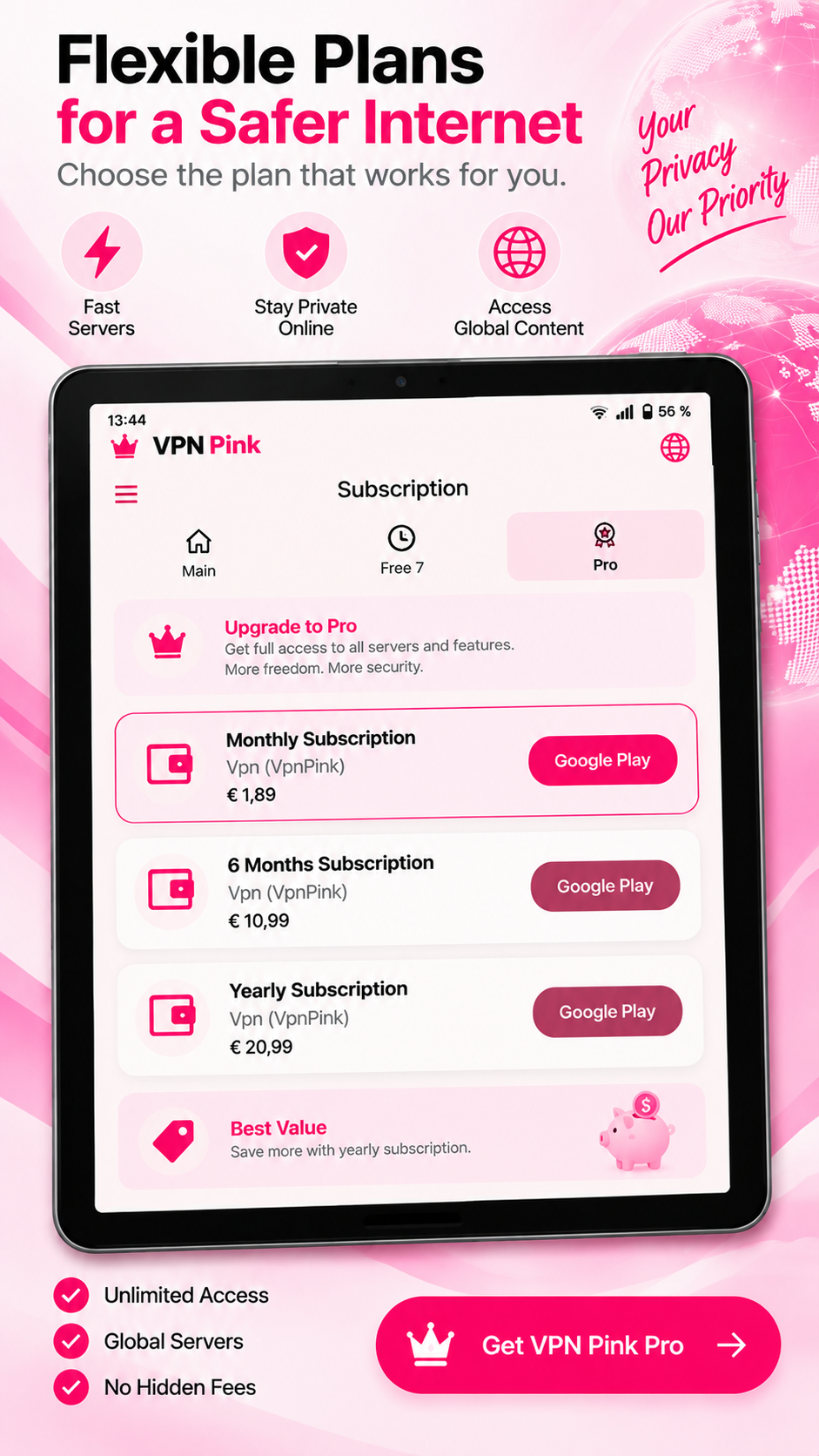
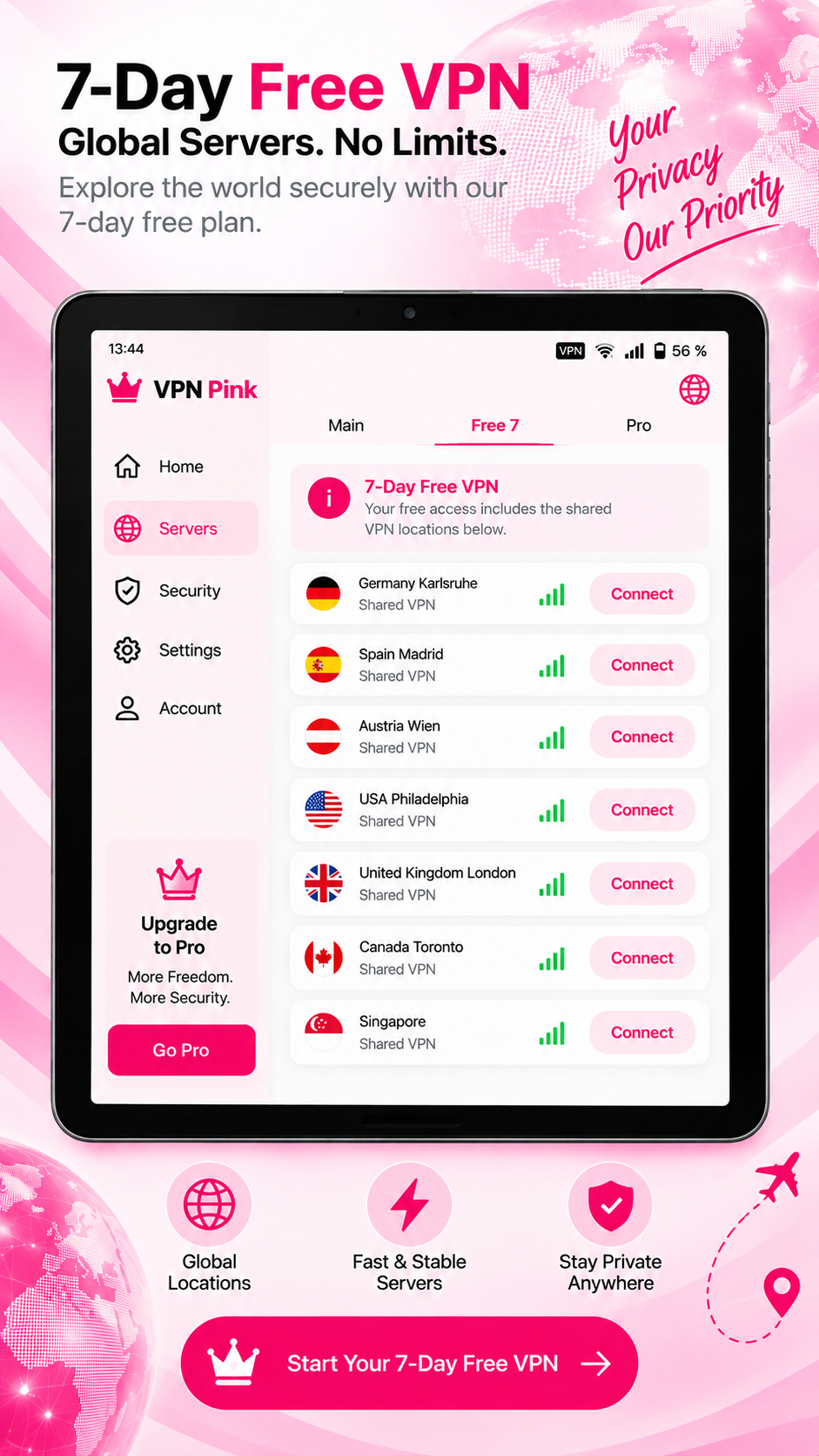
Download the APK, allow installation from your browser when Android asks, and connect with VPN Pink.
Tap the VPN Pink Android download button on this page.
If Android asks, permit your browser to install this app from the downloaded file.
Open the downloaded APK and confirm the Android installation screen.
Open VPN Pink, sign in and confirm the VPN connection request.
Download the current Android package directly from vpn-pink.com. Android may ask you to approve installation from your browser before the installer opens.
VPN Pink for AndroidLatest APK · phone and tabletDownload APK ↓Install VPN Pink on your Android device.
VPN Pink follows a No-Logs approach. We do not keep activity logs that record the websites you visit or what you do while connected.
VPN Pink creates a protected connection between your Android device and the VPN service.
Add protection when using shared networks in hotels, cafés, airports and other public places.
Use your VPN connection without a fixed VPN bandwidth allowance.
Install the APK on a compatible Android phone or tablet.
What you need to know before installing VPN Pink on Android.
An APK is the installation package used by Android. Download it from this official VPN Pink page and open it to begin installation.
Apps downloaded outside Google Play require your approval before Android installs them. Only approve the VPN Pink APK downloaded from vpn-pink.com.
Yes, the Android app is intended for compatible Android phones and tablets.
Download the latest APK from this page and install it over your current VPN Pink version.
AI-generated answer. Please do not enter passwords, VPN credentials or payment details.