
VPN Keeps Disconnecting on iPhone and iPad
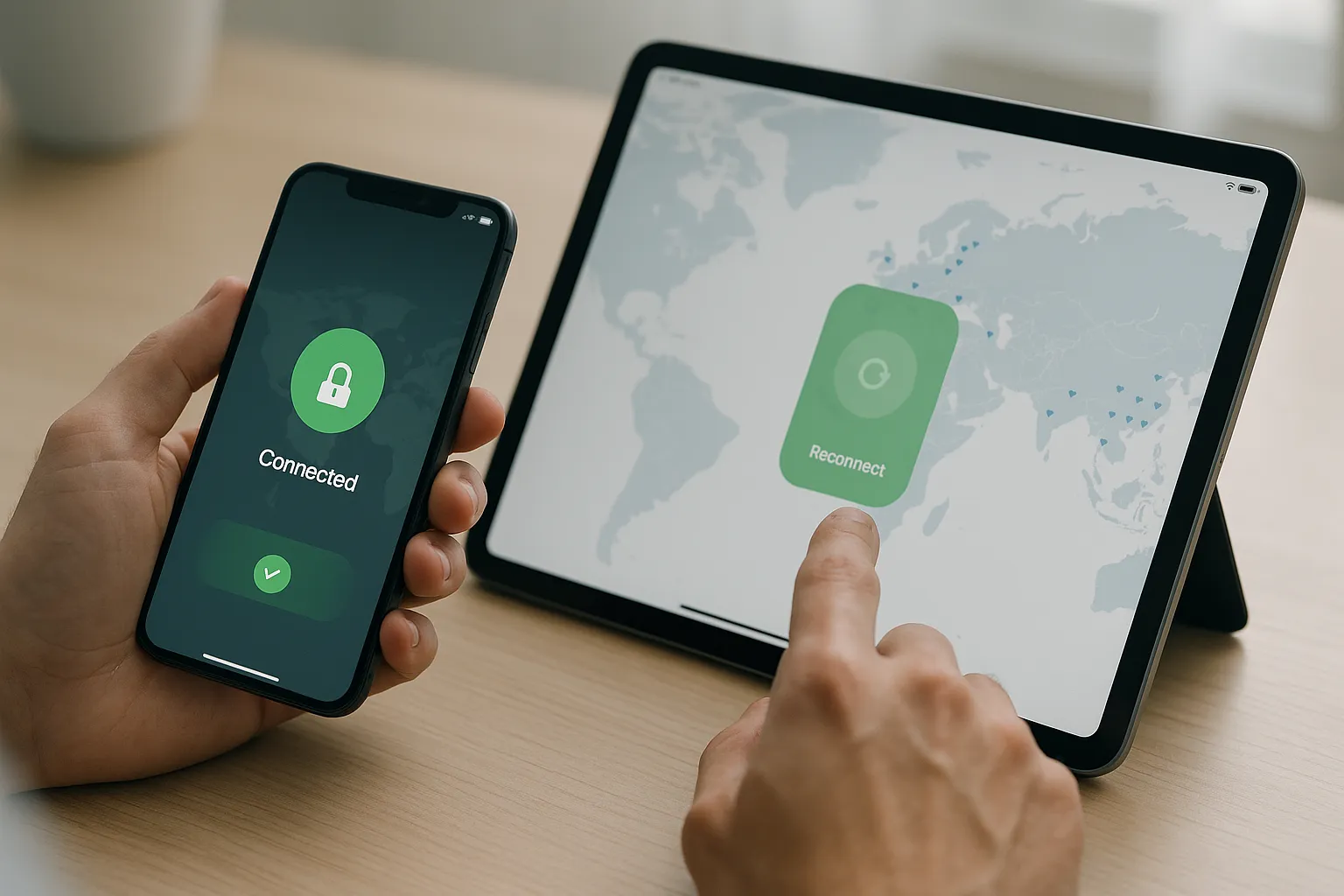
Repeated VPN disconnections on an iPhone or iPad can be caused by unstable networks, switching between Wi-Fi and mobile data, an outdated VPN profile, battery restrictions, or a temporary server problem. Use these steps to identify the cause without sharing sensitive account information.
1. Check whether the internet connection is changing
iOS may move between Wi-Fi and mobile data when a signal becomes weak. That transition can interrupt an existing VPN tunnel. Test the VPN while remaining on one stable network and temporarily disable Wi-Fi Assist if the device switches connections repeatedly.
2. Try another VPN location
Disconnect VPN Pink and select another available location. If the new location stays connected, the original route or server may have been temporarily unavailable.
3. Restart VPN Pink and the device
Close VPN Pink completely, reopen it, and reconnect. If the problem continues, restart the iPhone or iPad to clear temporary network and VPN state.
4. Update the app and iOS
Install the latest VPN Pink version and a stable iOS or iPadOS update. System updates frequently include networking and VPN compatibility fixes.
5. Check other VPN and filtering profiles
Open Settings and review installed VPN, DNS, content-filtering, antivirus, and device-management profiles. Multiple products trying to control network traffic can conflict. Do not remove a work or school profile without permission from its administrator.
6. Recreate the VPN configuration
If the profile appears damaged, remove the VPN Pink configuration and allow the official app to create it again. Approve only configurations initiated by VPN Pink.
7. Consider battery and background behavior
Low Power Mode and aggressive background restrictions can affect applications, although iOS normally maintains an active system VPN independently. Test once with Low Power Mode disabled and the device sufficiently charged.
8. Compare Wi-Fi and mobile data
If disconnections occur only on one network, the router, hotspot, DNS service, or provider is likely involved. Public networks may limit long-lived encrypted connections.
What to send support
Provide the device model, iOS version, VPN Pink version, selected location, connection type, and approximate disconnect time. Never send your password, private keys, or verification codes.
Summary
Start with a stable network, another VPN location, and current software. If the issue remains, check conflicting profiles and recreate the VPN configuration.