
VPN Server Not Responding: Client or Server-Side Problem?
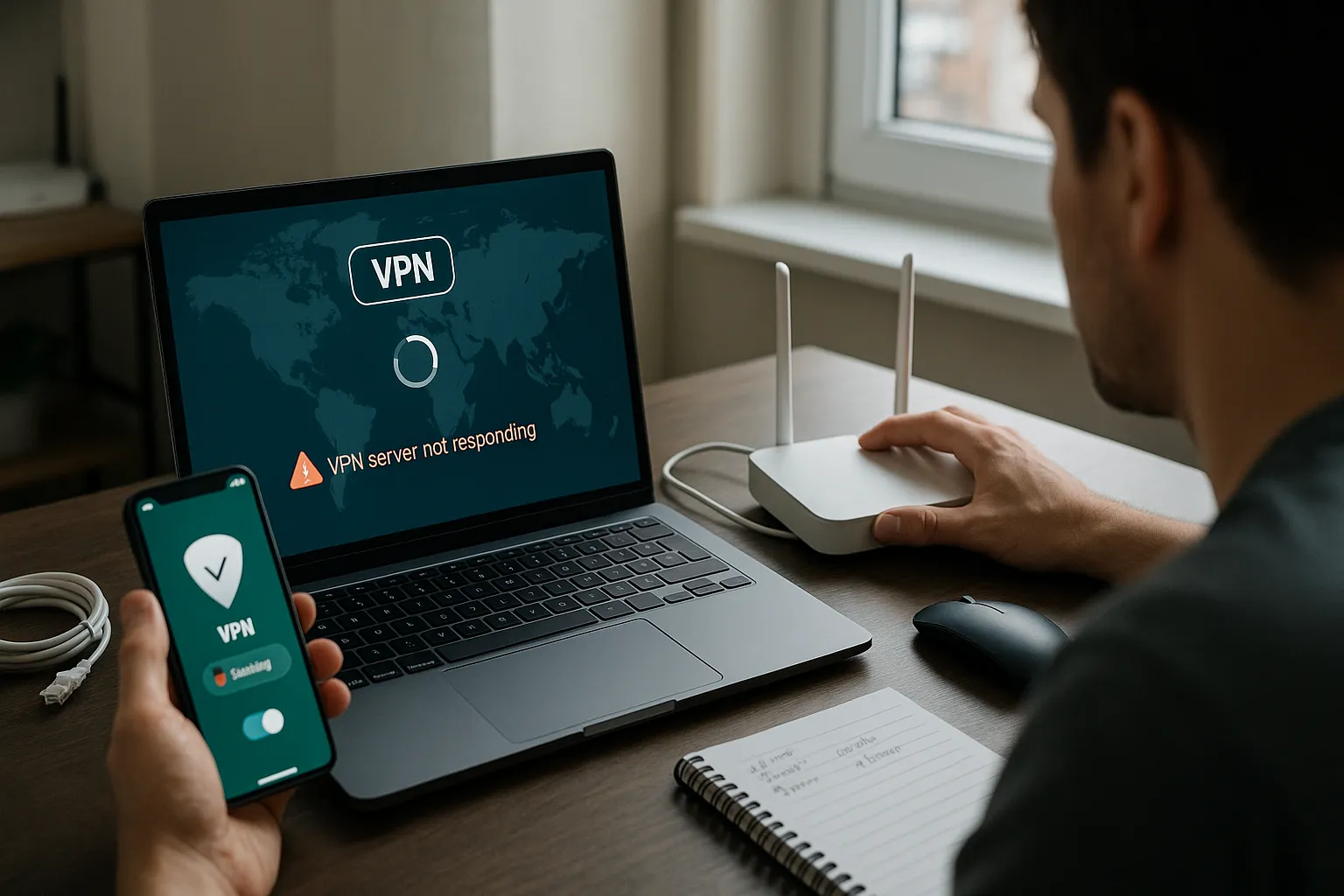
A timeout means the VPN connection did not complete within the expected period. The cause may be the VPN server, but it can also be the device, local network, DNS resolution, internet routing, or a firewall.
Start with another VPN location
If another VPN Pink location connects immediately, the original server or route is the likely source. Record the affected location and time.
Compare another network
Test the same device on Wi-Fi and mobile data. Success on one network points toward the failing network rather than the VPN account.
Check whether the hostname resolves
A device must resolve the server hostname before it can connect. Restart the network and return manually configured DNS to automatic settings for testing. Do not permanently replace a hostname with an IP address unless support directs you.
Check local VPN and firewall configuration
Remove conflicts from other VPN applications, security filters, or obsolete profiles. Keep managed workplace configurations unless the administrator approves changes.
Restart safely
Restart the VPN app and device. Restart a home router only if other users will not be disrupted.
How server-side failures are identified
Operators compare service status, listening processes, authentication logs, resource use, and connection attempts around the reported time. A customer should not need server access to provide useful diagnostic information.
Information to record
Note the server location, device, system and app versions, network type, exact error, and time zone. Never send credentials or private keys.
Summary
One failed location suggests a server or route issue; failure on only one network suggests a client-side path issue. Controlled comparisons make the distinction clearer.