
VPN Not Working on Public Wi-Fi, Hotels, or Airports
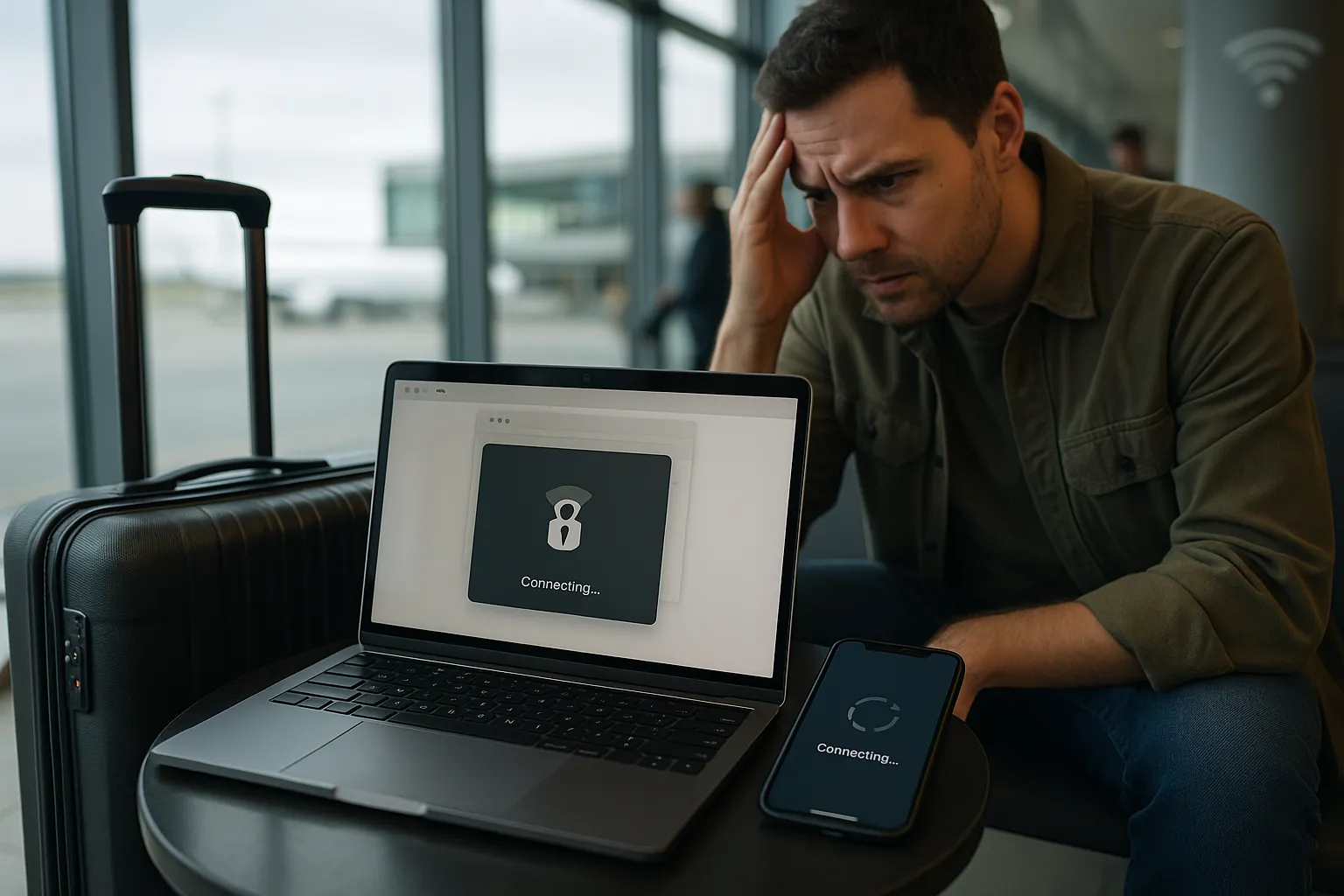
Public Wi-Fi often uses a sign-in page, short session limits, restrictive firewalls, or unstable radio connections. Complete the network login before connecting VPN Pink and use the checks below when the tunnel cannot be established.
1. Open the Wi-Fi sign-in page first
Disconnect the VPN, join the Wi-Fi network, and open a normal browser page. Accept the venue terms or enter the required room, ticket, or access information. Connect VPN Pink only after ordinary internet access works.
2. Forget and rejoin the network
Remove the saved public network, reconnect, and repeat its sign-in process. This can restore an expired captive-portal session.
3. Check signal quality
Move closer to the access point and avoid locations with a weak or rapidly changing signal. A VPN cannot stabilize an unreliable underlying connection.
4. Try another VPN location
Choose another available VPN Pink location. The network or its provider may route some destinations poorly.
5. Compare with mobile data
If VPN Pink works immediately on mobile data, the public Wi-Fi is the likely cause. You can use mobile data when permitted or ask the venue whether encrypted VPN traffic is restricted.
6. Avoid sensitive activity before VPN protection
Public Wi-Fi is shared infrastructure. Until the VPN is connected, avoid entering sensitive information and prefer HTTPS websites.
7. Do not install unknown certificates
A venue should not require an unknown certificate or VPN profile merely to provide ordinary guest Wi-Fi. Do not install unexpected security profiles.
8. Restart the device
A restart clears old captive-portal, DNS, and routing state that may remain after moving between networks.
Can a public network block VPN traffic?
Yes. A firewall can restrict protocols or destinations. VPN Pink cannot guarantee operation on a network whose owner deliberately blocks VPN connectivity.
Summary
Authenticate with the public Wi-Fi first, confirm normal internet access, then connect VPN Pink. If it works on mobile data but not the hotspot, the public network is probably responsible.