1. Download VPN Pink
Open VPN Pink in the Apple App Store and download the app on your compatible Mac.

Prefer the terminal? Open the matching CLI guide. →
Protect your Apple-silicon Mac at home, at work and on public Wi-Fi. VPN Pink runs as a Mac Catalyst app and gives you a straightforward VPN connection without adding complexity to your day.
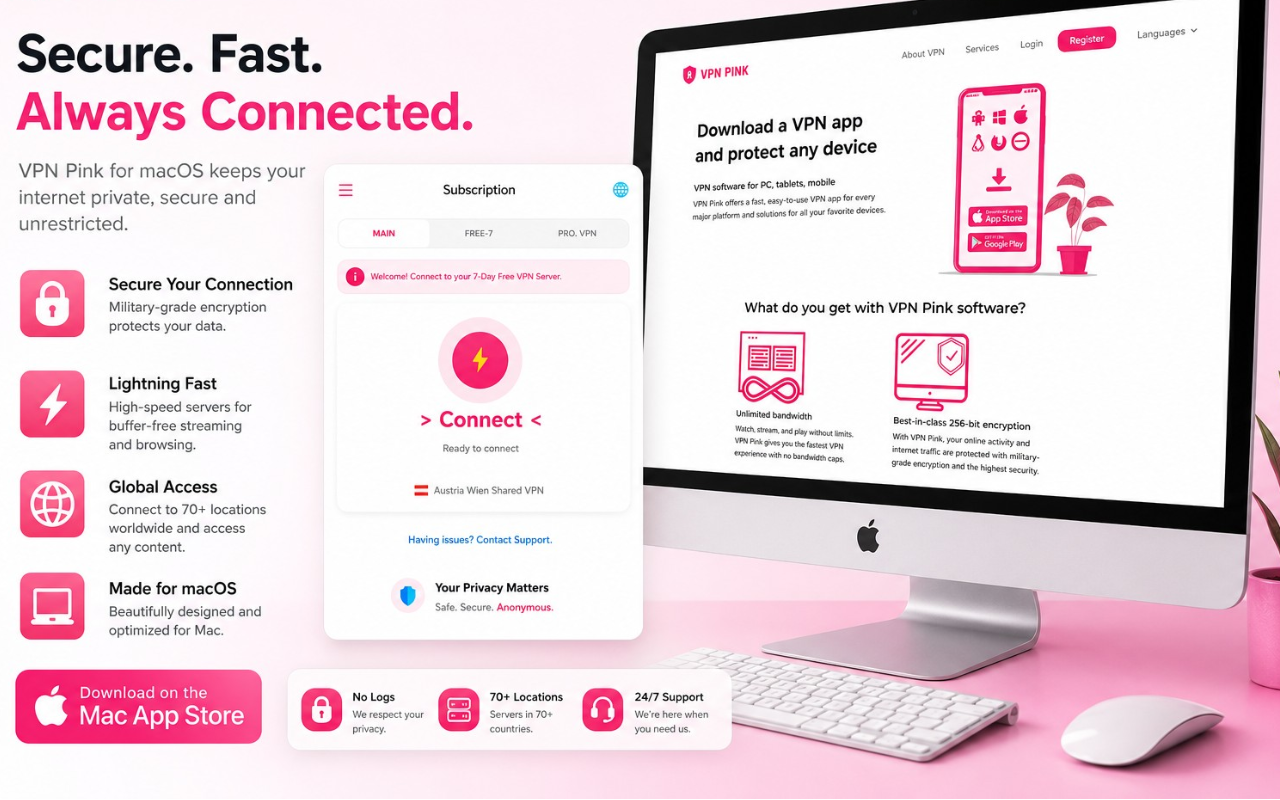
VPN Pink for Mac has a refreshed design with clear connection status and account access.
On Mac and Mac Catalyst, VPN Pink uses IKEv2/IPsec. WireGuard is currently not supported in this Mac app.
The iOS/iPadOS app supports WireGuard. This does not mean WireGuard is available in the Mac Catalyst version.
Install VPN Pink, approve the macOS VPN configuration and connect. No advanced network setup is required.
Open VPN Pink in the Apple App Store and download the app on your compatible Mac.
Open the app and approve the macOS request to add a protected VPN configuration.
Choose your available access and connect. VPN Pink confirms when the VPN connection is active.
VPN Pink runs as a Mac Catalyst app on Macs with Apple silicon. Use it over your home, office or public Wi-Fi connection and see your VPN status at a glance.
VPN Pink follows a No-Logs approach. We do not keep activity logs that record the websites you visit or what you do while connected.
VPN Pink creates a protected connection between your Mac and the VPN service.
Add protection when working from cafés, hotels, airports and other shared networks.
Use your VPN connection without a fixed VPN bandwidth allowance.
This Mac Catalyst version is intended for the new Apple-silicon Mac architecture.
What you need to know before installing VPN Pink on your Mac.
VPN Pink for Mac is a Mac Catalyst app for Macs with Apple silicon, beginning with the Apple M1 architecture. The App Store currently lists macOS 12.5 or later.
The Apple App Store listing includes iPhone, iPad and Mac. On a supported Apple-silicon Mac, use the Mac download from the same official listing.
macOS requires your approval before an app can create a VPN connection. VPN Pink cannot connect until you approve this system request.
Yes. You can use VPN Pink with supported internet connections, including shared Wi-Fi networks.
Downloading the app and creating an account are free. Neither activates VPN access. To use the VPN service, choose a paid plan.
On Mac and Mac Catalyst, VPN Pink uses IKEv2/IPsec. WireGuard is currently not supported in this Mac app. The iOS/iPadOS app supports WireGuard. This does not mean WireGuard is available in the Mac Catalyst version.
Design illustrations, not current offer details. Text in these images about trials, locations, devices and features may differ from the current app. The current Mac app uses IKEv2/IPsec, without WireGuard. See this page and current plans for the applicable features, prices and terms. Current plans →




AI-generated answer. Please do not enter passwords, VPN credentials or payment details.