
Setup Guides
How to Install VPN Pink on Any Supported Device
Installing VPN Pink starts with choosing the instructions for your device. The exact screens and connection steps differ between iPhone, iPad, Android, macOS, Windows, and Linux, so following the correct platform guide is important.
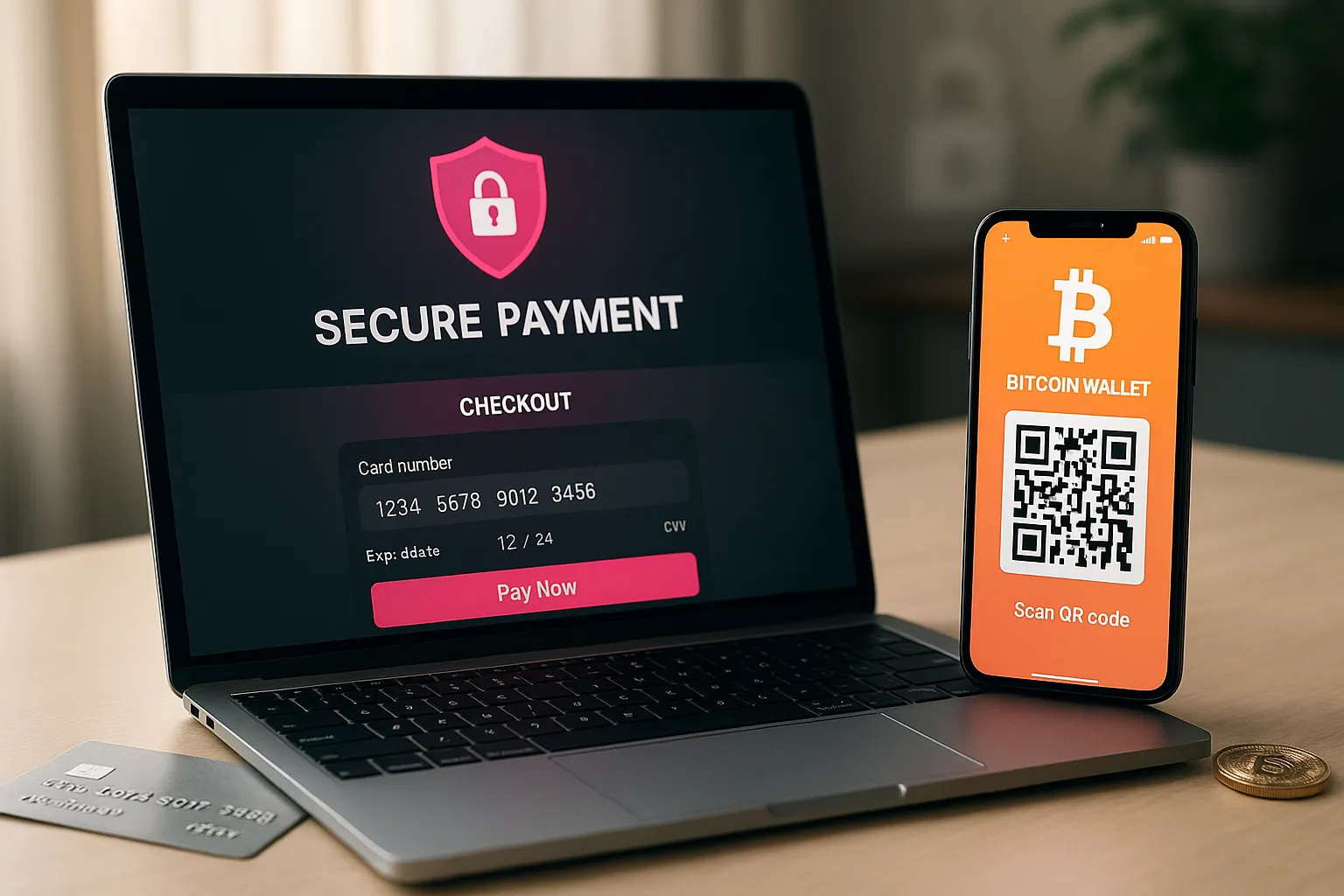
How to Pay for VPN Pink by Card or Bitcoin
VPN Pink supports payment through the secure card-payment link provided during registration and Bitcoin payment using the QR code in the registration email. Always use the payment information shown by VPN Pink and verify the amount and network before sending funds.
VPN Setup Guide for Smart TVs: Step-by-Step for Beginners
Streaming on a big screen is great, but your smart TV can quietly expose a lot of data about what you watch, which apps you use, and even your location. A clear VPN setup guide for smart TVs helps you protect your privacy and access more content without needing to be a tech expert.
Installing a VPN on Your Home Router: A Clear Step-by-Step Guide
Installing a VPN on your home router is one of the most effective ways to protect every device on your network with a single setup. Instead of configuring a VPN app on each phone, laptop, or smart TV, your router handles the secure connection for all of them.
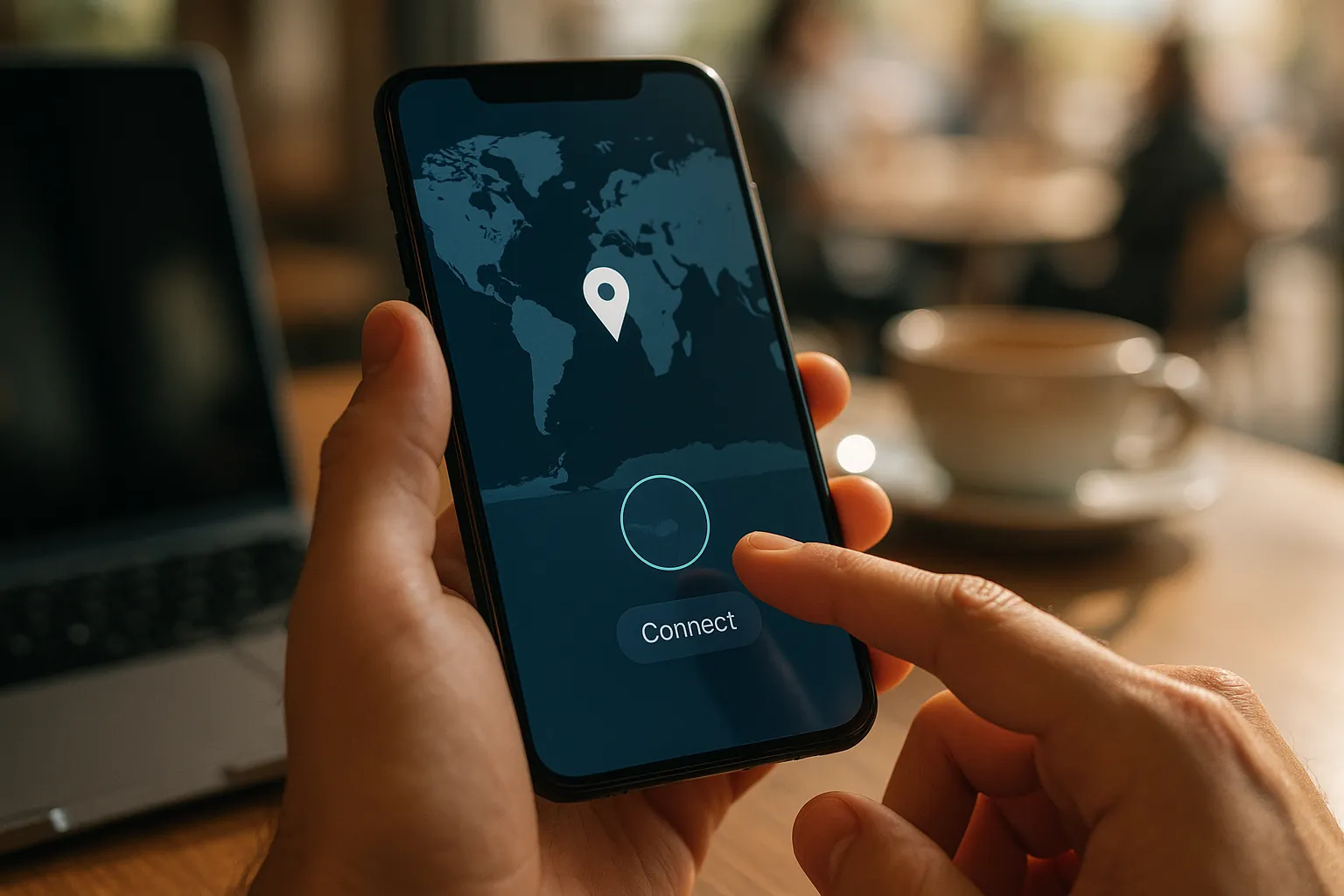
How to Configure a VPN on Android Devices
Learning how to configure a VPN on Android devices is one of the easiest ways to protect your data on public Wi-Fi, access region-restricted content, and keep your browsing habits more private. You do not need to be a tech expert to set it up correctly.
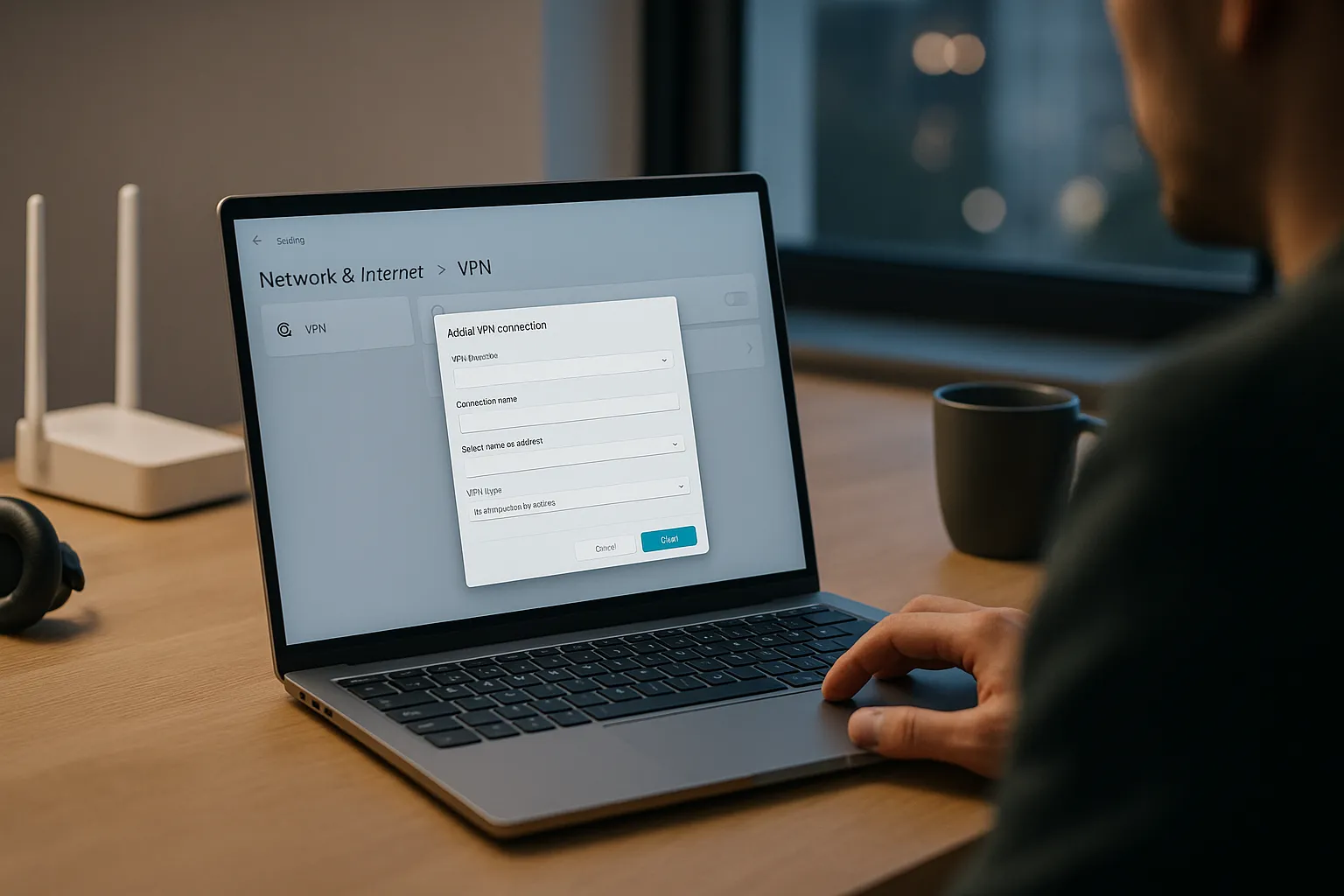
How to Set Up a VPN on Windows: Step-by-Step Guide for Beginners
Learning how to set up a VPN on Windows is one of the simplest ways to improve your online privacy, especially on home and public Wi-Fi networks. You do not need to be a tech expert; with a few careful steps, you can get a secure connection running in minutes.