
How to Check Whether Your ISP or Network Is Blocking VPN Connections
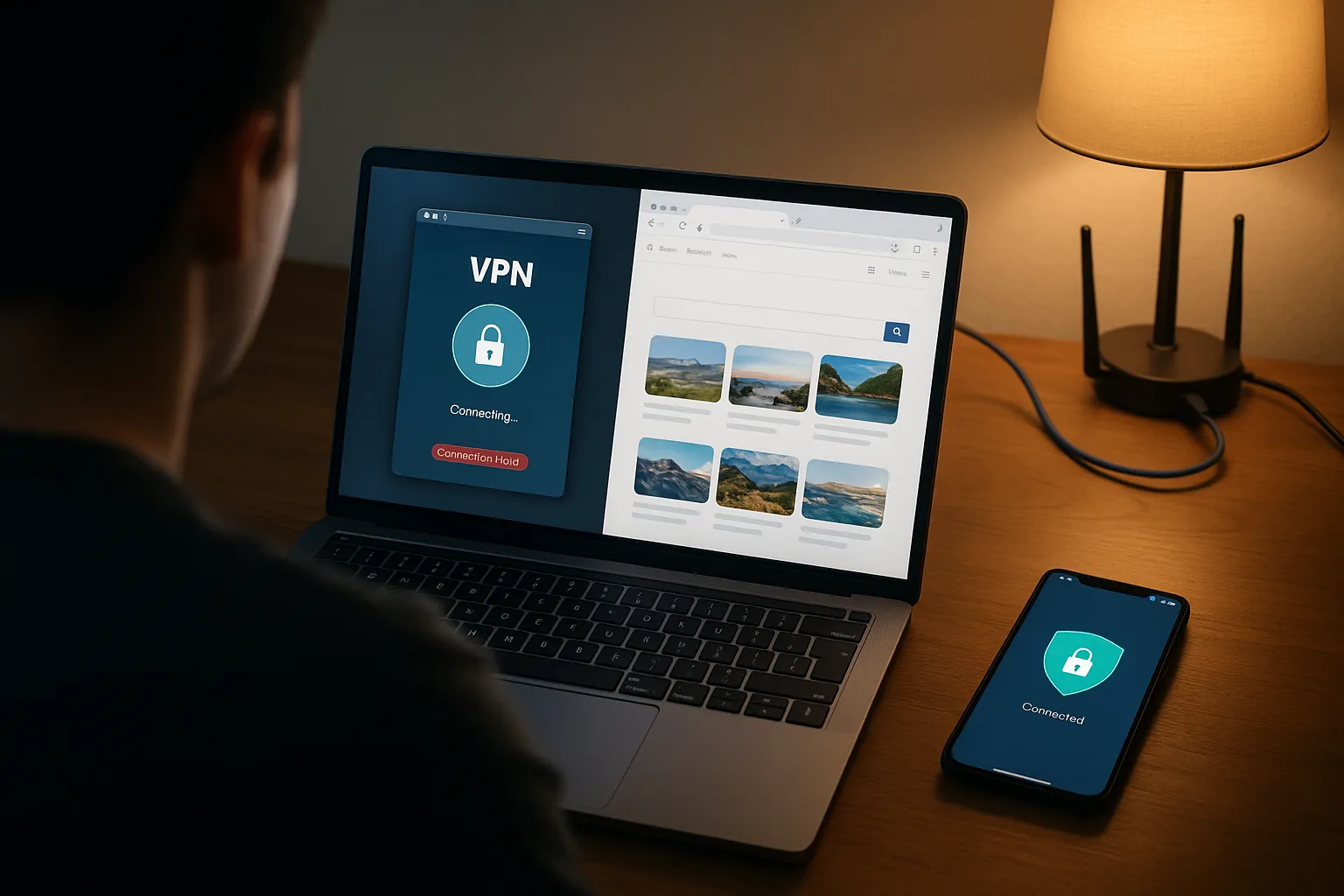
A failed VPN connection does not automatically prove that an internet provider is blocking VPN traffic. Server availability, DNS, firewalls, captive portals, account status, and device configuration can create similar symptoms. Use comparisons rather than assumptions.
1. Test ordinary internet access
Disconnect the VPN and confirm that websites load. An underlying outage must be ruled out first.
2. Compare two networks
Test the same device and VPN Pink account on Wi-Fi and mobile data. If only one network fails repeatedly, that network or provider becomes the likely cause.
3. Try multiple VPN locations
A single unreachable server can resemble blocking. Test more than one location before drawing a conclusion.
4. Complete captive-portal authentication
Hotels, airports, schools, and cafés often require browser sign-in. A VPN may fail until that step is complete.
5. Check local security software
A firewall, antivirus tool, DNS filter, parental-control product, router setting, or another VPN can restrict the connection locally.
6. Test at another time
Temporary congestion and routing incidents can disappear. Record the time and duration rather than treating one failure as permanent blocking.
7. Review provider policies
Consult the official terms for the network you are using. Workplace and school administrators may intentionally restrict VPNs for managed devices.
8. Do not use unsafe bypass tools
Avoid unknown profiles, certificates, proxies, and modified applications. They may expose credentials or traffic.
Evidence that suggests network-specific blocking
The strongest indication is repeatable failure on one network while the same device, account, app version, and server work on another network.
Summary
Compare networks and locations, exclude captive portals and local filters, and document repeatable results. This produces a much more reliable diagnosis than a single connection attempt.