
New at VPN Pink: updated apps and VPN for your terminal
We have updated our apps, download pages and setup information. Here is what is available for each platform, with direct links to our own guides and downloads.
Ubuntu · AppImage 0.1.37
- A refreshed design
- WireGuard and IKEv2/IPsec connections
- Sign in with Google, Apple or Amazon
- Send feedback and report problems in the app
- Read privacy and other policies in the app
Ubuntu · Linux · AppImage 0.1.37
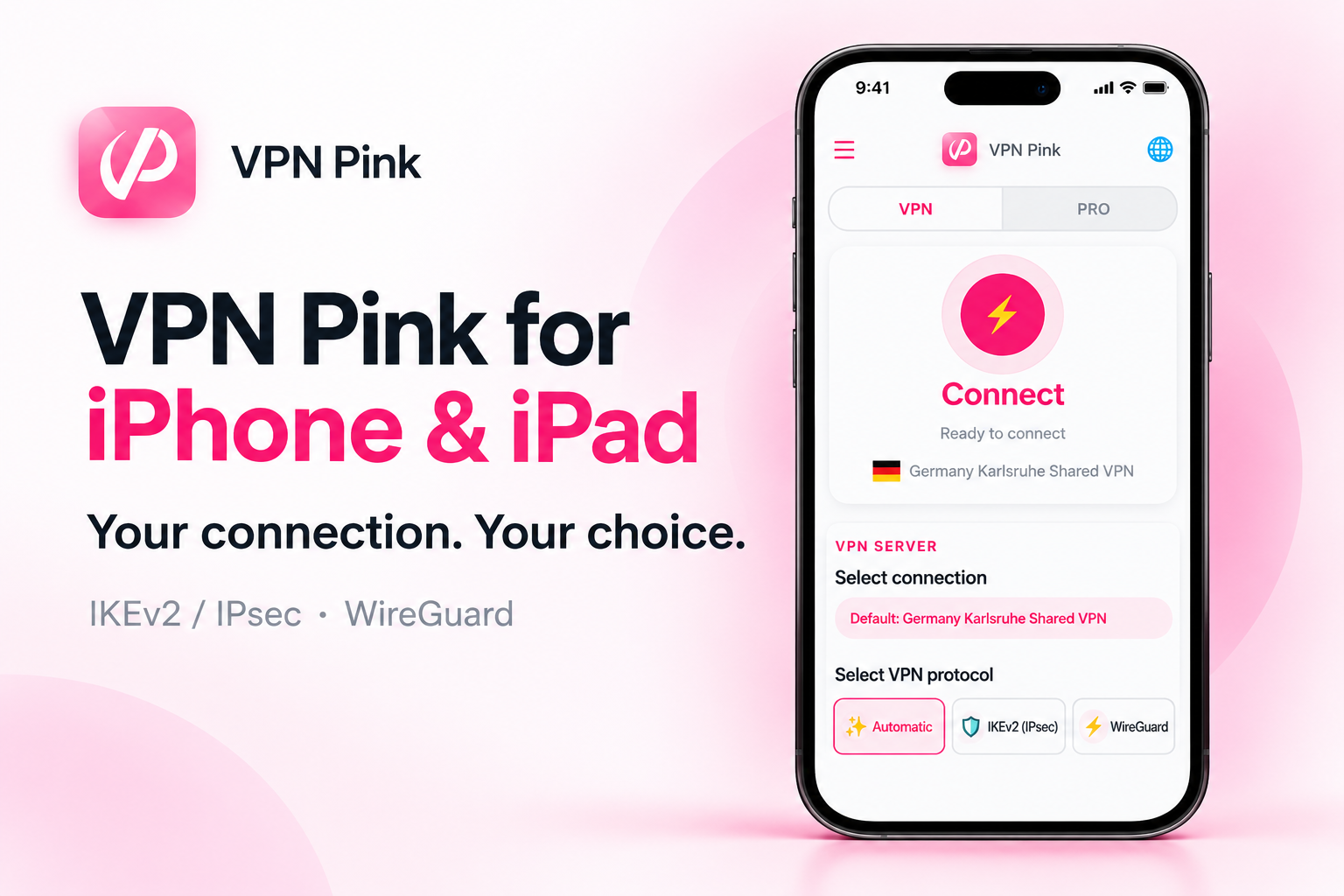
iPhone · iPad
A refreshed design with connection status, server selection and access to your VPN Pink account.
Choose Automatic, IKEv2/IPsec or WireGuard in the iOS/iPadOS app. These options apply to iPhone and iPad; Mac Catalyst support is described separately on the Mac page.
Android · Google Play · APK
Install VPN Pink from Google Play on your Android phone or tablet. A direct APK download is also available below.
macOS · Mac Catalyst
On Mac and Mac Catalyst, VPN Pink uses IKEv2/IPsec. WireGuard is currently not supported in this Mac app.
The iOS/iPadOS app supports WireGuard. This does not mean WireGuard is available in the Mac Catalyst version.
VPN Pink CLI · Experimental Ubuntu build
VPN Pink CLI — manage your VPN from an interactive terminal.
Available now: Ubuntu desktop · Linux x86_64. Windows, macOS, iOS and Android builds are not included.
Sign in interactively with your VPN Pink account. Password input is hidden. Google, Apple and Amazon sign-in is not included in this version. No plaintext keyring fallback.
Connect runs in the foreground: keep the terminal open. Ctrl+C disconnects. Automatic protocol selection uses IKEv2. WireGuard can be selected explicitly.
Apple TV · tvOS 1.1.12
VPN Pink for Apple TV: tvOS 1.1.12 approved · Apple TV · tvOS
Release history
Downloading the app and creating an account are free. Neither activates VPN access. To use the VPN service, choose a paid plan.