
VPN Pink for Apple TV: tvOS 1.1.12 approved
Apple has completed its review and approved VPN Pink 1.1.12 for tvOS for distribution. Alongside this update, we have worked on our WireGuard and IPv6 server infrastructure. If a previous connection attempt did not work for you, we invite you to try again with the latest available app and a fresh connection.
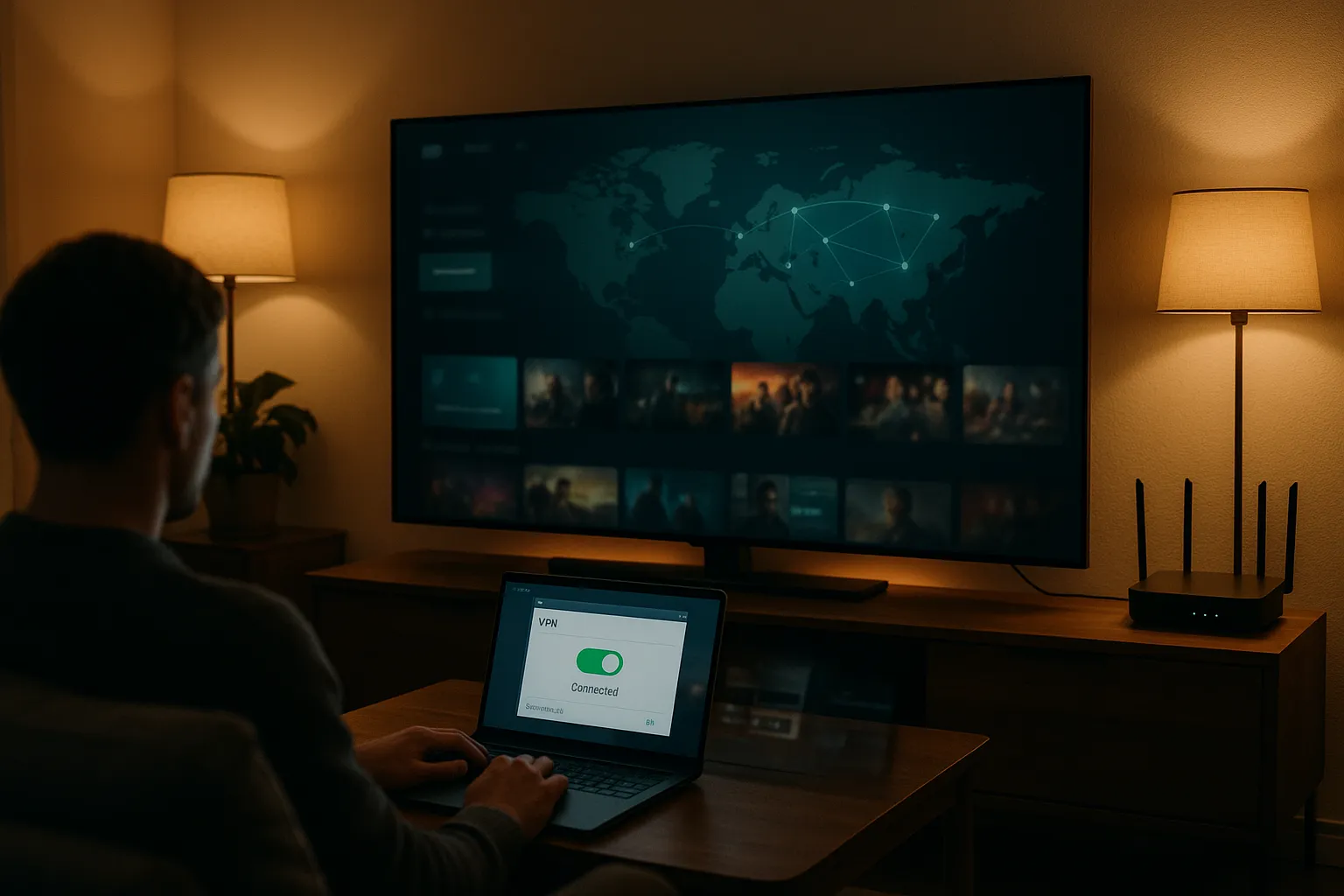
What has changed on our VPN servers?
We have improved WireGuard tunnel address assignment, IPv6 routing and traffic forwarding on our prepared VPN servers. A completed handshake alone is not enough: traffic also needs a working route to the Internet. These server-side changes address that part of the connection.
On a compatible app and server, a VPN tunnel can carry both IPv4 and IPv6. The app must retrieve and apply the current configuration. IPv6 availability still depends on the selected server, app version and network; this is not a promise that every connection will work on every network.
How to try again on Apple TV
- Check the App Store on Apple TV and install the latest available VPN Pink update. Apple notes that a release can take up to 24 hours to become publicly available.
- Sign in with Apple using the Apple Account linked to your VPN Pink access. The Apple TV app does not use an email-and-password login.
- Disconnect any previous VPN session, select a location and reconnect so the app can request the current configuration. Our updated WireGuard infrastructure includes Germany, Spain, Austria and the USA.
- Test the service you want to use. If the connection still fails, note the selected location, app version, protocol if shown, and the exact error message.
A clearer way to get help
Contact support with your public customer ID and those connection details. We can use that information to investigate the correct account and server. Never send your password, access token or WireGuard private key.
Downloading VPN Pink is free. Using the VPN service requires an active paid plan; the update does not itself create a subscription.