
VPN Pink on Telegram: register and pay with Stars
VPN Pink is now available through @VPNPinkSupportBot. Create or confirm your account, find setup help and buy VPN access with Telegram Stars, directly in Telegram.
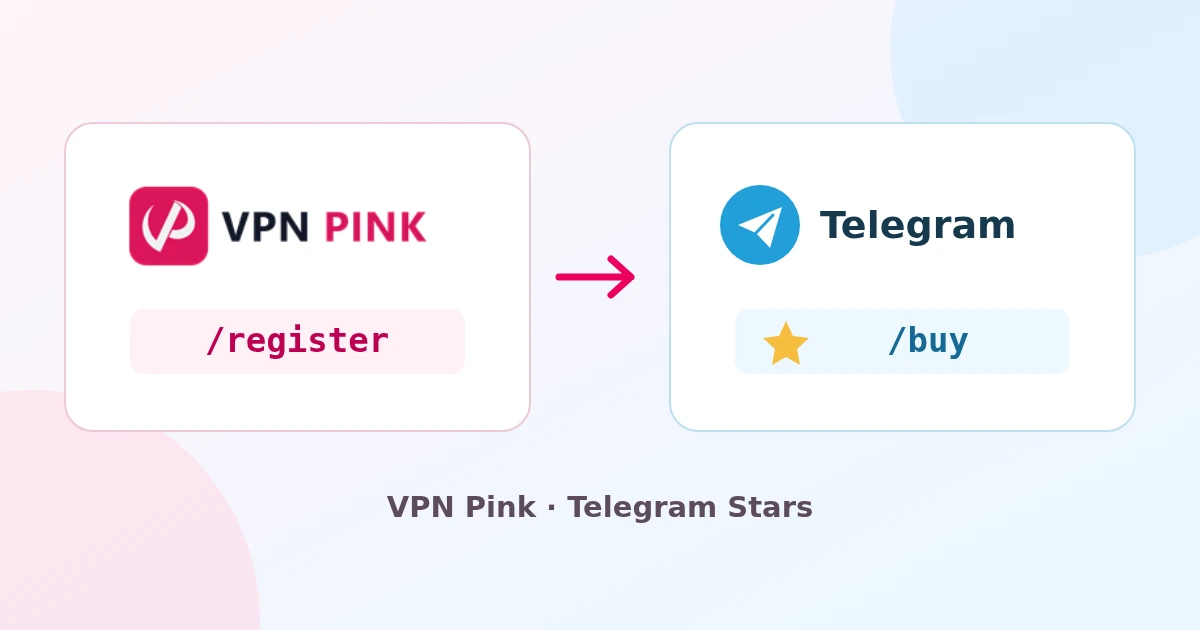
Open the official VPN Pink bot ↗
What can the bot do?
- Create a VPN Pink account and confirm your email.
- Confirm an existing website account for purchases without changing its password.
- Show app download links, setup guidance and plan prices.
- Offer one-time VPN purchases in Telegram Stars and provide payment-support contact details.
1. Create or confirm your account
- Open @VPNPinkSupportBot and tap Start. Use
/languageto select your language. - Send
/registerand enter your email address. If you already have a VPN Pink account, use that account’s email. - Enter the six-digit code from your email in the bot. The code is valid for ten minutes; check your spam folder too.
- For a new account, login details are emailed to you. An existing account is linked for purchases for 24 hours; its password stays the same.
Registration is free and does not activate VPN access. The website remains another way to register. If the account uses two-factor authentication or is disabled, contact support for a separate review.
2. Choose a plan and pay with Telegram Stars
- Send
/buyor tap Buy with Stars. - Choose 1, 6 or 12 months, read the purchase conditions and accept them to request an invoice.
- Check the plan and total Stars amount in Telegram’s payment window. If needed, use the Stars purchase options offered by Telegram.
- Confirm payment. Only a confirmed successful payment starts VPN activation; an invoice alone does not activate access. Processing can take a few minutes.
One-time Stars prices
| Access period | Total in Stars |
|---|---|
| 1 month | 160 Stars |
| 6 months | 850 Stars |
| 12 months | 1500 Stars |
These are total prices for the full term, without automatic renewal. The amount you pay to acquire Stars can vary by country, platform, taxes and fees; the Stars price is not a fixed USD exchange rate.
3. Connect using the VPN Pink app
Install VPN Pink for your device, sign in with your account and choose a server. The bot manages registration and purchases; the VPN connection is established by the VPN Pink app. The download itself is free.
Can I still buy on the website?
Yes. You can use the website checkout with Stripe, Alipay or WeChat Pay where available. Inside this bot, VPN purchases use Telegram Stars. The website and bot use the same VPN Pink customer accounts.
If the website cannot be reached
Account confirmation and Stars checkout can take place in Telegram without opening our website. Telegram, email, Stars purchasing, app downloads and the VPN servers must still be reachable. We cannot guarantee availability or a working connection in every country or network.
Questions, payment problems or refunds
Use /help for connection guidance, /terms for purchase conditions and /paysupport for payment support. You can email [email protected] with your customer ID, order reference and device/error details. Do not send passwords or Telegram login codes. This is a menu-based help bot, not a live human or AI adviser.