
Does a VPN Drain Your Phone Battery?
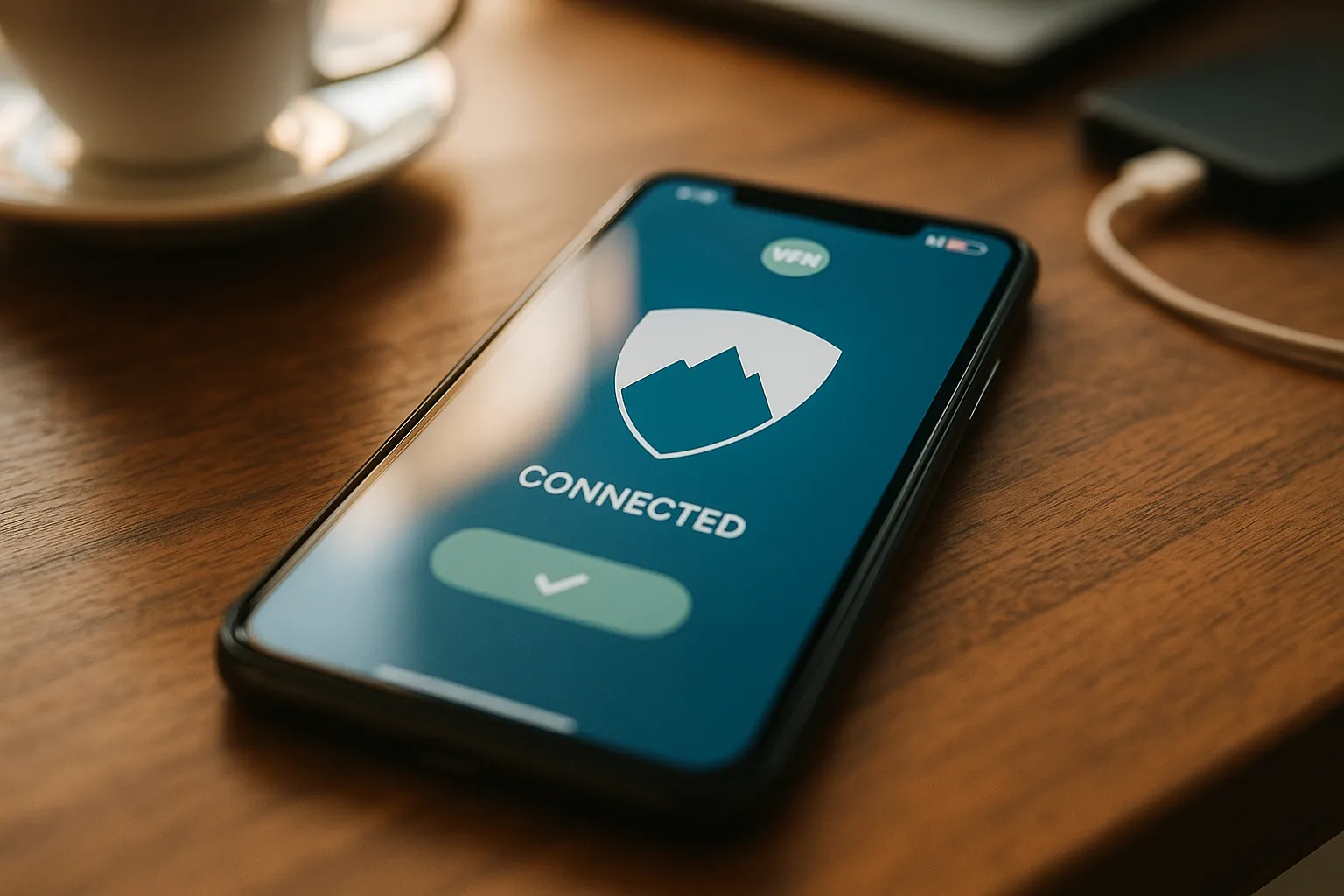
A VPN uses some battery because it encrypts traffic and maintains a network tunnel. On a healthy device and stable connection, the additional use is usually moderate. Weak signals, constant reconnecting, heavy traffic, and background activity can make the impact larger.
Why a VPN needs energy
The device encrypts and decrypts network packets and communicates with a VPN server. Modern hardware performs this efficiently, but the work is not free.
Signal quality matters
A weak Wi-Fi or cellular signal often consumes more power than the VPN itself. The radio must retransmit data and search for a better connection.
Repeated reconnections increase use
If the network switches frequently or the VPN disconnects repeatedly, establishing new tunnels can add battery usage. Diagnose the unstable connection rather than disabling protection permanently.
Traffic volume matters
Video streaming, large downloads, cloud backups, and video calls consume energy with or without a VPN. Compare similar activity when measuring battery impact.
Choose a suitable location
A nearby responsive VPN location can reduce latency and unnecessary retransmission. The geographically closest server is not always the fastest, but it is a useful starting point.
Keep software current
App and operating-system updates may improve networking efficiency and fix reconnect loops.
Use system battery information
Review the built-in battery screen over several hours or days. Short snapshots can be misleading, especially immediately after an update or heavy download.
Should Low Power Mode be used?
It can reduce other background activity, but its behavior varies by platform. Confirm that the VPN remains connected when privacy protection is required.
Summary
A VPN can add some battery use, but poor signal, high traffic, and reconnection loops are often larger factors. Stable networking and current software provide the best balance.