
What Is a VPN and How Does It Work? A Clear Beginner-Friendly Guide
Wondering what a VPN is and how it actually works behind the scenes? You are not alone. Many people install a VPN app, tap “Connect,” and hope for better privacy without really understanding what is happening.
This guide explains in simple terms what a VPN is, how it works step by step, and when you should (and should not) use it. You will also learn about its benefits, limitations, and practical tips to stay safer online.
What Is a VPN in Simple Terms?
Basic definition of a VPN
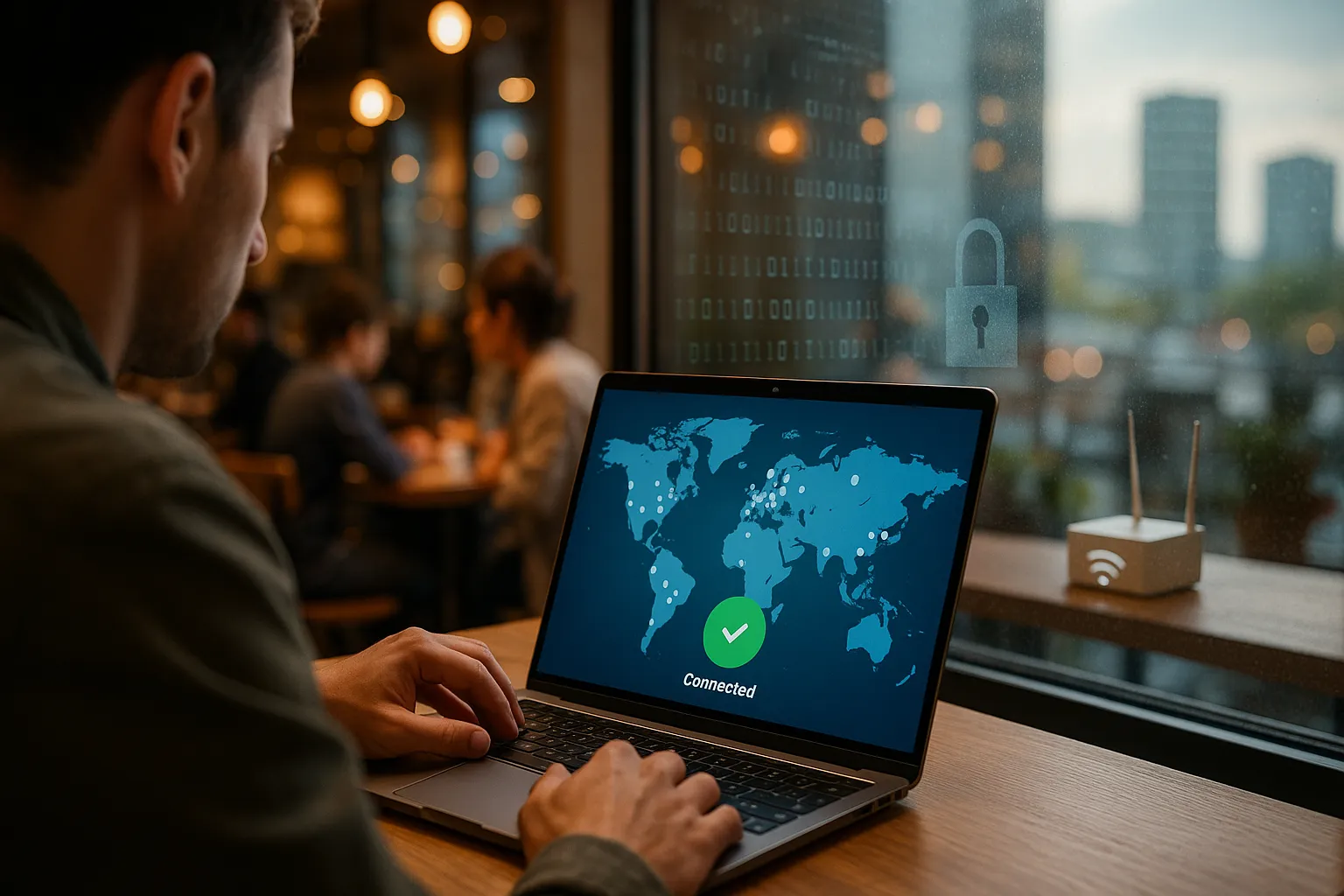
A Virtual Private Network (VPN) is a service that creates an encrypted tunnel between your device and a remote server operated by the VPN provider. Instead of connecting directly to websites and apps, your traffic goes through this secure tunnel first.
To outside observers, such as your internet service provider (ISP) or someone on public Wi-Fi, your traffic looks like encrypted data going to the VPN server, not to the final website. The website you visit mainly sees the VPN server’s IP address, not your real one.
What a VPN can and cannot do for you
A VPN can:
- Encrypt your internet traffic so it is harder to intercept or read.
- Hide your real IP address from websites and apps you visit.
- Reduce tracking by your ISP and local network operators.
- Help you use public Wi-Fi more safely.
- Let you appear to be in another country by using a server in that location.
A VPN cannot:
- Make you completely anonymous online.
- Protect you from malware if you download infected files.
- Stop you from giving your data away on social networks or unsafe websites.
- Bypass every type of block or detection in every country or service.
Think of a VPN as a strong privacy and security layer, not a magic invisibility cloak.
How a VPN Works Behind the Scenes
The VPN connection process step by step
When you tap “Connect” in your VPN app, this is roughly what happens:
- Handshake: Your device and the VPN server authenticate each other and agree on how to secure the connection.
- Encryption setup: They negotiate encryption keys using a secure method so only they can read the traffic.
- Tunnel creation: A virtual “tunnel” is created between your device and the VPN server. All your internet data goes through this tunnel.
- Traffic forwarding: The VPN server sends your requests to websites and services, receives the responses, encrypts them, and sends them back to you.
To anyone watching on the local network, your ISP, or a Wi-Fi hotspot, the content of your traffic is scrambled and the final destination is less obvious.
Encryption and VPN protocols explained simply
VPNs use encryption algorithms (like AES-256) and protocols to secure your data. A VPN protocol is a set of rules that defines how data is packaged, encrypted, and transmitted.
Common VPN protocols include:
- OpenVPN: Widely used, open-source, secure, and flexible. Often slightly slower but very reliable.
- WireGuard: Modern, fast, and efficient. Often provides better speeds with strong security.
- IKEv2/IPsec: Good for mobile devices because it reconnects quickly when you switch networks.
Most users do not need to tweak these settings. Leaving the protocol on “Automatic” usually chooses a safe and fast option for you.
How IP masking and location change work
Every internet connection uses an IP address that reveals approximate location and ISP. With a VPN:
- Your device connects to the VPN server and uses its IP address.
- Websites and services see the VPN server’s IP, not your home or mobile IP.
- If you choose a server in another country, many sites think you are located there.
This IP masking improves privacy and can sometimes help you access content that is limited to certain regions, though streaming platforms and some services actively try to block VPN traffic.
VPN Benefits, Risks, and Limitations
Key privacy and security benefits
Using a VPN can significantly improve your online privacy and security, especially in risky environments.
Main benefits include:
- Protection on public Wi-Fi: A VPN encrypts your traffic on open networks, making it harder for attackers to intercept logins, messages, or other sensitive data.
- Less ISP tracking: Your ISP sees that you are connected to a VPN server but not which websites you visit or what you do there.
- Reduced profiling: Websites see the VPN server IP, which can limit location-based profiling tied directly to your home connection.
Performance impact and speed considerations
A VPN often affects your internet speed because:
- Your data travels an extra distance to the VPN server.
- Encryption and decryption require processing power.
- Servers can become crowded during peak times.
To improve performance:
- Choose a server geographically close to you when speed matters.
- Try a faster protocol such as WireGuard if your VPN supports it.
- Switch servers if one is slow or overloaded.
Limitations and privacy trade-offs
Understanding limitations is crucial when learning what a VPN is and how it works.
- Trust in the provider: You are moving trust from your ISP to your VPN provider. A reputable, no-logs provider with transparent policies is essential.
- Not a full privacy solution: Websites can still track you using cookies, browser fingerprinting, and logged-in accounts.
- Legal and policy issues: VPNs are restricted or monitored in some countries. Always follow local laws.
A VPN is one important tool in a broader privacy and security strategy, not a complete solution by itself.
Real-World VPN Use Cases
Staying safer on public and shared networks
Public Wi-Fi in cafes, airports, hotels, and coworking spaces is convenient but risky. Attackers on the same network can attempt to intercept unencrypted data or trick you with fake hotspots.
Using a VPN on these networks:
- Encrypts your traffic from your device to the VPN server.
- Makes it harder for others on the network to snoop on your activity.
- Adds a layer of protection if a hotspot is poorly configured or malicious.
Working remotely and accessing company resources
Businesses often rely on VPNs to give employees secure remote access to internal systems, dashboards, or file servers.
In this scenario, a corporate VPN:
- Creates a private tunnel into the company network.
- Protects sensitive business data from interception.
- Lets staff work securely from home or while traveling.
For personal use, a commercial VPN service works similarly but connects you to the provider’s network instead of a corporate one.
Streaming, gaming, and bypassing local restrictions
Many people use VPNs to:
- Access websites or apps blocked on certain networks (such as school or work).
- Play games on different regional servers.
- Try to view content libraries available in other countries.
Keep in mind:
- Streaming platforms may block VPN IP addresses and this can change frequently.
- A VPN can add latency, which may affect competitive gaming.
- You should always follow the terms of service of the platforms you use.
VPN Best Practices and Common Mistakes
How to choose a trustworthy VPN service
When selecting a VPN provider, focus on:
- Transparent privacy policy: Clear, easy-to-read policies, ideally with independent audits of no-logs claims.
- Security features: Strong encryption, modern protocols, a kill switch, and protection against DNS leaks.
- Jurisdiction and reputation: A long track record, positive independent reviews, and no history of selling or leaking user data.
- Performance and server network: Servers in locations you need and reliable speeds.
Essential security features to enable
Once you install your VPN, check for these settings:
- Kill switch: Blocks internet traffic if the VPN connection drops, preventing accidental exposure of your real IP.
- Auto-connect: Automatically turns on the VPN on untrusted or public networks.
- DNS and IPv6 leak protection: Ensures all requests go through the encrypted tunnel, not your ISP’s DNS servers.
These features help your VPN work as intended and reduce the risk of accidental data leaks.
Common VPN mistakes to avoid
Even a strong VPN setup can be undermined by poor habits. Avoid these mistakes:
- Thinking a VPN is enough: You still need strong passwords, multi-factor authentication, software updates, and cautious browsing.
- Staying logged into tracking-heavy accounts: If you are logged into major platforms, they can still associate activity with your account.
- Using free VPNs without research: Some free services log and sell data or use weak security.
- Ignoring app permissions: Apps on your device can still collect data regardless of the VPN.
FAQs and Final Thoughts on What Is a VPN and How It Works
Quick FAQs
Do I need a VPN at home?
A VPN at home can reduce ISP tracking, help with region-specific content, and add a privacy layer. It is especially useful if you work remotely, share your network, or want more control over who can see your online activity.
Is a VPN legal?
In most countries, using a VPN is legal, but some governments restrict or regulate VPN use. Always check local laws and follow the rules of the services you access.
Can a VPN stop hackers completely?
A VPN can make some attacks harder, especially on public Wi-Fi, but it cannot stop all hacking attempts. Phishing emails, weak passwords, and unpatched software remain major risks.
Conclusion
Understanding what a VPN is and how it works helps you use it more effectively and safely. A VPN encrypts your connection, masks your IP address, and adds a strong layer of privacy and security, especially on public or untrusted networks.
Used together with good security habits, private browsing practices, and careful choice of services, a VPN becomes a powerful part of your online protection toolkit without pretending to offer perfect anonymity or total safety.