
What Is a DNS Leak and How to Prevent It
If you use a VPN, you probably expect your browsing activity to be hidden from your internet provider and other snoops. A DNS leak can quietly break that expectation and expose the websites you visit, even while your VPN appears to be connected.
Understanding what a DNS leak is and how to prevent it is essential for anyone who cares about online privacy, whether you are a beginner or a more experienced user. The good news: once you know what to look for, fixing DNS leaks is usually straightforward.
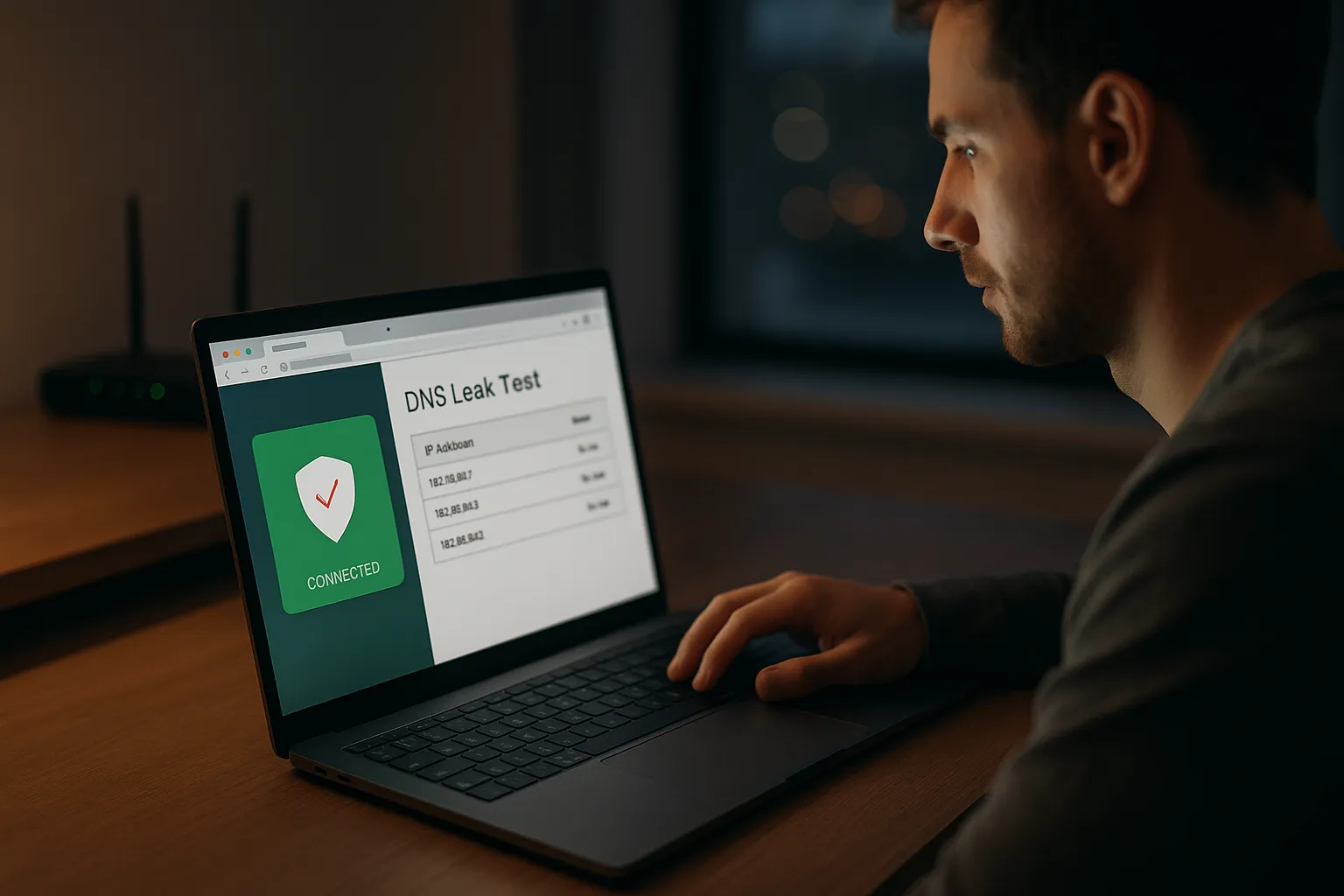
What is a DNS leak in simple terms?
Quick recap: what is DNS?
DNS stands for Domain Name System. It is like the internet's phone book. When you type a website name such as example.com, DNS turns that name into an IP address that computers understand so you can connect to the site.
Normally, your DNS requests are handled by your internet service provider (ISP) or a third-party DNS service such as Google DNS or Cloudflare DNS.
What exactly is a DNS leak?
A DNS leak happens when your DNS requests go outside the encrypted VPN tunnel and are sent directly to a DNS server controlled by your ISP or another party, instead of going through your VPN's DNS servers.
This means that even if your IP address appears to be hidden by the VPN, your ISP (and sometimes other observers) can still see which domains you are looking up. They may not see the full content you access, but they can see which sites you visit and when.
Why DNS leaks matter for VPN users
When you use a VPN, you expect:
- Your real IP address to be hidden.
- Your traffic to be encrypted between your device and the VPN server.
- Your browsing history to be harder for your ISP and local network operators to track.
A DNS leak undermines that last point by revealing your DNS queries. The VPN may still encrypt your data, but your browsing patterns become visible again, which reduces the privacy benefits you expected.
How DNS leaks happen when using a VPN
Operating system and app behavior
Modern operating systems (Windows, macOS, mobile OSes) often try to be "smart" about connectivity. They can:
- Send DNS requests over multiple network interfaces at once.
- Fallback to default DNS servers when some responses are slow.
- Use features like "Smart Multi-Homed Name Resolution" (Windows) that query several DNS servers in parallel.
These behaviors can cause DNS queries to bypass the VPN tunnel and hit your ISP's DNS instead.
Misconfigured or weak VPN setups
DNS leaks also occur when:
- The VPN does not enforce its own DNS servers and leaves the system using ISP DNS.
- The VPN connection drops and your device silently reverts to your default DNS settings.
- Split tunneling is enabled and not configured carefully, so DNS traffic uses the non-VPN route.
- Manual DNS settings are applied at the router or device level that override VPN DNS.
Public Wi-Fi and captive portals
On hotel, airport, or cafe Wi-Fi, networks often use special DNS-based systems for login pages (captive portals). Before you authenticate, your device may:
- Use the hotspot's DNS servers to reach the login page.
- Continue using those DNS servers even after the VPN connects, if the VPN app does not reconfigure DNS correctly.
This can lead to DNS leaks on untrusted networks, where privacy and security risks are already higher.
Privacy and security risks of DNS leaks
What your ISP and others can see
With a DNS leak, your ISP or whoever controls the DNS server can typically see:
- The domains you look up (for example, news sites, social networks, streaming services).
- The time and frequency of your visits.
- Patterns that reveal interests, habits, or even health and financial concerns.
They cannot automatically see everything you do on those sites, especially if they use HTTPS, but the list of domains alone can be quite revealing.
Tracking, profiling, and censorship
DNS leaks can make it easier for third parties to:
- Profile users for advertising or analytics based on browsing history.
- Throttle or prioritize traffic to specific services, such as streaming platforms.
- Block or filter sites at the DNS level for censorship or content control.
If you use a VPN to avoid local restrictions or to keep your browsing habits private from your ISP, DNS leaks can defeat a large part of that goal.
Security implications
DNS leaks are primarily a privacy problem, but they can also have security implications:
- Attackers or malicious networks may use DNS data to map your activity and target you with phishing or scams.
- Some malware uses DNS to communicate with command-and-control servers; if those queries leak, they might reveal compromised devices or be intercepted and tampered with.
A VPN alone cannot block all such threats, but preventing DNS leaks reduces the amount of metadata exposed to potential attackers.
How to test for DNS leaks
Step-by-step DNS leak test
Testing for DNS leaks is simple and should be part of your regular VPN hygiene. Follow these steps:
- Connect to your VPN and wait until the app shows you are protected.
- Open a browser and go to a trusted DNS leak test site (search for "DNS leak test" from a reputable provider).
- Run the standard test and then the extended test if available.
- Check the results:
- If you see DNS servers in the same country or owned by your ISP, you likely have a leak.
- If you see DNS servers owned by your VPN provider or in the VPN server location, this is usually correct.
Testing across devices and networks
DNS behavior can differ depending on where and how you connect. For a reliable picture:
- Test on each device you use (laptop, phone, tablet).
- Test on different networks: home Wi-Fi, mobile data, and public Wi-Fi.
- Test again whenever you change VPN providers, router settings, or operating system versions.
Regular testing helps you catch new leaks that might appear after updates or configuration changes.
Common signs you might have a DNS leak
Even without a formal test, you might suspect a DNS leak if:
- Websites still appear in your ISP's browsing history or parental control logs.
- Location-based services show your real region instead of your VPN server's region (though this can also be due to other trackers).
- Geo-blocked sites remain blocked even when your VPN IP appears to be in the right country.
How to prevent DNS leaks effectively
Use a VPN with strong DNS leak protection
Many modern VPN services include built-in DNS leak protection. When evaluating or configuring a VPN, look for:
- Dedicated VPN-operated DNS servers.
- Explicit "DNS leak protection" or "prevent DNS leaks" options in the app settings.
- Support documentation describing how the VPN handles DNS traffic.
Enable any DNS leak protection feature in the VPN app, and keep the app updated to benefit from fixes and improvements.
Configure your operating system and router correctly
To reduce the chance of leaks, consider:
- Avoiding manual ISP DNS settings on your device or router when you rely on a VPN. Let the VPN manage DNS where possible.
- Disabling "smart" DNS features on some routers that try to route DNS outside tunnels for performance.
- Using VPN on the router if you want all devices to use the VPN's DNS without individual configuration, while understanding this can impact speed.
If you prefer to use a trusted third-party DNS (for example, Cloudflare or Quad9), configure it in a way that is compatible with your VPN and verify again with a DNS leak test.
Combine VPN with a firewall or kill switch
Many VPN apps include a "kill switch" feature that blocks internet traffic if the VPN connection drops. When enabled, it can also help prevent DNS requests from leaking outside the tunnel during short disconnections.
For advanced users, you can:
- Use your system firewall to block DNS requests (port 53) that do not go through the VPN interface.
- Create rules to only allow DNS to the VPN's DNS servers.
This setup needs careful configuration and testing, but it can provide stronger protection against leaks.
FAQs and final thoughts on DNS leaks
Are DNS leaks the same as IP leaks?
No. An IP leak exposes your real IP address, while a DNS leak exposes the DNS servers you use and the domains you query. Both weaken privacy, but they are different problems. It is possible to have one without the other, so you should test for both.
Can a VPN completely prevent tracking if there are no DNS leaks?
Even with no DNS leaks, a VPN does not provide complete anonymity. Websites, apps, and advertisers can still track you using cookies, browser fingerprints, account logins, and other methods. A VPN is a powerful privacy tool, but it works best alongside safe browsing habits, privacy-focused browsers, and sensible sharing of personal information.
What should I do if my VPN still leaks DNS?
If you confirm a DNS leak while connected to a VPN:
- Check and enable any DNS or leak protection settings in the VPN app.
- Update the VPN app and your operating system.
- Remove manual DNS entries from your network settings and let the VPN control DNS.
- Contact your VPN provider's support with screenshots of your leak test.
- If the issue persists and privacy is critical to you, consider switching to a provider with stronger DNS handling.
Understanding what is a DNS leak and how to prevent it is a key part of using a VPN responsibly. By testing regularly, choosing a VPN with solid DNS leak protection, and configuring your devices carefully, you can greatly reduce the amount of browsing data exposed to your ISP and other third parties, while remembering that a VPN is just one important layer in your overall privacy and security strategy.