
Should Gamers Use a VPN? Pros and Cons Explained
If you play online games regularly, you have probably wondered: should gamers use a VPN? The pros and cons can be confusing, especially when speed, ping, and security all matter at the same time.
This guide breaks down how a VPN affects gaming performance, privacy, and safety in clear, simple terms so you can decide whether using one is worth it for your setup.
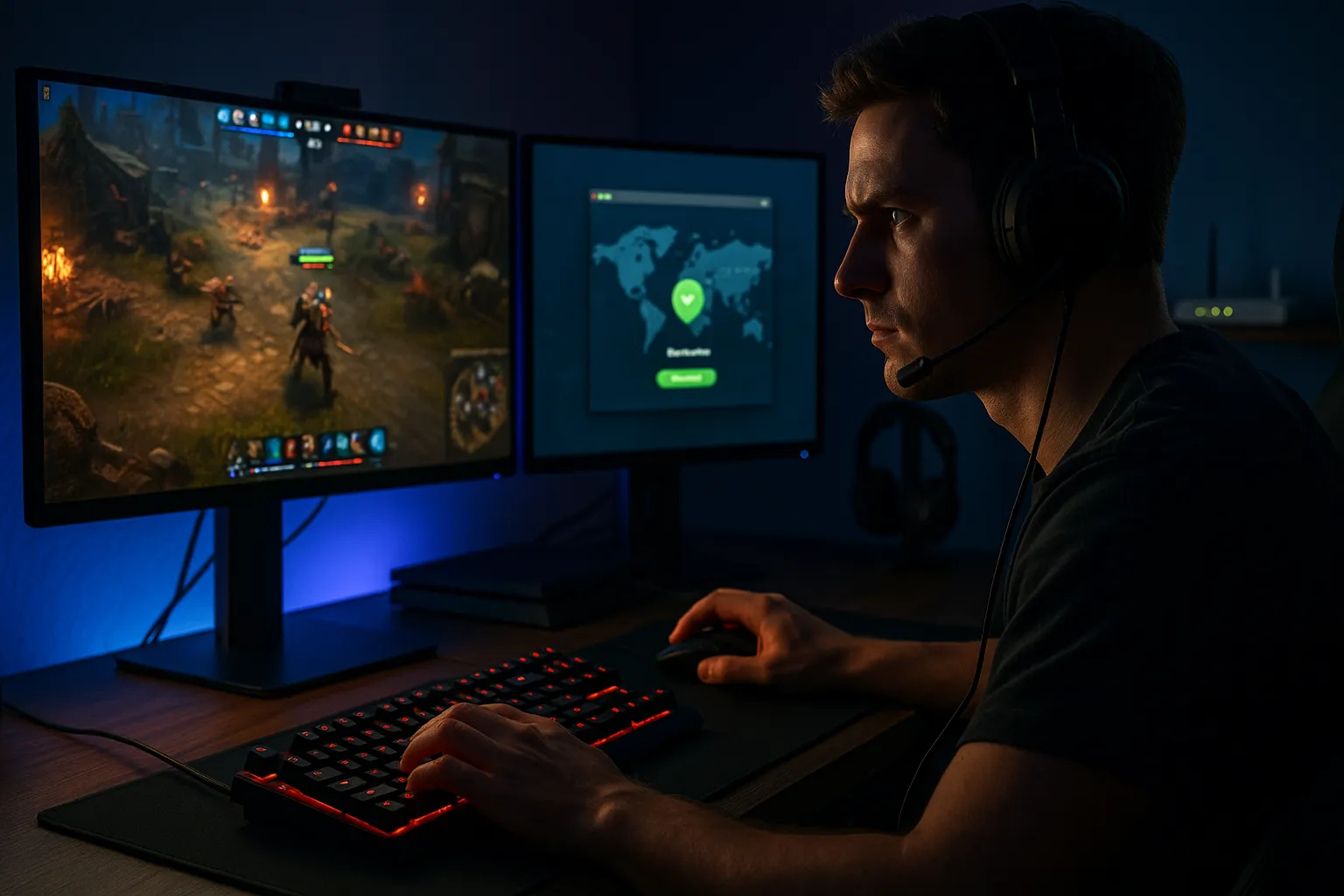
What does a VPN do for gamers?
Basic idea of a VPN in gaming
A Virtual Private Network (VPN) creates an encrypted tunnel between your device and a VPN server. Your internet traffic goes through this server before reaching the game server or website. To the outside world, it looks like you are connecting from the VPN server location, not your real one.
For gamers, this can influence:
- Ping and routing (the path your data takes to the game server)
- IP-based restrictions (region locks, IP bans, or ISP throttling)
- Privacy and security (hiding your real IP from other players and some services)
What a VPN can and cannot do
Understanding limits is essential before deciding if you should use a VPN for gaming.
- Can help with: protecting against some DDoS attacks, hiding your IP address, bypassing some region restrictions, and sometimes improving routing.
- Cannot do: make you fully anonymous, protect against cheats or account theft on its own, or guarantee lower ping in every game.
Pros and cons of using a VPN for gaming
Main advantages for gamers
Here are common reasons gamers consider using a VPN:
- Extra privacy from other players: In peer-to-peer games, opponents may see your IP address. A VPN hides your real IP, which can reduce targeted harassment or basic IP-based attacks.
- Protection against some DDoS attacks: Competitive players, streamers, or tournament participants are sometimes targeted with DDoS attacks. With a VPN, attackers typically hit the VPN server instead of your home connection, and good providers have mitigation systems.
- Bypassing region locks: Some games, DLCs, or servers are only available in certain countries. A VPN can let you appear as if you are in that region, subject to the game’s terms of service.
- Avoiding certain ISP throttling: Some internet providers slow down traffic to gaming or streaming services. A VPN may hide the type of traffic, which can help avoid specific throttling patterns.
- More stable connection paths in some cases: If your ISP routes traffic poorly to a game server, connecting through a well-placed VPN server can sometimes provide a more direct route and slightly better stability.
Main disadvantages and trade-offs
There are also clear downsides to consider:
- Higher ping (latency): Your data now travels from you to the VPN server, then to the game server. This extra step usually adds some delay, which can be noticeable in fast-paced shooters or fighting games.
- Possible speed loss: Encryption and extra routing can reduce your maximum download and upload speeds, which may affect patch downloads, cloud saves, or game streaming.
- Connection instability with poor VPNs: Low-quality providers or overloaded servers can cause lag spikes, packet loss, or random disconnections.
- Potential account or ToS issues: Some games and platforms restrict VPN use for region hopping, early access, or price differences. Violating these rules can risk warnings or account penalties.
- Extra cost and setup: A reliable VPN is usually a paid service, and you need to configure it correctly on your PC, console, or router.
Quick pros and cons summary
- Pros: better privacy, some DDoS protection, region flexibility, potential workaround for throttling.
- Cons: higher ping in many cases, possible speed drops, ToS risks, extra cost.
How a gaming VPN actually works
Routing and ping: why distance matters
When you connect to a VPN, your traffic is encrypted and sent to a VPN server. From there, it goes to the game server. The total ping is the sum of:
- Your device → VPN server
- VPN server → game server
- Game server → VPN server → your device
If the VPN server is far away from you or from the game server, ping increases. If it is strategically closer to the game server or has a better route than your ISP, ping might stay similar or in rare cases improve slightly.
Encryption and performance impact
VPNs encrypt your traffic using protocols like WireGuard, OpenVPN, or IKEv2. Encryption uses CPU resources and adds a small processing delay. On modern PCs and consoles, this overhead is usually small, but it can still affect:
- Maximum bandwidth for downloads and updates
- Latency consistency if your device or router is underpowered
For gaming, choosing a fast protocol (for example, WireGuard or a well-optimized proprietary protocol) and a nearby server is more important than using the strongest possible cipher.
Console and router setups
Most consoles (PlayStation, Xbox, Nintendo Switch) do not have native VPN apps. You typically have two options:
- VPN on your router: protects all devices connected to that router, including consoles. This is convenient but can stress weaker routers and affect the whole network.
- VPN sharing from a PC: run the VPN on your computer and share the connection via Ethernet or Wi-Fi to your console. This requires some configuration but keeps control on one device.
Real-world use cases: when gamers should use a VPN
Competitive players and streamers
If you play competitively, join tournaments, or stream to an audience, you are more visible and potentially more exposed to DDoS attacks or harassment. In these scenarios, using a VPN can be a practical layer of protection:
- Your real IP address is hidden from opponents and viewers.
- DDoS traffic is more likely absorbed or mitigated by the VPN provider.
- Swapping VPN servers can help you quickly recover from an attack.
Accessing different game regions
Some gamers use VPNs to:
- Join friends on region-locked servers.
- Play games or betas not yet released in their country.
- Access language-specific communities or content.
However, using a VPN to bypass regional pricing, release schedules, or restrictions may break the platform’s terms of service. Always read and understand the rules for Steam, PlayStation Network, Xbox Live, or individual games before doing this.
Gaming on public Wi-Fi or shared networks
When you game on hotel Wi-Fi, university networks, or other shared connections, other users on the same network may attempt to snoop on unencrypted traffic or interfere with your connection. A VPN can:
- Encrypt your traffic so others on the same network cannot easily see what you are doing.
- Reduce the risk of simple local attacks that rely on unencrypted traffic.
- Help you avoid some restrictive firewall rules by tunneling traffic.
This is especially useful for handheld gaming PCs, laptops, or cloud gaming on the go.
Best practices for gamers using a VPN
Choosing the right VPN for gaming
When evaluating VPNs for gaming, focus on:
- Fast, nearby servers: Look for servers in your country or close to the game’s main server region.
- Low-latency performance: Some providers label servers optimized for gaming or streaming.
- Clear privacy policy: Prefer services with audited no-logs policies and transparent ownership.
- Modern protocols: Support for WireGuard or equivalent high-speed protocols is a plus.
- Reliable apps and support: Easy setup on Windows, macOS, and routers, plus responsive support if something breaks mid-tournament.
Optimizing your setup to reduce lag
To minimize the performance impact when you decide gamers should use a VPN despite the cons:
- Connect to the closest VPN server geographically to either you or the game server.
- Use wired Ethernet instead of Wi-Fi whenever possible to reduce local latency.
- Close background downloads, cloud backups, and streaming apps.
- Test different VPN servers and protocols to find the most stable combination for your specific game.
- Consider running the VPN on your PC rather than an underpowered router if you notice slowdowns.
Staying safe beyond the VPN
A VPN is only one part of gaming security. You should also:
- Enable two-factor authentication (2FA) on Steam, Battle.net, Xbox, PlayStation, and other accounts.
- Use unique, strong passwords for each platform and game account.
- Beware of phishing links in chat, Discord, and email that claim to offer free skins or game currency.
- Keep your system, drivers, and game clients up to date with security patches.
VPNs improve privacy and can help with some attacks, but they do not replace basic security hygiene.
Should gamers use a VPN? Final thoughts
So, should gamers use a VPN? Pros and cons depend heavily on how you play. If you are a casual player with stable ping, no security concerns, and no need for region hopping, a VPN might not be necessary during gameplay and could slightly increase latency.
If you stream, play competitively, face harassment, worry about DDoS attacks, or frequently connect via public or shared networks, a well-chosen VPN can be a valuable extra layer of privacy and protection. Just remember that it will not make you completely anonymous, it may affect ping, and it does not replace strong passwords, 2FA, and safe online behavior.
The best approach is to test a reputable VPN with your favorite games, measure ping and stability, and decide whether the additional privacy and security benefits are worth the trade-offs for your specific gaming style.