
Privacy Tips for Online Multiplayer Games: A Practical Guide
Online multiplayer games are a great way to relax, compete, and connect with people around the world. But every match, voice chat, or friend request can also expose bits of your personal data if you are not careful.
This guide walks you through essential privacy tips for online multiplayer games, including how to use settings, a VPN, and safer habits to reduce tracking, harassment, and data leaks while still enjoying your favorite titles.
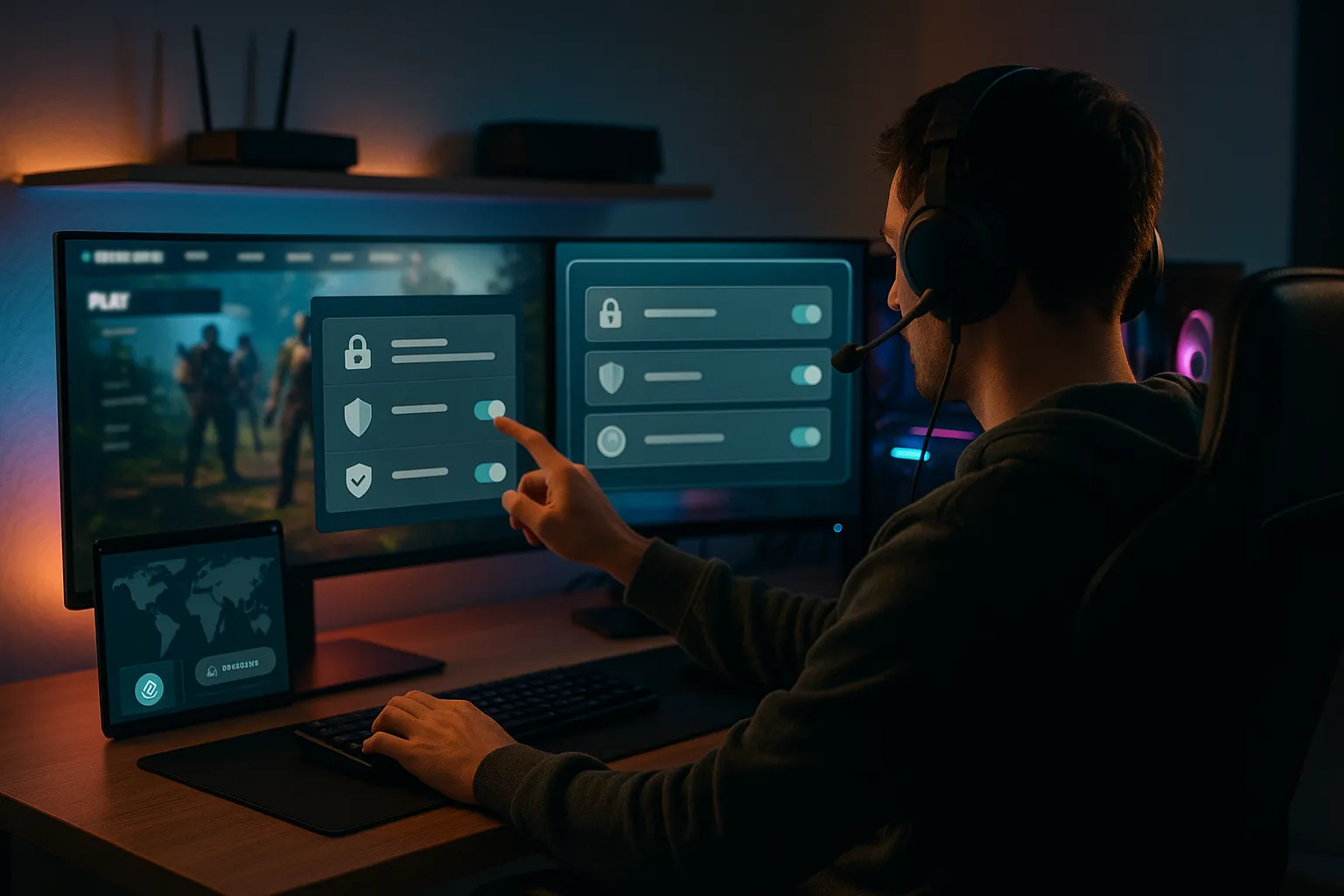
Why privacy matters in online multiplayer games
What can be exposed when you play online
Every time you connect to an online game, you share some information with game servers and often with other players. This can include:
- Your IP address (which can reveal your approximate location and ISP)
- Your in-game username and profile details
- Chat messages and voice communications
- Account email, linked social accounts, and sometimes payment details
On their own, these details may seem harmless. Combined, they can enable targeted harassment, doxxing attempts, or account theft.
Typical privacy risks for gamers
Here are common risks that make privacy tips for online multiplayer games so important:
- Doxxing and harassment: Malicious players may try to link your username to real-world information and harass you across platforms.
- Swatting and threats: In extreme cases, exposed personal data has led to real-world threats and law enforcement hoaxes.
- Account takeovers: Weak passwords and reused credentials can lead to your game accounts being stolen.
- Tracking and profiling: Game publishers and advertisers often track behavior across titles and devices for targeted ads.
Why younger players are especially vulnerable
Children and teens often share more than they realize in chat or on public profiles. This can expose:
- Real names, school names, or hometowns
- Social media handles that reveal more personal data
- Patterns of when they are home and online
Parents should treat multiplayer games like any online social network and use parental controls, privacy settings, and regular conversations about safe behavior.
Core privacy tips for online multiplayer games
Lock down your game and platform accounts
Start by securing the accounts that give access to your games and personal data:
- Use strong, unique passwords: A password manager helps create and store complex passwords for Steam, PlayStation Network, Xbox, Battle.net, and others.
- Enable two-factor authentication (2FA): Turn on 2FA wherever available. Use an authenticator app instead of SMS when possible.
- Review connected apps: Disconnect old or unused third-party apps that have access to your gaming accounts.
Harden your privacy settings in each game
Most major games and platforms include privacy options, but they are often buried in menus. Look for settings that control:
- Who can message you: Restrict to friends or friends-of-friends instead of everyone.
- Who can see your profile and activity: Hide your playtime, game library, and online status from strangers.
- Matchmaking visibility: Disable public matchmaking if you prefer playing only with known friends.
- Real name and avatar: Use a nickname and generic avatar instead of real photos or full names.
Apply these privacy tips for online multiplayer games across all platforms you use, not just your main one.
Be intentional with the data you share
Before sharing anything in-game, ask: "Would I be comfortable with this being public?" In particular, avoid:
- Sharing your real name, age, or location in public chat
- Posting screenshots that reveal personal info (open browser tabs, desktop, notifications)
- Using the same username as on your social media accounts
Using a VPN safely while gaming
How a VPN helps with gaming privacy
A virtual private network (VPN) encrypts your internet traffic and routes it through a remote server. For gamers, this can provide:
- IP address masking: Other players and some services see the VPN server IP instead of your real one, making it harder to link your activity to your home connection.
- Extra protection on public Wi-Fi: A VPN reduces the risk of someone on the same network intercepting your traffic.
- Reduced IP-based harassment: It becomes more difficult for bad actors to target your home IP for harassment or simple DDoS-style attacks.
However, a VPN does not make you completely anonymous and does not replace smart privacy habits in games.
Pros and cons of gaming with a VPN
Before adding a VPN to your privacy toolkit, weigh the benefits and trade-offs.
Pros:
- Helps hide your real IP address from game servers and other players
- Adds a layer of encryption, especially useful on shared or untrusted networks
- Can reduce some ISP throttling in certain situations
Cons:
- May increase latency (ping) due to extra routing distance
- Some game publishers and anti-cheat systems restrict or flag VPN usage
- Low-quality VPNs can log your activity or leak DNS requests
Best practices for using a VPN in online multiplayer games
To get the most from a VPN while gaming:
- Choose a reputable, no-logs provider: Look for transparent privacy policies, independent audits, and strong encryption.
- Pick nearby servers: Connect to a server geographically close to you or the game server to reduce lag.
- Test performance per game: Some titles will run fine with a VPN; others may feel laggy. Adjust your setup accordingly.
- Respect terms of service: Check whether your game or platform has specific rules about VPN use.
Staying private in chat and social features
Safer text and voice chat habits
Voice and text chat are major sources of privacy leaks. To stay safer:
- Avoid sharing personal details (name, school, workplace, city) in any chat channel.
- Turn off automatic voice chat with strangers; use push-to-talk where possible.
- Be careful with screen sharing on platforms like Discord while gaming.
If someone keeps asking for personal information, treat it as a red flag and mute or block them.
Managing friends lists and invites
Friends lists can unintentionally expose your gaming habits and social circles. Consider:
- Only accepting friend requests from people you know or have verified through trusted communities.
- Using different usernames for different communities to avoid cross-linking.
- Periodically cleaning your friends list and removing inactive or unknown accounts.
Dealing with toxic behavior and harassment
Most platforms and games include tools to handle harassment. Use them early and often:
- Block and mute: Silence abusive players immediately.
- Report through official tools: Provide evidence (screenshots, clips) when possible.
- Limit who can contact you: Tighten your privacy settings if you receive repeated unwanted messages.
Protecting your devices and home network
Secure your gaming devices
Compromised devices can leak far more data than any in-game chat. Basic steps include:
- Keeping your operating system, console firmware, and games up to date.
- Running reputable antivirus or endpoint protection on PCs.
- Only downloading mods, add-ons, and cheats (ideally none) from trusted sources to avoid malware.
Strengthen your home network
Your home router is the gateway to all your gaming devices. Improve its security by:
- Changing default router passwords and disabling remote admin if not needed.
- Using WPA2 or WPA3 encryption with a strong Wi-Fi password.
- Creating a separate guest network for visitors and untrusted devices.
If your VPN supports it, running the VPN at the router level can protect all devices on your network, though this may impact speeds.
Be careful on public and shared networks
When gaming on hotel Wi-Fi, campus networks, or other shared connections:
- Use a VPN to encrypt traffic where allowed.
- Avoid logging into sensitive accounts unrelated to gaming.
- Log out after use and do not let browsers save passwords on shared machines.
Common mistakes and quick FAQs
Frequent privacy mistakes gamers make
Even experienced players slip up. Watch out for these common errors:
- Reusing the same username and avatar across games and social media.
- Using the same password for multiple gaming and non-gaming accounts.
- Leaving privacy settings at their defaults on new games and platforms.
- Accepting random friend requests or joining unknown voice chats.
- Assuming a VPN alone makes them completely anonymous or invincible online.
Quick FAQs about privacy tips for online multiplayer games
Do I really need a VPN for gaming?
Not everyone needs a VPN to play, but it can be a useful extra privacy layer, especially if you are worried about IP-based harassment or often use public Wi-Fi. It should complement, not replace, good security practices.
Can people find my real address from my IP?
Your IP address usually reveals your approximate region and internet provider, not your exact street address. However, it can still be used for targeted harassment or attempts to overwhelm your connection, so protecting it is wise.
Are voice chats recorded?
Some platforms may log or record communications for moderation or legal reasons. Assume anything you say in voice or text chat could be stored or reported, and avoid sharing sensitive information.
Final advice
Applying consistent privacy tips for online multiplayer games does not have to be complicated. Secure your accounts, tune your privacy settings, use a trustworthy VPN when it makes sense, and be cautious about what you share with other players.
Combined, these steps significantly reduce your exposure to harassment, tracking, and data leaks while letting you focus on what matters most: enjoying the game.