
Internet Freedom and Censorship Updates: What You Need to Know
Internet freedom and censorship updates are changing faster than ever. New laws, surveillance tools, and blocking techniques appear almost monthly, and they directly affect what you can see, say, and do online.
This guide explains the latest trends in internet freedom and censorship, how they work in practice, and what you can realistically do to protect your privacy, security, and access to information.
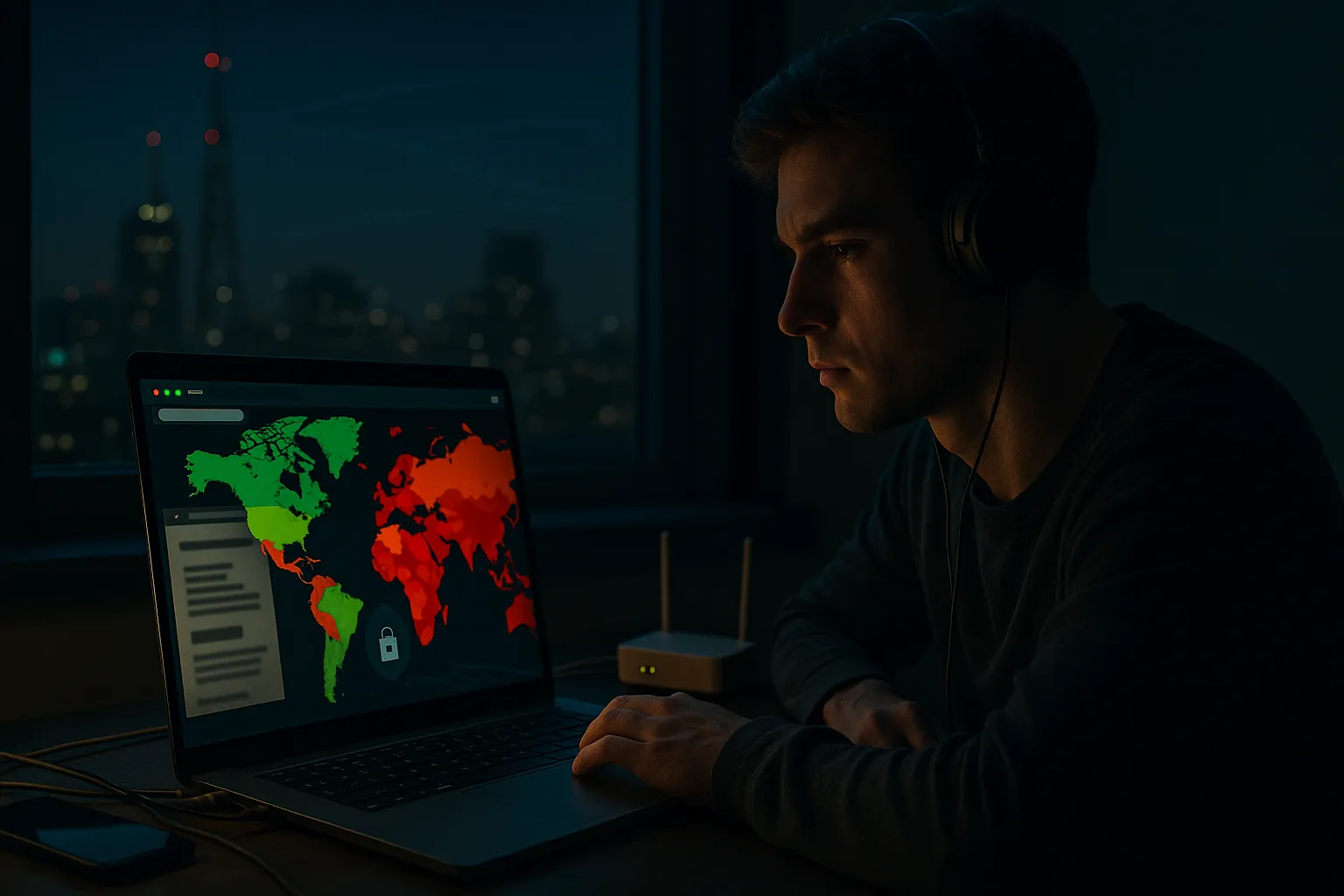
Current state of internet freedom worldwide
Key trends in internet freedom and censorship updates
Across the world, governments and large organizations are expanding control over digital spaces. Recent internet freedom and censorship updates show three clear trends:
- More content blocking: News sites, social networks, messaging apps, and VPN websites are increasingly blocked at the country or network level.
- Stronger surveillance: Data retention laws, mandatory ID for SIM cards, and deep packet inspection (DPI) give authorities more visibility into what people do online.
- Platform pressure: Governments pressure platforms to remove content, filter keywords, or share user data, sometimes without transparent legal processes.
Different levels of restriction by country
Not all countries treat the internet the same way. You will generally see three categories:
- Open access: Limited blocking, strong legal protections for speech and privacy, and independent courts. Some filtering still exists, usually for clearly illegal content.
- Partially restricted: Political content, social media, or foreign news may be throttled or temporarily blocked during elections, protests, or crises.
- Heavily censored: Large portions of the global internet are inaccessible. Only state-approved platforms are allowed, and online speech can carry serious legal risks.
These categories are not static. Laws and technical controls change, which is why staying informed about local updates is essential if you travel or work internationally.
How online censorship works behind the scenes
Common technical methods of blocking
Censorship is usually implemented at the network or service provider level. Common techniques include:
- DNS blocking: Your request to visit a domain is intercepted and redirected or refused. The website still exists, but your DNS resolver will not tell you where it is.
- IP blocking: Specific server IP addresses are blacklisted, so your device cannot connect even if you know the address.
- URL and keyword filtering: Firewalls inspect web traffic and block pages containing particular URLs, words, or topics.
- Throttling and shaping: Instead of outright blocking, authorities or ISPs may slow certain services (like video platforms or messaging apps) until they become unusable.
- App store restrictions: Apps that offer secure messaging or privacy features may be removed from local app stores.
Deep packet inspection and traffic analysis
More advanced systems use deep packet inspection to look inside your traffic as it passes through the network.
- Protocol detection: DPI can recognize VPN, Tor, or specific messaging protocols and block or throttle them.
- Content inspection: In some cases, the actual content of unencrypted traffic is scanned for keywords or patterns.
- Traffic fingerprinting: Even when encrypted, the size, timing, and destination of your traffic can reveal which service you are using.
Encryption (like HTTPS and VPN tunnels) significantly reduces what can be seen, but it does not make you invisible. Network operators can still observe that you are sending encrypted data to a specific server.
Privacy and security tools for dealing with censorship
Role of VPNs in bypassing censorship
A virtual private network (VPN) creates an encrypted tunnel between your device and a VPN server in another location. This helps with censorship in several ways:
- Bypassing local blocks: Your ISP sees only encrypted traffic to the VPN server, not the final websites or services you use, which can help you reach blocked content.
- Improved privacy: Websites and services see the VPN server’s IP address instead of your home or mobile IP, adding a layer of privacy.
- Protection on public Wi-Fi: Encryption helps shield your data from local eavesdroppers and poorly secured networks.
However, a VPN does not provide complete anonymity. Your VPN provider can technically see your traffic’s destination, and other tracking methods like cookies, browser fingerprinting, and account logins can still identify you.
Other tools: Tor, proxies, and encrypted DNS
Beyond VPNs, several tools can help you navigate censorship and improve privacy:
- Tor Browser: Routes your traffic through multiple volunteer-run relays, making it harder to trace. It is useful for high-risk situations but can be slower.
- Secure proxies: Web proxies or SOCKS5 proxies can bypass simple blocks but often provide weaker security than a well-configured VPN.
- Encrypted DNS (DoH/DoT): Using DNS over HTTPS or DNS over TLS prevents your DNS queries from being easily read or modified by intermediaries, reducing DNS-based blocking and surveillance.
Combining tools (for example, Tor over VPN) can add layers of protection, but it also increases complexity and may impact speed.
Limitations you must understand
All privacy tools have trade-offs:
- Performance: Encryption and long-distance routing can reduce speed and increase latency, especially for streaming and gaming.
- Detectability: Some countries actively detect and block VPN and Tor traffic, requiring advanced features like obfuscation.
- Legal risk: In certain regions, using circumvention tools may be restricted or monitored. Always check local laws before relying on them.
Real-world examples of internet censorship in action
Blocking during elections and protests
In many countries, internet freedom and censorship updates become especially visible around sensitive political events. Governments may:
- Temporarily shut down mobile data or specific regions of the network.
- Block social media platforms used for organizing demonstrations.
- Slow or disrupt encrypted messaging apps to hinder coordination.
These disruptions are often justified as security measures but can severely limit access to independent information and freedom of expression.
Long-term content filtering and media control
Some states maintain permanent filters on:
- Foreign news outlets and investigative journalism platforms.
- Human rights organizations and NGOs.
- Content related to minority groups, religion, or historical events.
Users in these environments often rely on VPNs, Tor, or mirror sites to stay informed, accepting slower speeds in exchange for broader access.
Corporate and school network restrictions
Censorship is not only governmental. Companies, schools, and public Wi-Fi providers also restrict access:
- Blocking streaming, gaming, or social media to preserve bandwidth or productivity.
- Filtering content categories such as gambling, adult material, or file sharing.
- Logging activity on managed devices and networks.
In these cases, using a VPN can reduce monitoring by the network operator, but device-level monitoring (like management software installed by your employer or school) can still track your activity.
Best practices for staying safer and more open online
Smart habits to pair with technical tools
Tools alone are not enough. Combine them with safer online behavior:
- Keep software updated: Regularly update your operating system, browser, and apps to patch security vulnerabilities.
- Use strong, unique passwords: A password manager can help you avoid reusing passwords across services.
- Enable multi-factor authentication (MFA): Adds an extra layer of security beyond passwords.
- Be cautious with links and downloads: Phishing and malware can bypass even the best privacy tools.
Choosing a trustworthy VPN or privacy service
If you rely on a VPN or similar service, pay attention to:
- Jurisdiction and logging policy: Prefer providers with transparent no-logs policies and privacy-friendly legal environments.
- Security features: Look for strong encryption, leak protection, a kill switch, and support for obfuscation where censorship is aggressive.
- Independent audits: Third-party audits of infrastructure and policies add credibility.
- Payment and account options: Consider providers that allow privacy-conscious payment methods and minimal personal data collection.
Common mistakes to avoid
Even experienced users fall into traps such as:
- Assuming that a VPN or Tor makes them completely anonymous.
- Logging into personal accounts (email, social media) while trying to stay pseudonymous.
- Ignoring local laws and potential penalties for using circumvention tools.
- Trusting unknown free VPNs or proxies that may log or sell data.
Pros and cons of common anti-censorship tools
VPNs: strengths and weaknesses
- Pros:
- Good balance of speed, security, and ease of use.
- Works system-wide, covering most apps and browsers.
- Helps bypass many types of geographic and ISP-level blocks.
- Cons:
- Relies on trust in the VPN provider.
- May be blocked or throttled in heavily censored regions.
- Can reduce speed, especially with distant servers.
Tor and other circumvention tools
- Tor Browser pros:
- Designed for strong anonymity and censorship resistance.
- Decentralized network with no single controlling company.
- Tor Browser cons:
- Noticeably slower than regular browsing or VPN use.
- Some sites block Tor exit nodes or show extra security checks.
- Proxies and smart DNS:
- Often faster but provide weaker security and privacy.
- Useful for streaming and simple geo-unblocking, not for high-risk privacy needs.
Balancing privacy, speed, and usability
Your ideal setup depends on your threat model and needs:
- For everyday privacy and access to mildly restricted content, a reputable VPN with strong encryption is usually enough.
- For high-risk situations (journalism, activism in restrictive countries), consider combining tools, using Tor, and following strict operational security practices.
- For streaming or light geo-unblocking, prioritize speed and reliability, but remain aware that these tools are not full privacy solutions.
Internet freedom and censorship updates will keep evolving, but by understanding how censorship works, using the right tools responsibly, and adopting safer habits, you can maintain better control over your online experience without relying on unrealistic promises of complete anonymity.