
How to Watch Your Favorite Content Securely While Traveling
When you travel, your usual streaming routine often breaks. Shows are suddenly unavailable, public Wi‑Fi feels risky, and some services block your account the moment you log in from a new country.
This guide explains how to watch your favorite content securely while traveling, using tools like VPNs and smart security habits so you can enjoy movies, series, and live sports without exposing your data or breaking platform rules.
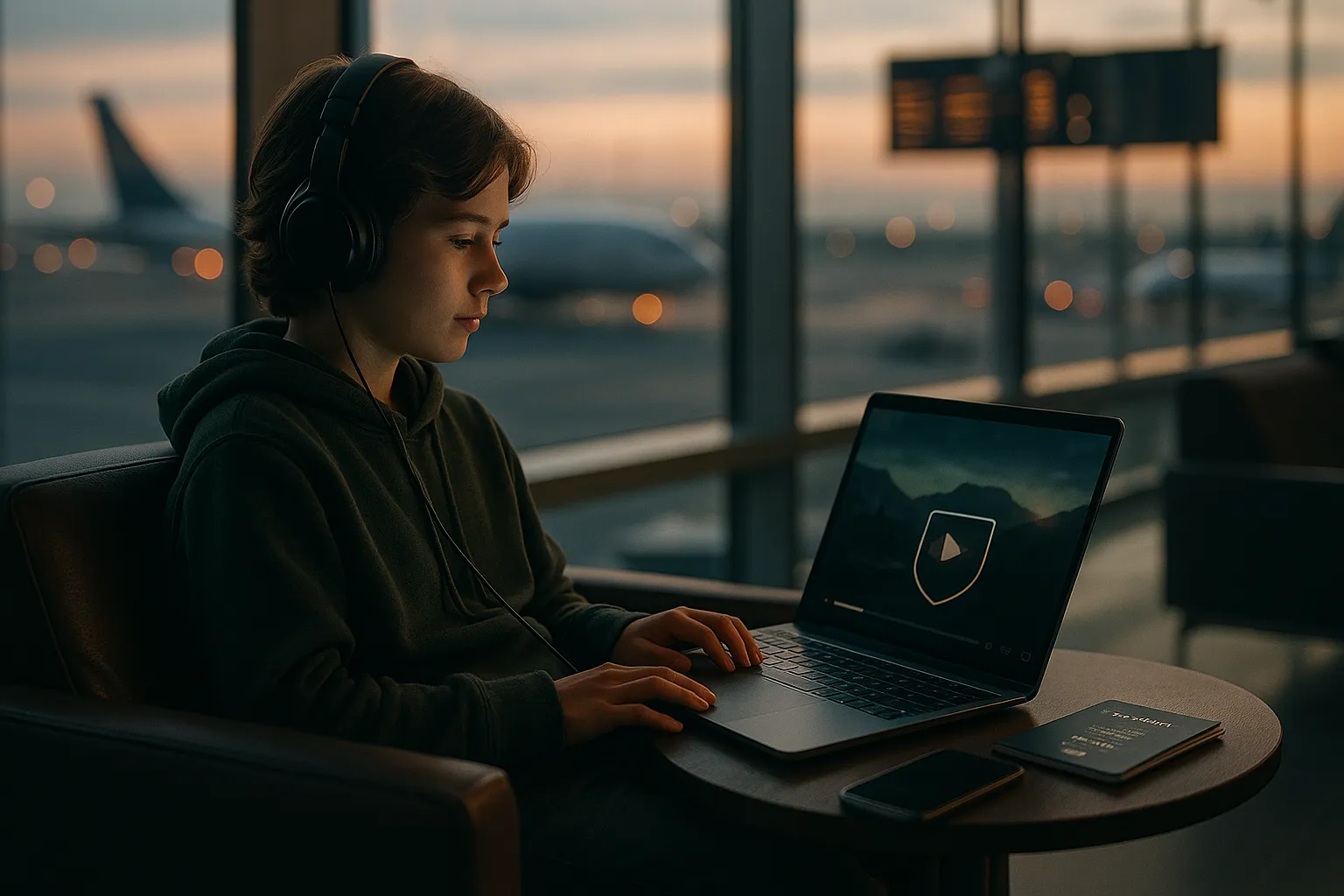
Why secure streaming matters when you travel
How travel changes the way you access content
Streaming platforms often show different libraries depending on your location. When you log in from another country, some of your favorite series, sports events, or local channels may vanish or be replaced with other titles.
At the same time, hotels, airports, and cafes usually provide open or lightly protected Wi‑Fi. These networks are convenient but can expose your browsing activity, including the services you log in to and sometimes the data you send if it is not properly encrypted.
Privacy and security risks on public Wi‑Fi
Public and shared networks create several risks:
- Unencrypted traffic: On unsecured websites (HTTP), attackers on the same network could intercept what you send and receive.
- Session hijacking: Poorly secured apps or sites may leak session tokens, allowing someone to impersonate you.
- Malicious hotspots: Fake Wi‑Fi networks that look like hotel or airport access points can capture your data.
- Tracking and profiling: Network operators and some third parties can log which services you use and when.
These risks do not only affect streaming, but streaming is often the first thing travelers do after connecting to Wi‑Fi, so it is important to think about security before hitting play.
Access and account issues abroad
Streaming while traveling can also create access problems:
- Geo-restrictions: Some content is licensed only in certain regions, so it may be blocked in your destination country.
- Account security checks: Logging in from a new country can trigger extra verification steps or temporary blocks.
- Bandwidth limits: Hotel or airplane Wi‑Fi may throttle streaming or block certain services to save bandwidth.
Knowing these challenges helps you plan how to watch your favorite content securely while traveling without unnecessary frustration.
How VPNs help you stream safely on the road
What a VPN does in simple terms
A Virtual Private Network (VPN) creates an encrypted tunnel between your device and a VPN server. All your internet traffic goes through this tunnel before reaching websites and apps.
In practice, this means:
- Your internet service provider (ISP), hotel, or hotspot operator sees only encrypted data going to the VPN server.
- Websites and streaming services see the IP address of the VPN server instead of your real IP address.
This improves privacy and makes it harder for others on the same network to monitor what you are doing online. However, a VPN does not make you completely anonymous and cannot protect you from everything, such as malware or phishing links.
VPNs and streaming: what is possible and what is not
Many travelers use VPNs to keep their streaming private and more consistent across borders. A VPN can help by:
- Encrypting your connection on public Wi‑Fi so others cannot easily snoop on your streaming traffic.
- Reducing some location-based issues by letting you connect through servers in different countries.
- Helping avoid certain types of throttling by hiding the type of traffic from the local network.
However, there are important limitations:
- Streaming platform rules: Some services actively detect and block VPN traffic. Using a VPN may violate their terms of use, depending on the provider and your location.
- No guarantee of access: Even with a VPN, you may still not be able to view content that is restricted by licensing agreements.
- Performance impact: Encryption and routing through a remote server can slow your connection or increase buffering.
Always review the terms and conditions of the streaming platforms you use and follow local laws in the country you are visiting.
Key VPN features to look for as a traveler
To watch your favorite content securely while traveling, pay attention to these VPN features:
- Strong encryption: Look for modern protocols such as WireGuard, OpenVPN, or IKEv2.
- Wide server network: More server locations give you more routing options and can reduce congestion.
- Streaming-optimized servers: Some VPNs label servers that are tuned for streaming performance.
- Kill switch: This feature blocks internet traffic if the VPN connection drops, preventing accidental exposure on public Wi‑Fi.
- Multi-platform apps: Ensure the VPN has apps for all your devices (phone, tablet, laptop, smart TV stick).
Step-by-step: secure streaming setup before your trip
Prepare your devices at home
Setting everything up before you leave saves time and avoids issues on slower hotel networks. Do this at home on a trusted connection:
- Update your devices: Install the latest operating system and app updates for security and performance.
- Install your VPN apps: Add the VPN to every device you plan to use for streaming.
- Test your logins: Sign in to your streaming services and VPN to confirm your credentials and two-factor authentication work.
- Download offline content: Many platforms let you download shows and movies. This is ideal for flights or unreliable Wi‑Fi.
Configure your VPN for smoother streaming
Fine-tuning your VPN can significantly improve your streaming experience:
- Choose a nearby server: For best performance, connect to a server geographically close to you or to the streaming service region you use most.
- Try different protocols: Some VPN apps let you switch protocols. If one is slow, test another (for example, WireGuard is often faster than older options).
- Enable the kill switch: Turn this on to prevent leaks if the VPN disconnects mid-stream.
- Set auto-connect: Configure the VPN to connect automatically on untrusted or public networks.
Plan for low-bandwidth situations
Travel Wi‑Fi is often shared and limited. To avoid constant buffering:
- Lower the streaming quality (for example from 4K to HD or SD).
- Prefer downloads over live streaming when possible.
- Use headphones instead of speakers to avoid needing maximum volume and quality.
- Close other bandwidth-heavy apps, such as cloud backups or large downloads.
Real-world streaming use cases for travelers
Business trips and hotel networks
On business trips, you may spend evenings on hotel Wi‑Fi, which is often shared by hundreds of guests. In this situation:
- Connect to the hotel Wi‑Fi, then immediately enable your VPN before opening any streaming apps.
- Avoid entering passwords or payment details on websites that are not using HTTPS, even with a VPN.
- Use your own streaming accounts rather than logging in to smart TVs provided by the hotel, where you might forget to log out.
Vacation rentals, shared houses, and smart TVs
In rentals or shared accommodations, multiple people may use the same network and devices:
- Prefer streaming from your own phone, tablet, or laptop instead of shared smart TVs when possible.
- If you use a streaming stick (like a portable HDMI device), install and configure the VPN app on it before your trip.
- Always sign out of your accounts on any device that does not belong to you before you leave.
Watching live events while abroad
Live sports, news, or events can be more sensitive to delays:
- Test your connection 15–20 minutes before the event starts.
- If the stream is unstable, try a different VPN server or a lower video quality.
- Have a backup option, such as an audio stream or a different platform, in case your primary stream fails.
Pros, cons, and limitations of VPNs for streaming
Main advantages for travelers
Used correctly, a VPN offers several benefits when you want to watch your favorite content securely while traveling:
- Improved privacy: Your traffic is encrypted between your device and the VPN server, which helps protect it from local snooping.
- Better security on public Wi‑Fi: Attackers on the same network have a harder time observing or tampering with your data.
- More consistent experience: Routing through familiar regions can reduce some location-based disruptions.
Drawbacks and realistic expectations
There are also downsides and important limits:
- Reduced speed: Encryption and longer routes can add latency and lower your maximum streaming quality.
- Possible VPN blocks: Some platforms block VPN IP addresses, which can prevent streaming until you change servers or disconnect.
- No full anonymity: A VPN provider can technically see your traffic metadata, and websites can still track you using cookies, accounts, and device fingerprints.
- Legal and policy considerations: Laws about VPN usage differ by country, and some uses may breach service terms.
Choosing a trustworthy VPN provider
Because a VPN provider handles your traffic, trust is crucial:
- Review the privacy policy to see what logs, if any, are stored and for how long.
- Prefer providers that undergo independent security audits.
- Avoid free VPNs that monetize by tracking or selling user data.
- Check whether the VPN has a clear policy about streaming and travel use.
Best practices for safe streaming abroad
Safe habits beyond using a VPN
A VPN is only one part of secure streaming. Combine it with good habits:
- Use strong, unique passwords: Especially for your main email and streaming accounts.
- Enable multi-factor authentication (MFA): Add an extra layer of protection against account takeover.
- Beware of phishing: Do not click on suspicious links claiming to offer free access or account upgrades.
- Log out on shared devices: Never leave your accounts signed in on hotel or rental TVs and computers.
Common mistakes to avoid
Travelers often run into preventable problems:
- Connecting to open Wi‑Fi and logging in to accounts before enabling the VPN.
- Assuming a VPN alone will bypass all regional restrictions or terms of service.
- Using outdated apps or operating systems that contain known security vulnerabilities.
- Relying entirely on streaming and not downloading any offline content as backup.
Putting it all together for a smooth trip
To watch your favorite content securely while traveling, combine three elements: a reputable VPN, properly configured devices, and sensible online behavior. Set everything up before departure, encrypt your traffic on public networks, and keep your accounts protected with strong credentials and MFA.
This approach will not remove every limitation or risk, but it will significantly improve your privacy, reduce exposure on untrusted networks, and help you enjoy a more reliable streaming experience wherever your trip takes you.