
Common VPN Myths and Misconceptions Explained Clearly
Virtual private networks are more popular than ever, but there are still many common VPN myths and misconceptions that confuse new users. Marketing promises, outdated advice, and half-true security tips can make it hard to know what a VPN really does.
This guide breaks down the most widespread misunderstandings in simple language, so you can decide when a VPN helps, when it does not, and how to use one safely as part of your overall privacy and security setup.
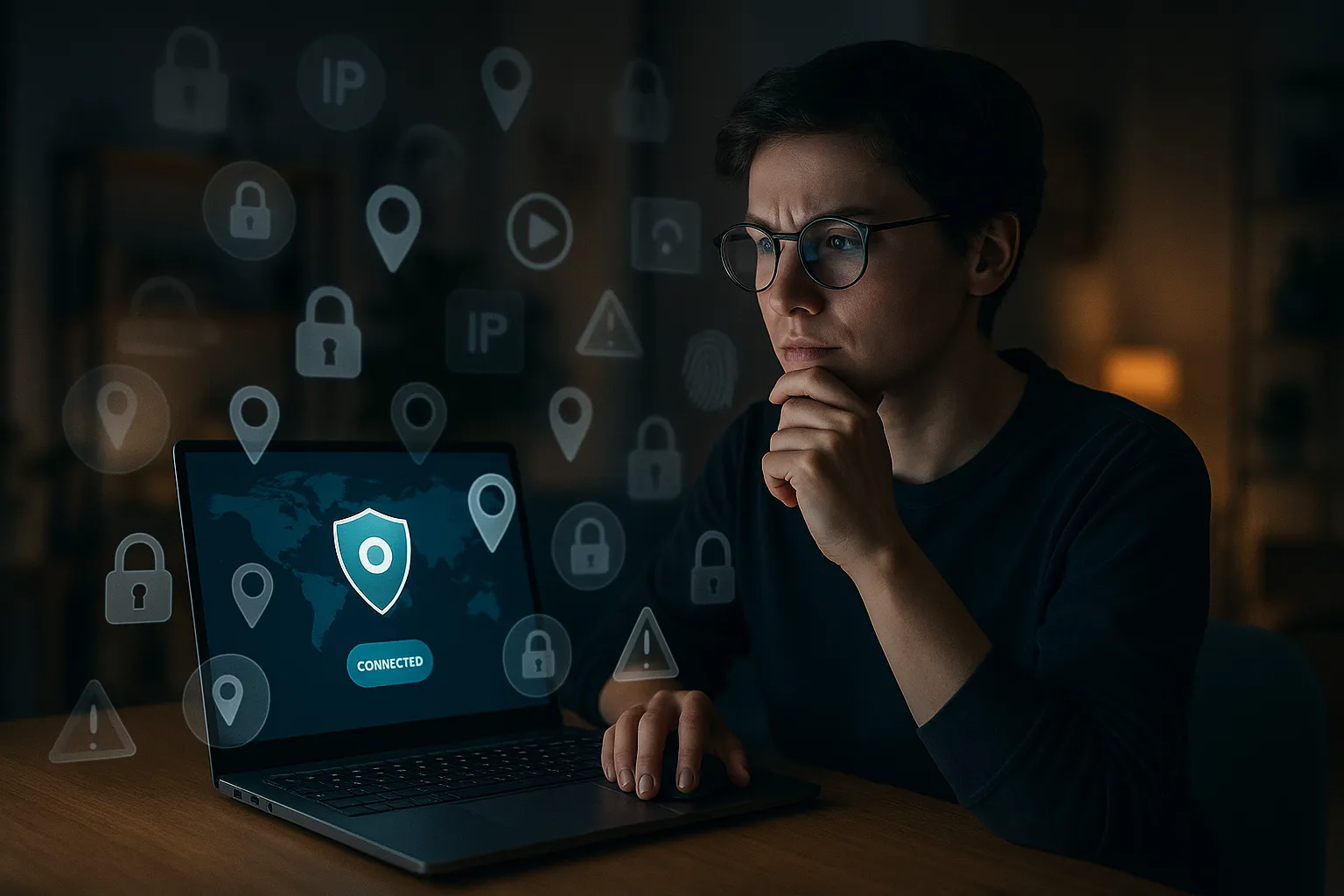
What VPNs Really Do (And What They Do Not)
How a VPN Works in Simple Terms
A VPN (virtual private network) creates an encrypted tunnel between your device and a VPN server. Your internet traffic goes through this tunnel first, then out to the website or service you are using.
To outside observers like your internet service provider (ISP) or someone on public Wi-Fi, it looks like you are connecting only to the VPN server, not to each individual website. The data inside the tunnel is scrambled with encryption, so it is much harder to read or tamper with.
What a VPN Actually Helps With
Used correctly, a VPN can:
- Hide your IP address from websites and apps, replacing it with the VPN server’s IP.
- Protect your traffic on public Wi-Fi against basic snooping and many man-in-the-middle attacks.
- Reduce tracking by your ISP, which can no longer see which specific sites you visit.
- Help bypass some geo-restrictions by appearing to be in another country.
What a VPN Does Not Do
Common VPN myths and misconceptions often start with unrealistic expectations. A VPN does not:
- Make you completely anonymous or untraceable online.
- Stop websites from tracking you via cookies, logins, or browser fingerprinting.
- Protect you from malware, phishing, or scams on its own.
- Automatically make illegal activities safe or invisible.
Think of a VPN as one strong privacy and security layer, not a magic shield.
Myths About VPN Privacy and Anonymity
Myth 1: “A VPN Makes You 100% Anonymous”
This is one of the most dangerous misconceptions. A VPN hides your IP address from many services and encrypts your connection, but many other identifiers remain:
- Your accounts and logins still link activity to you (Google, social media, email, etc.).
- Your browser fingerprint (device type, plugins, fonts, screen size) can still be used to track you across sites.
- Your behavior (searches, posts, purchases) can still reveal who you are.
Even with a trustworthy VPN, law enforcement or advanced trackers may correlate different data sources. A VPN improves privacy but does not erase your identity.
Myth 2: “No-Logs Always Means Zero Data Stored”
Many providers advertise “no logs,” but that phrase can be misleading. In reality:
- Some providers keep connection metadata for a short time (for example, connection time, bandwidth, or crash logs).
- Policies vary widely; “no activity logs” may still allow some temporary technical logs.
- Jurisdiction (the country where the company is based) affects what data they may be forced to hand over.
Look for:
- A clear, detailed privacy policy, not just marketing slogans.
- Independent audits of the no-logs claims by reputable security firms.
- A history without major privacy scandals or unexplained data incidents.
Myth 3: “Free VPNs Are Just as Private as Paid Ones”
Running a VPN network costs money: servers, bandwidth, staff, and security. If you are not paying with money, you may be paying with your data. Many free VPNs:
- Inject ads or trackers into your traffic.
- Sell user data or usage patterns to third parties.
- Use weak encryption or outdated protocols.
- Have unclear ownership or poor transparency.
There are a few reputable free tiers with strict limits, but for serious privacy, a well-reviewed paid service is usually safer.
Security Misconceptions About VPNs
Myth 4: “If I Use a VPN, I Do Not Need Antivirus or Other Security Tools”
A VPN protects data in transit, not everything on your device. It does not remove the need for:
- Antivirus or anti-malware to detect malicious software.
- Browser protection against malicious sites and downloads.
- Password managers and multi-factor authentication for accounts.
For example, if you download a malicious file or fall for a phishing email, a VPN will not stop the infection. It is one part of a layered security approach, not a replacement.
Myth 5: “All VPN Encryption Is the Same”
Not all VPN protocols and configurations offer the same level of security or performance. Common options include:
- OpenVPN: Mature, open source, widely audited, good balance of speed and security.
- WireGuard: Modern, very fast, simpler codebase, increasingly popular.
- IKEv2/IPsec: Often used on mobile, stable and reasonably secure.
- PPTP/L2TP: Older protocols; PPTP in particular is considered weak and should be avoided.
Using a provider that still relies mainly on outdated or insecure protocols is a red flag.
Myth 6: “A VPN Automatically Protects My Entire Home Network”
Installing a VPN app on your laptop or phone protects only that device. Other devices on your network (smart TVs, IoT devices, game consoles) are not automatically covered.
To protect your whole home network, you would need:
- A router-level VPN setup, or
- VPN apps installed on each supported device individually.
Even then, remember that devices can still leak data through apps, cloud services, or misconfigurations.
Speed, Streaming, and Location Myths
Myth 7: “A VPN Always Makes My Internet Faster”
Because a VPN adds encryption and routes traffic through an extra server, it usually introduces some overhead. In many cases, that means:
- Slightly lower speeds compared to your raw connection.
- Higher latency, especially if you connect to faraway servers.
There are exceptions. If your ISP is throttling certain services, a VPN may hide that traffic and restore normal speeds. But in general, a VPN is more likely to slow you down a bit than speed you up.
Myth 8: “A VPN Guarantees Access to Any Streaming Service”
Streaming platforms actively try to block VPN IP addresses to enforce licensing agreements. As a result:
- Some VPN servers may work with a service today and be blocked tomorrow.
- Not all VPNs invest in staying ahead of these blocks.
- Terms of service for streaming platforms may restrict using VPNs for location spoofing.
If streaming is a priority, look for providers that clearly explain what they support, but understand there is never a 100% guarantee.
Myth 9: “Any Foreign Server Makes Me Look Like a Local User”
Changing your IP address to another country does not always fully mimic a local user. Services can still detect:
- Payment methods from another country.
- Account history that shows previous locations.
- Language and time zone settings in your browser or device.
Location spoofing with a VPN is helpful, but many services use multiple signals to estimate where you really are.
Choosing and Using a VPN Correctly
Pros and Cons of Using a VPN
Understanding both benefits and trade-offs helps cut through common VPN myths and misconceptions.
Pros:
- Improved privacy from ISPs and local networks.
- Better protection on public Wi-Fi hotspots.
- More control over your apparent virtual location.
- Extra layer of encryption for sensitive activities like online banking (alongside HTTPS).
Cons and limitations:
- Potential speed and latency impact.
- Trust shift from your ISP to your VPN provider.
- Not a complete solution against tracking, malware, or scams.
- Some services may block or challenge VPN traffic.
How to Pick a Trustworthy VPN Provider
When evaluating providers, look beyond flashy marketing. Check for:
- Transparent ownership and clear company information.
- Independent security and no-logs audits published with full reports.
- Modern protocols like WireGuard or OpenVPN with strong encryption.
- Minimal, well-documented logging policies with plain-language explanations.
- Security features such as a kill switch, DNS leak protection, and protection against IPv6 leaks.
Best Practices for Safe VPN Use
To get real value from your VPN, combine it with good security habits:
- Keep your VPN app, operating system, and browser updated.
- Enable the kill switch so traffic stops if the VPN drops.
- Use strong, unique passwords and multi-factor authentication on accounts.
- Be cautious of phishing emails, suspicious links, and unknown downloads, even when connected to a VPN.
- Regularly review your privacy settings in browsers, apps, and online services.
A VPN enhances your privacy; your behavior and choices still matter just as much.
Key Takeaways on Common VPN Myths and Misconceptions
Putting VPNs in the Right Perspective
Understanding common VPN myths and misconceptions helps you avoid both overconfidence and unnecessary fear. A VPN is a powerful tool for improving privacy, securing connections on untrusted networks, and gaining more control over your online experience. It is not a one-click solution for anonymity, nor a replacement for safe browsing habits and other security tools.
Used thoughtfully, alongside good digital hygiene and trusted software, a VPN becomes an important part of a balanced online privacy and security strategy rather than a misunderstood magic fix.