
Choosing a VPN for Competitive Gaming: What Really Matters
Choosing a VPN for competitive gaming is not just about picking the fastest server on a list. If you care about ping, stability, and protecting your account from DDoS or tracking, you need to look a bit deeper at how a gaming VPN actually works.
This guide breaks down the key factors that matter to gamers: latency, routing, security, and platform support. You will learn how a VPN affects your gameplay, what to avoid, and how to configure it so you get protection without ruining your K/D ratio.
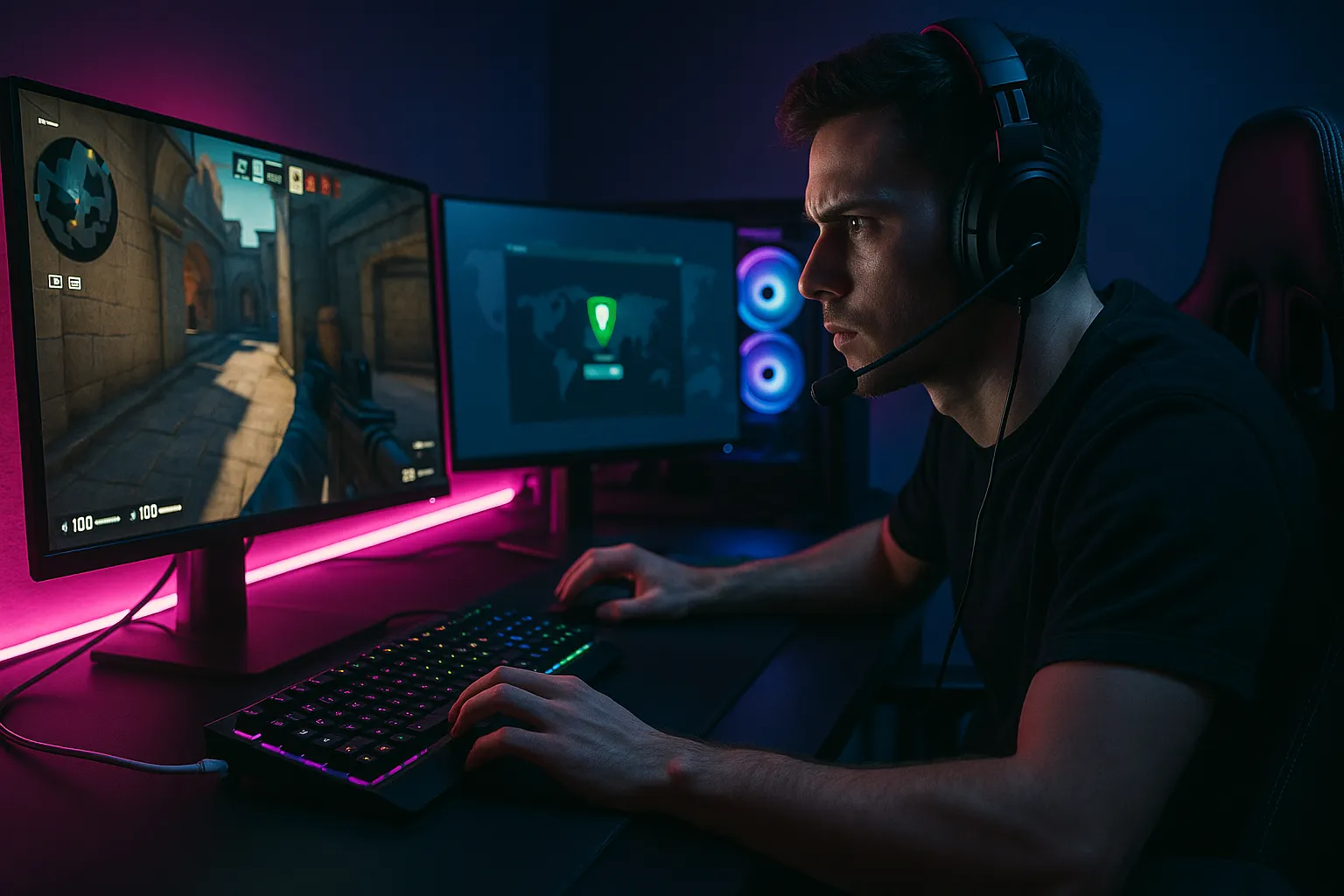
What Makes a Good VPN for Competitive Gaming
Key performance metrics gamers should check
When choosing a VPN for competitive gaming, the first thing to understand is that speed tests alone do not tell the full story. For online shooters, MOBAs, and battle royale games, latency (ping) and stability matter more than raw download speed.
Look closely at:
- Ping to game servers: Test your ping with and without the VPN to the specific region you play on.
- Jitter: Fluctuations in latency can cause rubber-banding and inconsistent hit registration.
- Packet loss: Even 1–2% packet loss can make gameplay feel laggy, especially in fast-paced titles.
- Server load: Overcrowded VPN servers tend to spike in ping during peak hours.
Good gaming VPN providers usually offer performance-focused servers or labels like “Streaming/Gaming” to indicate optimized routes.
Essential features to look for in a gaming VPN
Beyond performance, certain features make a VPN more suitable for competitive play:
- WireGuard or other modern protocols: Protocols like WireGuard or optimized OpenVPN UDP tend to deliver lower latency than older options.
- Large server network: More locations increase your chances of finding a low-ping route to your game’s region.
- Kill switch: Prevents sudden IP leaks if the VPN disconnects mid-match, which can protect you from targeted attacks and disconnect penalties.
- No bandwidth or speed caps: Throttling can ruin your experience during long sessions or big game updates.
- Apps for your platform: Ensure there are stable clients for Windows, macOS, consoles via router support, and mobile if you play on phones or tablets.
For console gamers, check if the VPN supports setup on routers or offers Smart DNS, since Xbox, PlayStation, and Switch do not run VPN apps natively.
How VPNs Affect Online Games: Ping, Lag, and Stability
Why a VPN can increase or sometimes reduce ping
A VPN adds an extra hop between you and the game server, so in many cases, ping will increase slightly. However, in some situations, a VPN can actually improve routing:
- Better routes: Your ISP might use inefficient paths to certain regions; a VPN can use a more direct route to the same server.
- Bypassing congestion: If your ISP’s network is congested, a VPN tunnel can sometimes avoid the worst segments.
- Regional matchmaking: Connecting to a specific country can help you reach different data centers with more stable ping.
The impact is highly dependent on your location, your ISP, the VPN provider, and the game’s server infrastructure. Always test during the times you usually play.
Protocol and server choices for lower latency
To keep ping as low as possible while using a VPN for gaming, focus on:
- Choosing nearby servers: Select a VPN server physically close to the game server region you want, not just close to you.
- Using UDP-based protocols: OpenVPN UDP and WireGuard are generally better for real-time traffic than TCP-based options.
- Avoiding double encryption features: Multi-hop or “double VPN” routes are great for privacy, but they add latency and should be disabled while gaming.
- Testing multiple locations: Sometimes a server one country over can give more stable routes than your local node.
Run ping tests and a few trial matches on different servers to find a good balance between security and responsiveness.
Common performance issues and how to troubleshoot
If you experience lag spikes or disconnects with a VPN enabled, try:
- Switching to another nearby VPN server with lower load.
- Changing protocol (for example, from OpenVPN TCP to WireGuard or OpenVPN UDP).
- Disabling bandwidth-heavy apps like cloud backups or streams on the same network.
- Restarting your router and modem to clear local network issues.
- Testing with and without the VPN to confirm the real cause of the lag.
If the VPN consistently causes high ping in your main game, consider using it only when you specifically need its protection, such as during tournaments or when you face harassment.
Security and Privacy for Competitive Gamers
Why gamers use VPNs beyond ping
Competitive gaming communities can be intense, and sometimes toxic. A VPN adds an extra layer of protection between your real IP address and other players, which can help with:
- DDoS protection: Hiding your home IP makes it harder for someone to flood your connection with traffic to force disconnects.
- Basic privacy: Your ISP and some game services see less of your raw traffic, which can reduce profiling and tracking.
- Account safety: While a VPN does not secure your account by itself, it can reduce exposure of your real IP in logs and lobbies.
However, a VPN is only one part of a secure gaming setup. Strong passwords, 2FA, and cautious behavior remain critical.
Important security features for gaming VPNs
When evaluating security, look for:
- Strong encryption: AES-256 or ChaCha20 are common and considered secure for tunneling your traffic.
- No-logs policy: Reputable providers avoid storing records of your activity or connection details that could be tied back to you.
- DNS leak protection: Ensures your DNS queries do not bypass the tunnel and expose which games or services you access.
- Independent audits: Third-party security audits add credibility to no-logs and infrastructure claims.
Even with these protections, remember that a VPN does not make you completely anonymous online. Game publishers, platforms, and websites can still track you through accounts, cookies, and in-game identifiers.
Privacy trade-offs specific to gaming
Some privacy features can conflict with gaming convenience:
- Frequent IP changes: Rotating IPs may trigger extra security checks or captchas on game launchers.
- Shared IP addresses: If many players share the same VPN IP, you may see more captchas or even temporary blocks.
- Region-locked content: Accessing other regions might violate some games’ terms of service, so read the rules before doing this.
Balance your need for privacy with the rules of the games you play and the platforms you use.
Real-World Gaming Use Cases for VPNs
Staying safe in tournaments and ranked play
Competitive players often stream, join voice chat with strangers, or participate in community tournaments. In these cases a VPN can help:
- Reduce the risk of targeted DDoS attacks during crucial matches.
- Hide your home IP from public lobbies, custom rooms, and third-party voice servers.
- Separate your gaming identity from your everyday browsing IP.
For serious tournaments, test your VPN setup in advance so you are not changing settings on match day.
Accessing different regions and lobbies
Some gamers use VPNs to:
- Play with friends in other countries by connecting to their regional servers.
- Find lobbies with different skill levels or languages.
- Try games or updates that release earlier in other regions.
Be aware that using a VPN to bypass regional restrictions may conflict with terms of service for certain games and platforms. Always check the rules before doing this, and be prepared for the possibility of account penalties if it is not allowed.
Gaming on public or shared networks
If you sometimes game on hotel Wi-Fi, university networks, or shared housing, a VPN can:
- Protect your traffic from being inspected by other users on the same network.
- Help you avoid restrictive firewalls that block certain game ports.
- Reduce the risk of man-in-the-middle attacks on insecure Wi-Fi.
In these environments, the security benefits of a VPN often outweigh the small latency increase.
Pros and Cons of Using a VPN for Competitive Gaming
Main advantages for competitive players
- Improved privacy: Your real IP is hidden from other players and many third-party services.
- Protection against basic network attacks: Makes DDoS attacks on your home connection more difficult.
- More control over routing: Ability to choose different regions or potentially better network paths.
- Safer gaming on public Wi-Fi: Encrypted tunnels protect your data on insecure networks.
Potential downsides and limitations
- Higher ping: Extra routing usually adds some latency, which can be critical in high-level play.
- Connection instability: Poorly chosen servers or protocols can cause lag spikes and disconnects.
- Compatibility issues: Some games or anti-cheat systems may block or limit VPN traffic.
- No guarantee of anonymity: A VPN improves privacy but does not erase your digital footprint or replace safe behavior.
When choosing a VPN for competitive gaming, weigh these pros and cons based on your priorities: security, rank progression, streaming, or casual fun.
Best Practices When Choosing and Using a Gaming VPN
How to test a VPN before committing
Most reputable VPNs offer money-back guarantees or trials. Use this period to run realistic tests:
- Play your main games during your usual peak hours with the VPN on.
- Compare ping and packet loss across several nearby servers.
- Check for any issues with matchmaking, logins, or anti-cheat systems.
- Monitor for disconnects during longer sessions.
If performance is inconsistent, try different protocols and servers before deciding the service is not suitable.
Optimizing your setup for the best balance
To get the most out of a VPN while gaming competitively:
- Use a wired Ethernet connection instead of Wi-Fi whenever possible.
- Choose the closest stable VPN server to your target game region.
- Disable heavy background downloads and streaming on your network.
- Consider running the VPN on your router for consoles, but test the extra overhead.
- Keep your VPN app and network drivers up to date.
If you play at a very high competitive level, you might use the VPN only when you specifically need protection, and play without it in low-risk situations to minimize latency.
Final thoughts on choosing a VPN for competitive gaming
Choosing a VPN for competitive gaming is about finding a service that protects you without sacrificing too much performance. Focus on low-latency servers, modern protocols, strong security, and transparent policies rather than marketing claims alone.
Used correctly, a VPN can enhance your privacy, help defend against basic network attacks, and give you more control over where and how you connect. It will not make you invincible or fully anonymous, but combined with good security habits, it can be a valuable part of your competitive gaming toolkit.